
AI 3D Figure Generator
Create a Collectible-Style Artist Figure Image
History
The AI 3D Figure Generator can help you create a dimensional, collectible-style still image for a digital music moodboard. Start from a text description or supply one image, then review the result as artwork: it is not a music video, avatar rig, audio generator, or 3D model file.
Prepare your figure image
Choose text or one reference image
Use Text to Image with no upload, or Image to Image with one supplied image. Start with clear, consented personal imagery or your own drawing. Avoid celebrity and franchise likenesses.
Describe the figure and composition
For text input, specify an original subject, visible clothing or markings, materials, display setting, and the framing you need. For image input, ask for a style interpretation that preserves the reference's observable outfit, colors, pose, and accessories. Keep the full silhouette in frame and request empty cover-art margin.
Choose settings and check the quote
Select an available model and the aspect ratio and resolution that suit your moodboard. This guide prioritizes enabled Seedream 5.5 and Minimax H3 Image; the model menu may show other models. Check the current Required Credits quote before generating: it depends on the model and settings, and access and the live quote are account-specific.
Review the ready image
Check the subject's recognizable features, complete silhouette, hands or paws, accessories, base, and unwanted text. History shows generation status and ready images. If you iterate, review each version closely because details can change; download or use the actual ready image only after checking it.
What the result is—and is not
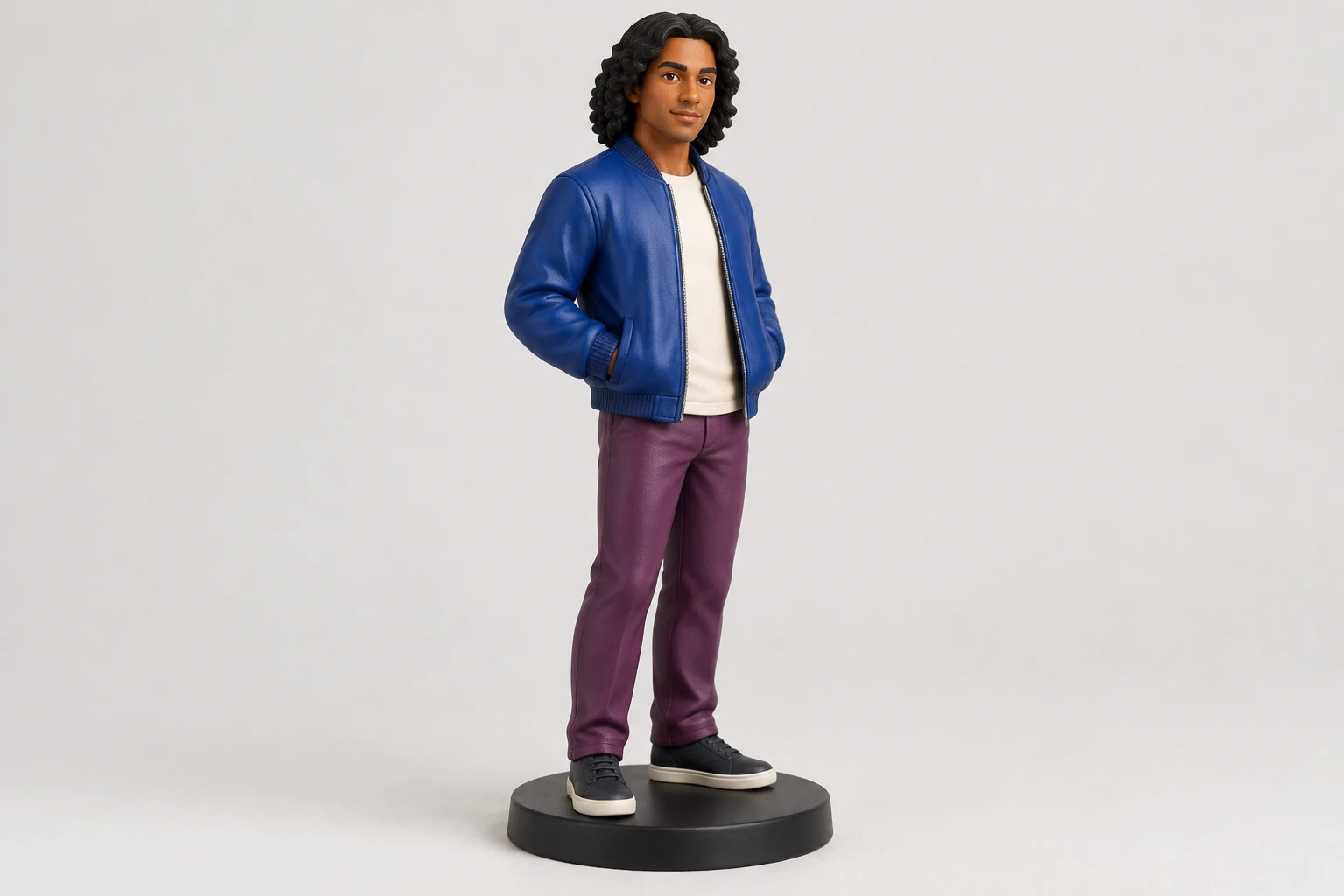
The output is an ordinary still image with a dimensional collectible or toy appearance. It can serve as artwork in a digital music moodboard, but it is not a 3D mesh, STL, rotatable model, rig, 360-degree view, printable file, or manufactured figure. It also does not create a music video or generate audio. Plan any lettering separately rather than relying on the image to provide a finished cover layout.
Prepare an image that reads at a glance
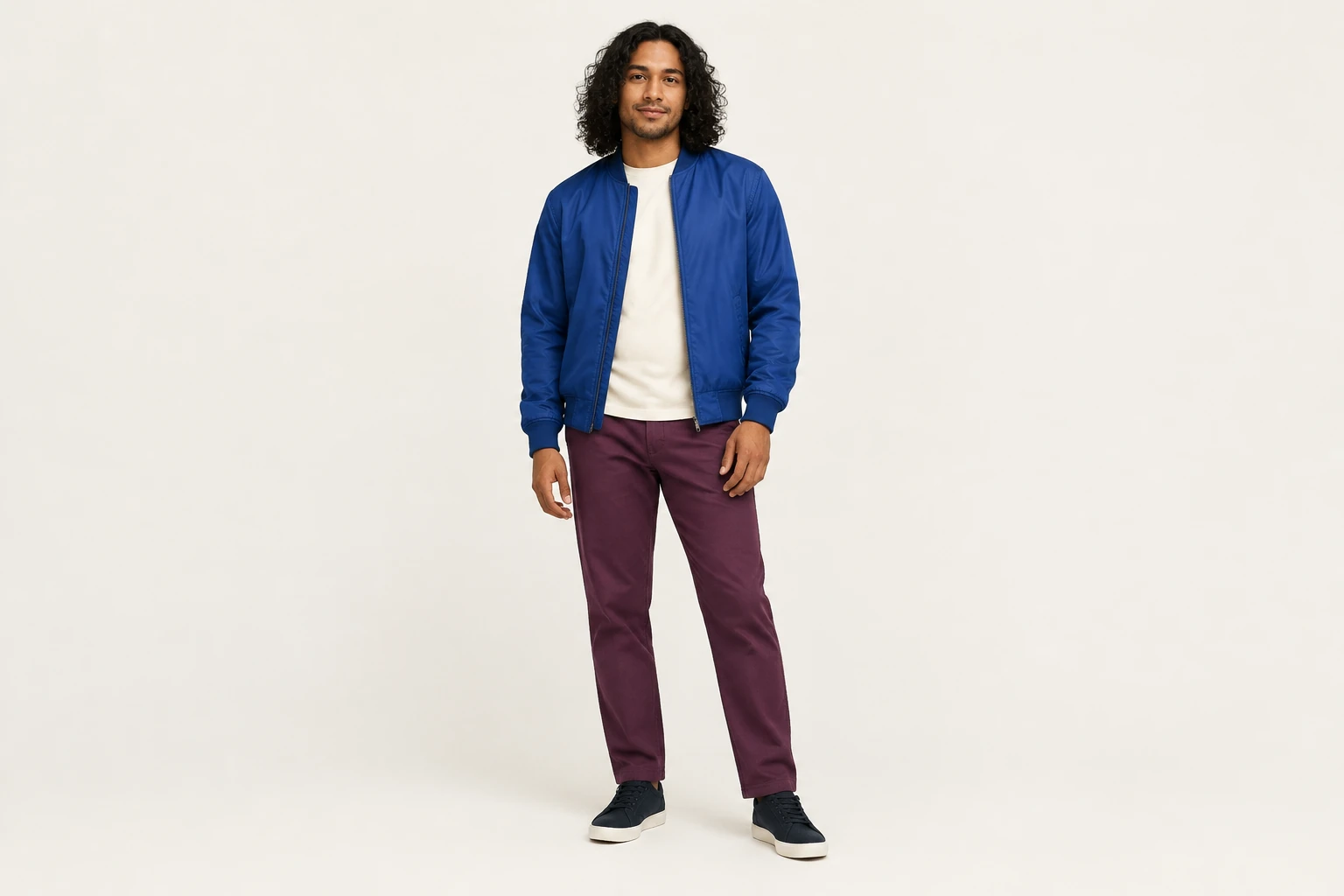
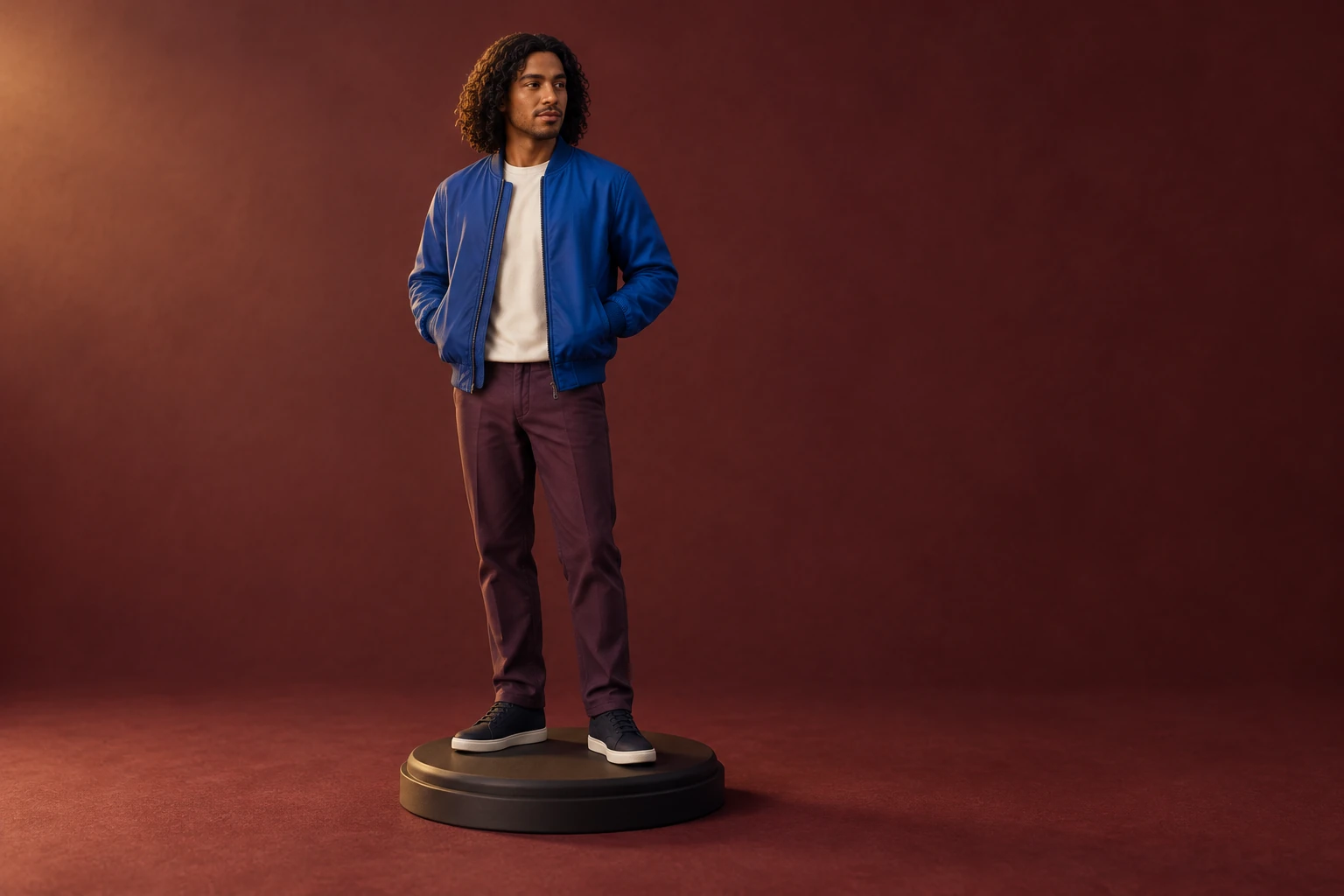
A strong moodboard figure is easy to recognize at both full size and thumbnail scale. Describe or provide a full-body subject in a relaxed, balanced stance, with hands and key accessories visible. Use a plain or softly blurred background, keep props away from the outline, and leave margin around the complete figure for later typography. A neutral off-white reference concept is useful when you want the subject to remain the focus; a muted burgundy set with warm side light is an alternate art direction.
Set expectations for models, credits, and variation
Text to Image starts from a prompt without an upload; Image to Image uses one supplied image. Both modes have editable prompts. Available model choices can vary in the model menu, so choose from what is enabled for your account rather than assuming every option is present. Model and aspect or resolution settings determine the current Required Credits quote. Neither prioritized model has free-eligible access here; account access and the live quote apply. No fixed price or exact generation time is promised. A reference can guide the style, but iteration may alter details, so identity or feature preservation is not guaranteed.
Make the image useful for a music moodboard
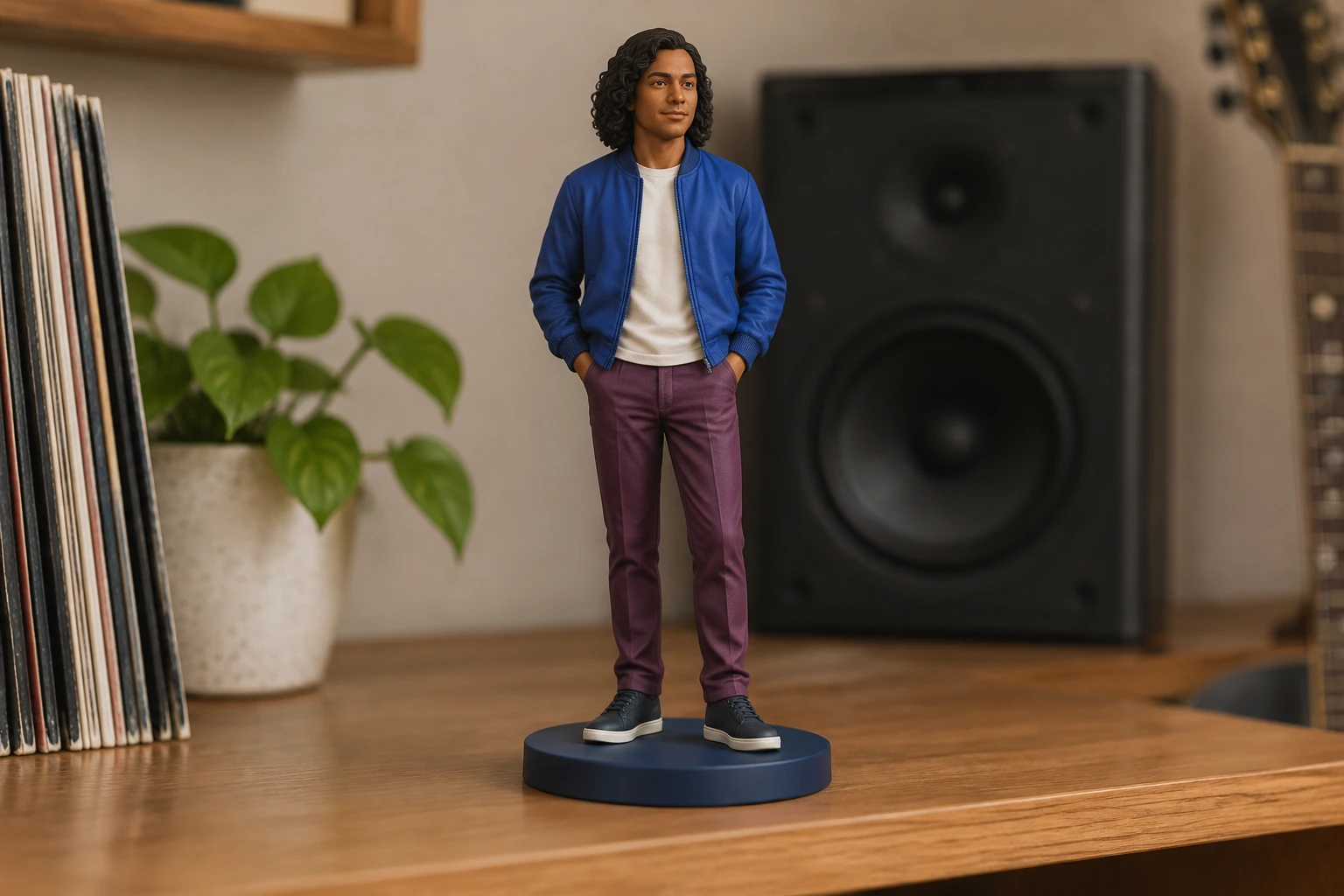
Keep the figure's outfit palette and pose consistent with the mood you want to communicate, while using the setting to add context without hiding the subject. The navy-base shelf scene suggests a music-room collectible; the burgundy alternative offers a warmer cover-art direction. For either, preserve a clean silhouette and generous blank margin so you can place lettering separately. Judge the ready still on its visible composition and details, not as a promise of a specific file type or a transformable 3D asset.
AI 3D Figure Generator questions
Does the generator create a 3D file?
No. Its result is a still image with a dimensional collectible or toy-like appearance. It is not a mesh, STL, rotatable model, rig, 360-degree view, or printable figure file.
Can I use the generator without uploading an image?
Yes. Text to Image uses an editable prompt and requires no upload. Image to Image uses one supplied image, with an editable prompt for the requested style interpretation.
What kind of reference image should I use, and may I upload someone else's image?
Choose a clear, full-body image with a readable pose, visible hands and accessories, and an uncluttered background. Use imagery you have permission to supply, such as consented personal imagery or your own drawing.
Is there free access, and how do I know the credit cost?
The prioritized Seedream 5.5 and Minimax H3 Image models do not have free-eligible access here. Check your account access and the live Required Credits quote; the model and aspect or resolution settings determine the current quote.
Which model should I choose?
This guide prioritizes enabled Seedream 5.5 and Minimax H3 Image, while the model menu may expose other models. Choose an option available to your account, check its current quote, and assess the ready image against your composition needs; no unsupported speed or quality comparison is assumed.
How do I check whether my image is ready and suitable to use?
History shows status and ready images. Review the actual ready image for recognition, silhouette, hands or paws, accessories, base, and unwanted text before downloading or using it. Iteration can change details, so inspect each version.
More ideas to explore
Double Exposure Effect
Explore another image-making style for developing moodboard concepts.
Plan a version comparison for cover artwork
Use an independent music-cover brief to compare image versions and check composition across formats.
Pricing and credits
Review available credit plans and account options; the generator shows the quote for your selected settings.
musicwith.me · Updated
See update history
- — Added an original musician-persona collectible still-image guide with four visual studies, editable text/reference prompts and cover-art composition advice.