
AI Halloween Costume Generator for Original Performers
Create a Halloween stage-photo concept
History
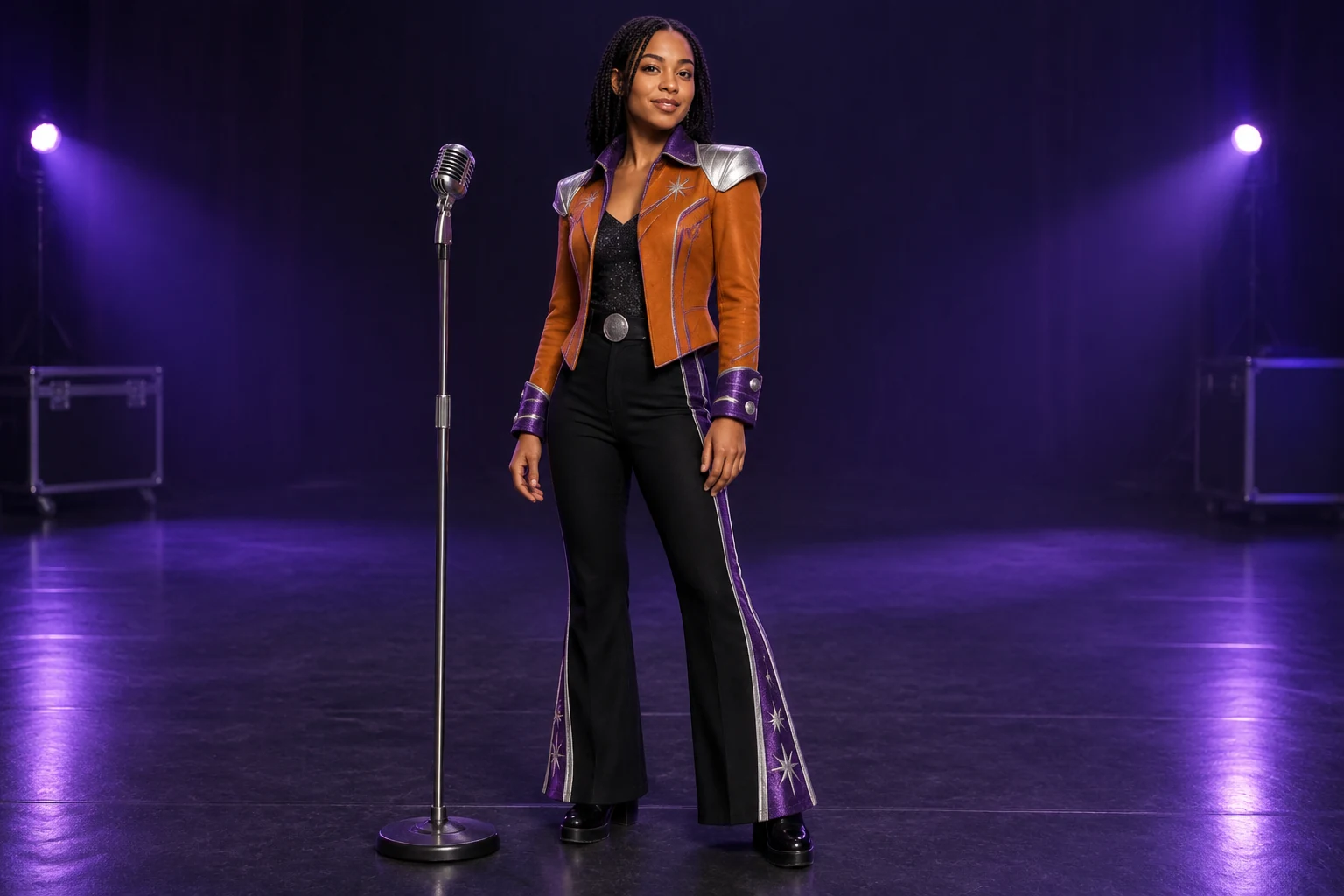
The AI Halloween Costume Generator helps you develop a still-image costume concept for an original performer. Picture an adult singer with shoulder-length dark braids and medium-brown skin in a burnt-orange jacket with violet trim, silver shoulder panels and black trousers, standing on an empty rehearsal stage with soft violet side lights and a vintage microphone. For a new scene, Text to Image starts with a prompt; for a portrait-based edit, Image to Image uses one authorized adult portrait. Plan the costume, framing and lighting first, then review the image for likeness and details.
Create your Halloween costume concept
Choose your mode
Select Text to Image for a new scene that begins with a prompt. Select Image to Image to work from one authorized adult portrait.
Set the costume and scene
Name the main garment pieces, colors, fabric details, setting and lighting. For a portrait edit, specify which visible traits to retain and which parts of the image to change.
Choose framing and check the quote
Decide whether a full-body or medium composition best shows your idea. Check the live credit quote beside Generate before submitting.
Review and refine
Follow task status in History. Inspect the image for likeness, framing, colors and costume details, then clarify the prompt if you want to revise the concept.
Design the costume concept
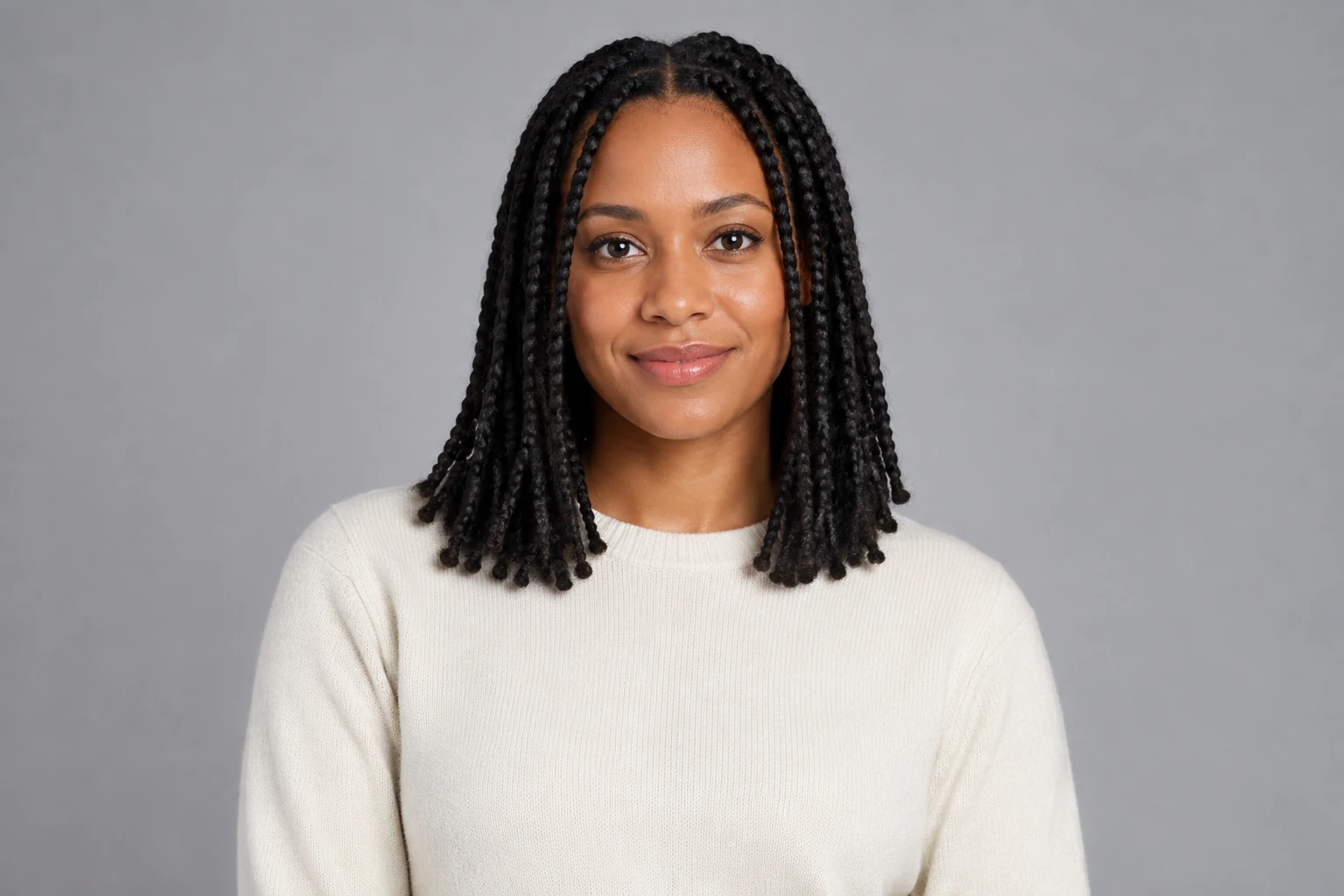
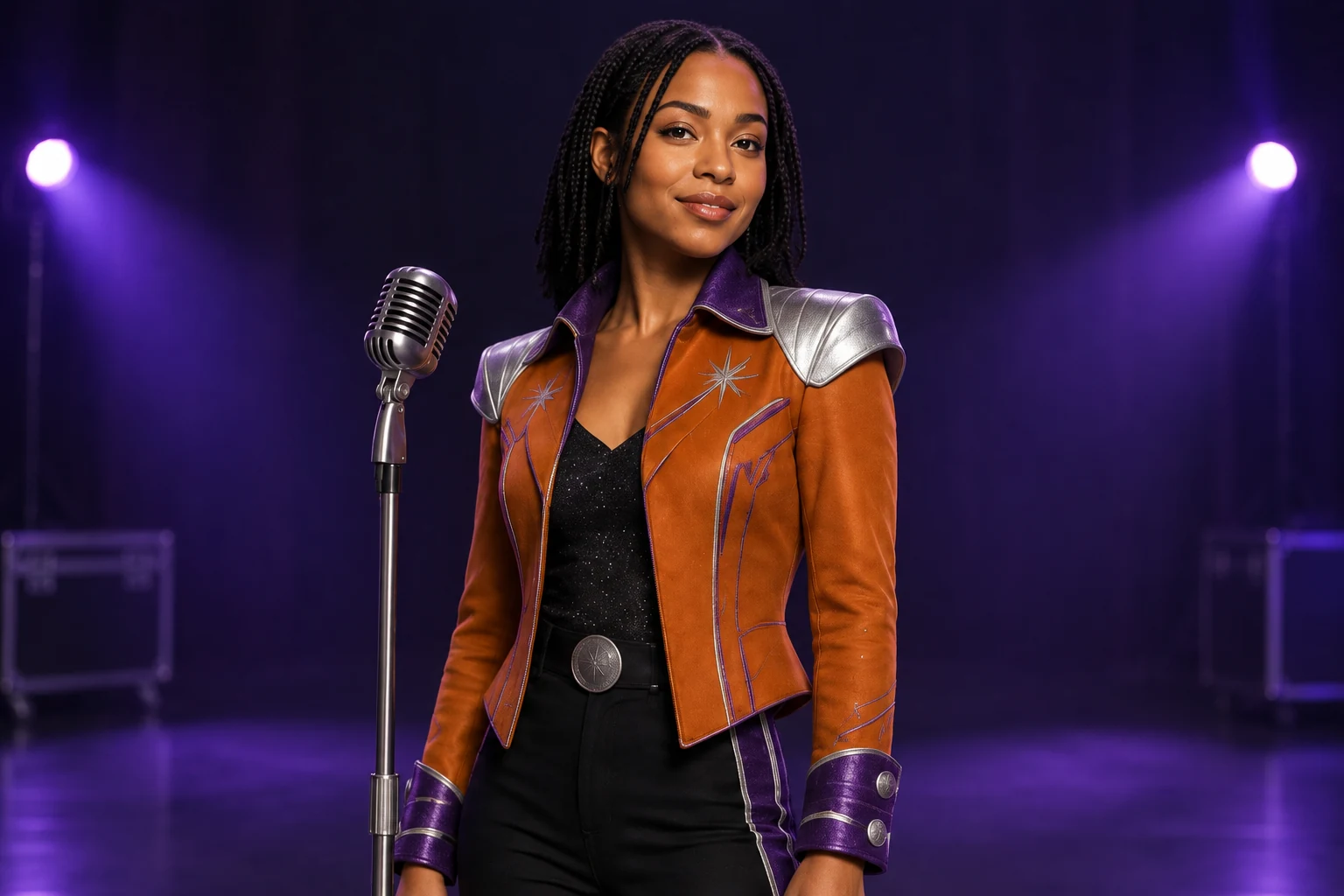
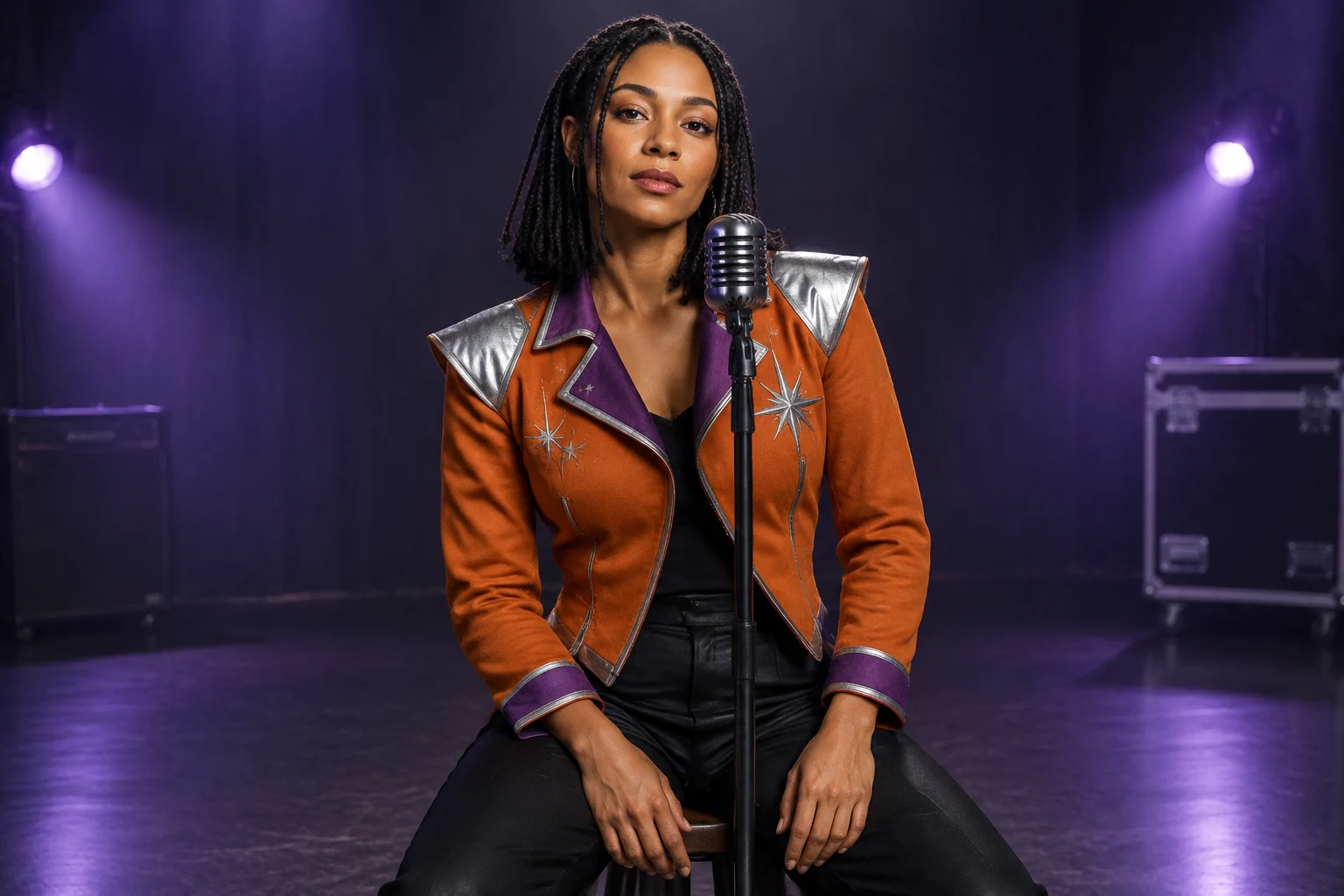
Use this guide to turn a Halloween idea into a still-image costume concept for an original performer. Begin with a clear subject and a few defining choices: the burnt-orange jacket, violet trim, silver shoulder panels, black trousers and rehearsal-stage setting in the example. Decide whether the look should feel glamorous, playful, dramatic or understated, and choose details that support that mood. Keep the outfit description specific enough to distinguish it, but focused enough that the main pieces remain easy to see. The accompanying images illustrate a portrait reference, garment details and scene framing.
Prepare the prompt or portrait
Text to Image starts with a prompt. Describe the adult subject, costume pieces, setting, lighting and desired composition. Image to Image uses one authorized adult portrait; a clear, evenly lit image with the face and hair visible gives you useful details to guide the edit. State what you want to retain, such as hairstyle and pose, and what should change, such as clothing or background. Keep the prompt organized around the most important visual choices rather than adding conflicting directions.
Plan framing, fabric and color
Choose framing to show the details that matter. A full-body composition can include the jacket, trousers, shoes and silhouette; a medium composition can bring the face, fabric texture and setting together. Specify a stance that leaves the costume unobstructed, and decide where props such as a vintage microphone should sit. For fabric, describe practical layers, visible seams or trim, and materials that suit the character. Limit the palette to a few related colors—here, burnt orange, violet, silver and black—so the outfit reads clearly against the stage lighting.
Review the image and refine details
Inspect the result against your brief: are the key colors and garment pieces visible, does the framing show the intended silhouette, and do the lighting and background support the concept? Look closely at jacket panels, trim, seams, hands and props, and compare the face with your portrait reference when using Image to Image. If a detail needs work, adjust that part of the prompt and review the next image. Check the live credit quote beside Generate before submitting, and follow task status in History.
Halloween costume questions
What does the AI Halloween Costume Generator create?
It creates a still-image Halloween costume concept. You can begin with a prompt or use one authorized adult portrait as the reference for an edit.
How does Text to Image work for a costume idea?
Text to Image starts with a prompt. Describe the subject, costume, colors, setting, lighting and framing to shape the scene.
What should I prepare for Image to Image?
Use one clear portrait of an adult that you are authorized to use. A visible face and hair, natural pose and even lighting make useful reference details.
How can I make costume details easier to see?
Choose framing based on your priorities: full-body to show the silhouette and complete outfit, or medium to emphasize the face and fabric. Name important pieces, colors and trim in your prompt.
What does the image cost?
Check the live credit quote beside Generate before submitting.
Where can I follow the task and review the result?
Follow task status in History. Review the image for likeness and costume details, and refine the prompt if you want to adjust the concept.
More ideas to explore
Add a Pumpkin to a Photo
Try a Halloween-themed photo edit and explore ways to add a seasonal detail to a scene.
AI Video Effects
Explore video-effects ideas in a separate section, with options for a different kind of creative project.
AI Video
Browse video-focused ideas and tools if you want to explore beyond a still-image costume concept.
musicwith.me · Updated
See update history
- — This guide covers prompt and portrait preparation, costume framing, fabric and color choices, image review, the live credit quote beside Generate and task status in History. Removed an unrelated tool recommendation to keep this guide focused.