
Window Dance AI: A Small Dance, a Sudden Glance, a Curtain Finish
Create a Window Dance AI video
Study a small dance in close view
History
Loading history…
Window Dance AI follows a compact night-window story from one adult portrait: a small dance, a sudden look toward the camera and curtains drawn shut. Prepared scene directions are included, with optional notes if you want a visual preference. Check the live quote and review the complete eight-second result before sharing.
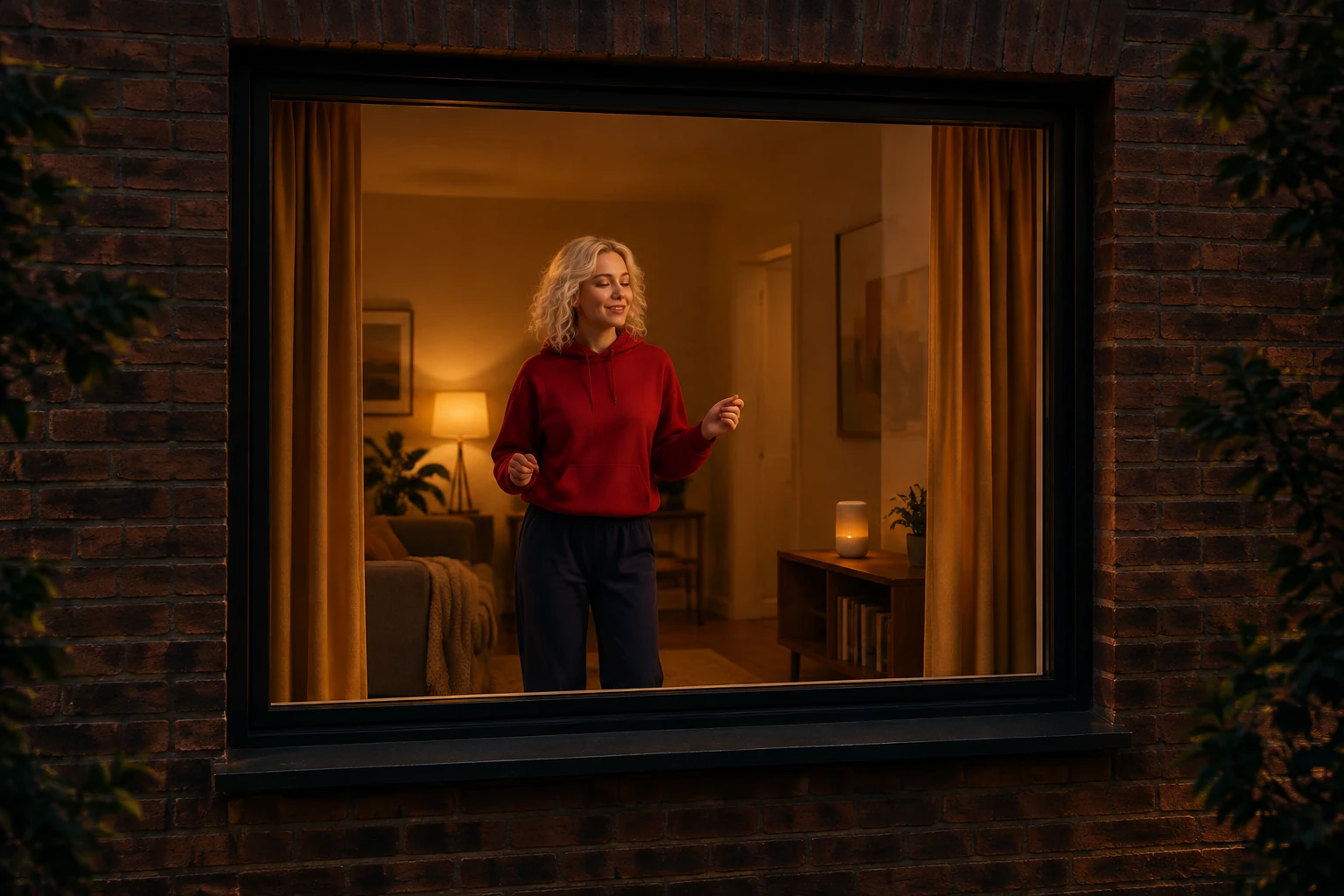
Plan your window-dance scene
Choose one clear portrait
Upload one image of one adult. A clear, well-lit portrait makes the person easier to identify. Use a waist-up or full-body portrait if showing the outfit matters to your idea. The photo supplies the person’s appearance, face, hair, and outfit; you do not need a second photo or an uploaded video. The prepared scene places that person in an imagined nighttime apartment, so it does not promise to preserve the portrait’s original background.
Check access and the live quote
The current request uses Seedance 2.0 and an 8-second duration. Available aspect ratios, resolution, audio choices, and account access depend on the model options available to you. Check the settings and live Required Credits quote before selecting Generate; there is no fixed credit price or guaranteed free allowance stated here.
Add optional notes or leave them empty
The complete scene instructions are prepared for you, so extra notes are optional. Add a brief scene or style preference if useful, or leave the field blank. Notes can guide the request but cannot guarantee exact choreography, a particular likeness, or identical action in every result.
Review the whole clip before downloading
Generate the requested 8-second scene, then check History for its status and, when ready, the result and download. Watch the full clip before downloading: look for consistent face, hair, and outfit; one person only; stable window edges; restrained, readable gestures; a clear pause and glance; hands meeting the curtain fabric; and complete curtain coverage at the end. Requested actions and likeness can vary.
Why this window scene works as a compact visual joke
The scene has four connected beats: the camera approaches from outside, the person dances a little, they suddenly notice the viewer, and the curtains close. The contrast between carefree movement and a caught-in-the-act glance gives the idea its humor. A warm amber room, dark brick, a wide black window, a small glowing speaker, and thick ochre-gold curtains give the setting a clear visual identity without turning it into a general dance lesson.
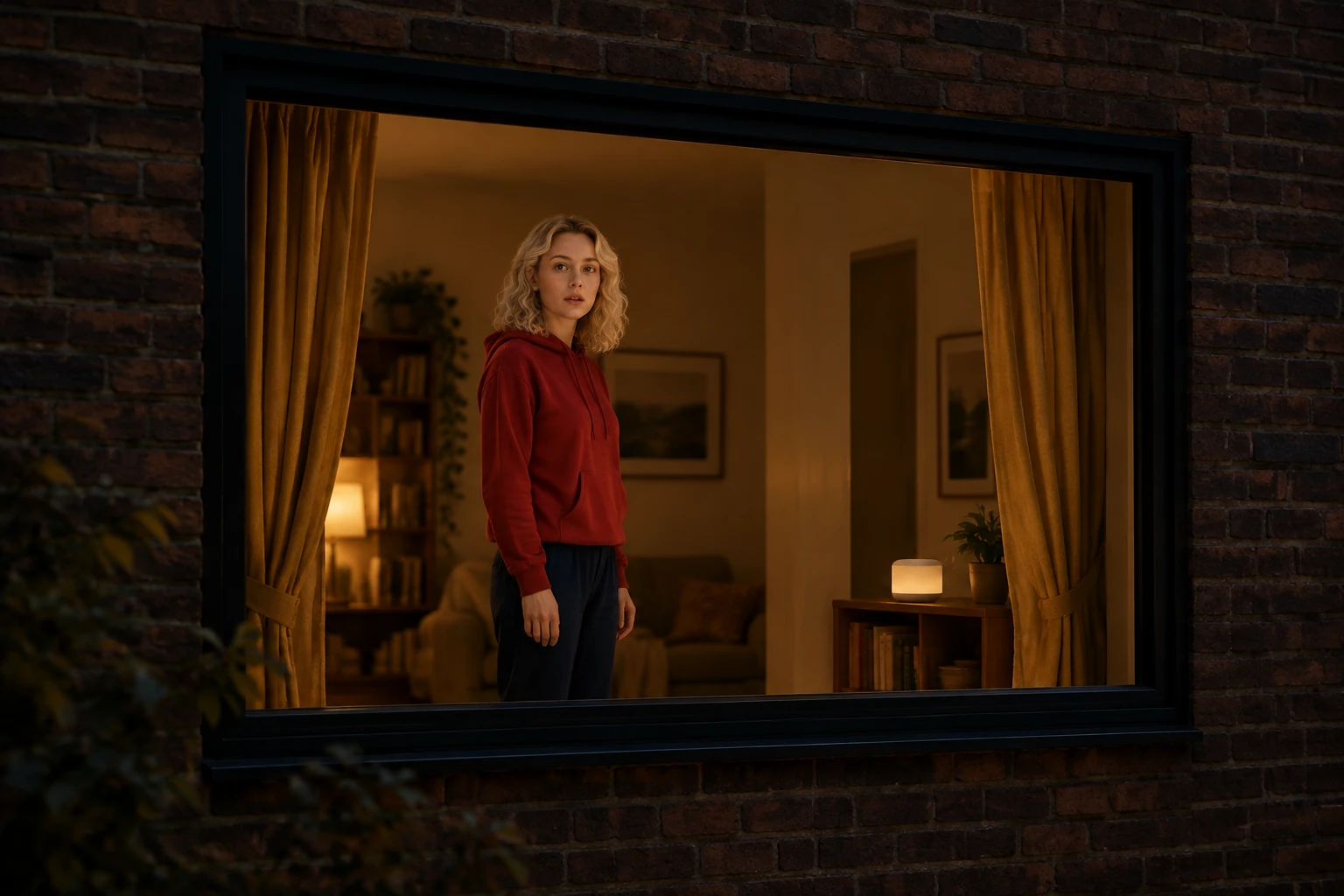
Pick a portrait that gives the scene a clear subject
Use one clear portrait of one adult whose face and hairstyle are easy to see. Choose waist-up or full-body framing when the outfit is important to the result. The uploaded image provides the subject’s appearance; the prepared instructions supply the imaginary night apartment. The setting is a new scene, not a promise to carry over the original photo background. There is no need to film yourself dancing or supply another image.
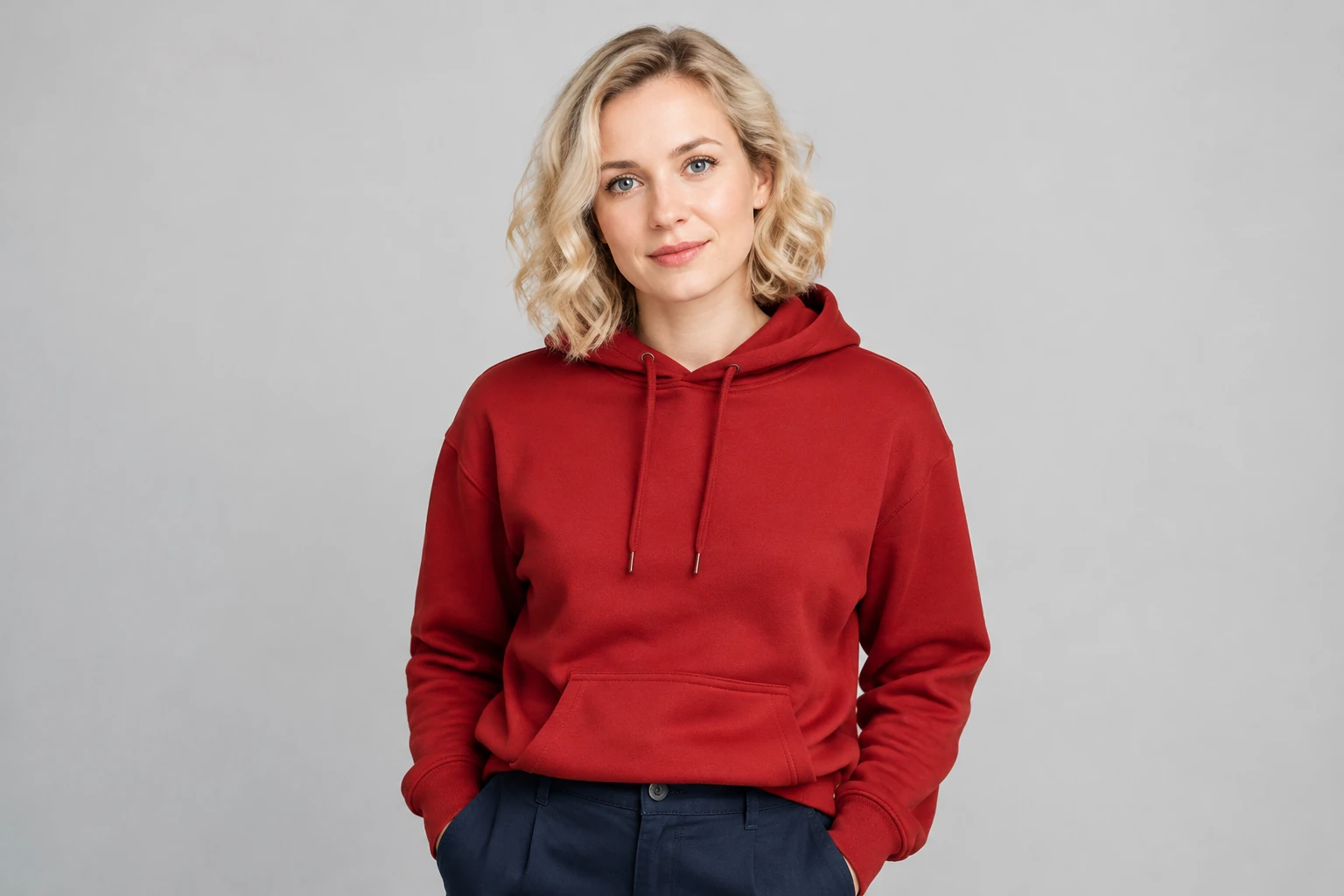
Use the prepared request, then check the result
The generator request already includes the window, room, camera approach, dance, pause, and curtain ending. Optional notes may add a preference, but the main action remains a single requested 8-second scene. Treat the sequence as an intention rather than a guarantee of exact timing or fidelity. In the result, check that the person remains recognizable, the window geometry stays steady, the glance reads clearly, hands meet the curtains, and the final opening is fully covered.
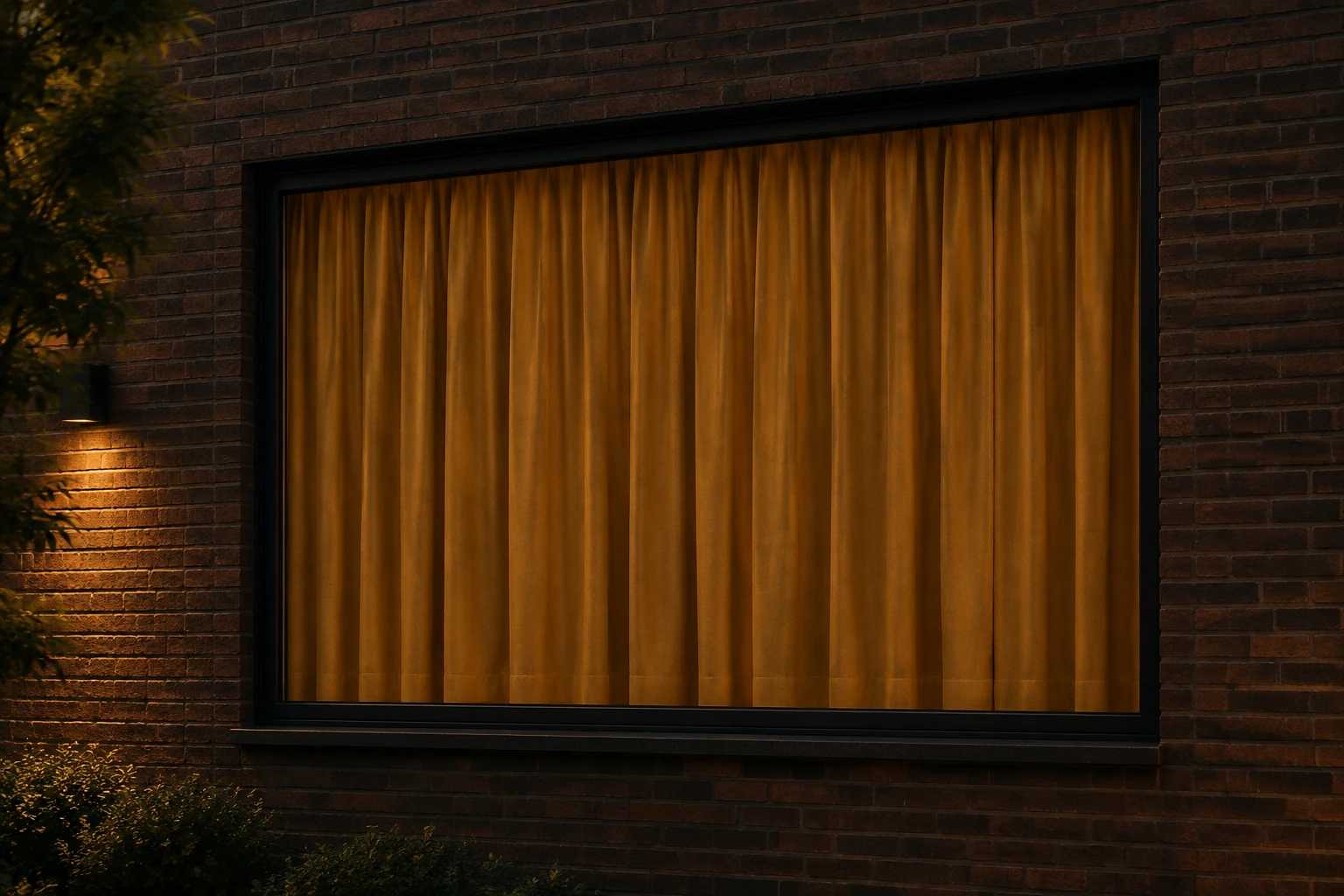
Check settings, credits, and audio separately
Model access and available settings depend on your account and the options currently shown. Aspect ratio, resolution, and audio choices can vary, as can the live Required Credits quote. Review that quote before Generate rather than assuming a fixed cost, free trial, or wait time. Background music and captions can be added separately; no specific song, automatic music match, or lip sync is promised. Use History to follow status and find a ready result to download.
Window Dance AI questions
What is the Window Dance AI scene meant to show?
It aims to show one adult in a nighttime apartment window: a restrained dance, a sudden pause and look toward the camera, then curtains drawn fully shut. The sequence is a compact visual joke, not a promise of exact choreography.
Do I need to film the dance or upload more than one image?
No. The current generator request uses one uploaded clear portrait of one adult. You do not need a second photo or uploaded video; the prepared scene instructions describe the imagined apartment and movement.
How long is the request, and is it free?
This request is for one 8-second scene. The live credit requirement depends on the available model options and your account access. Check the quote before Generate; no fixed price, free allowance, or trial is promised.
How long will generation take, and where can I check it?
No wait time is guaranteed. Use History to check the job’s status and find the result and download when it is ready.
Do I have to add scene notes, and will the requested motion be exact?
Extra scene or style notes are optional because the scene instructions are already prepared. You can leave the field empty. The result aims for the dance, pause, glance, and curtain close, but requested motion and likeness can vary.
Can I add audio, share the result, and check that the curtains close?
Background music and captions can be added separately; a particular song, automatic match, or lip sync is not guaranteed. Review the full clip for the pause, hands contacting the curtain fabric, and complete final coverage. Sharing options depend on what is available in your account.
More ideas to explore
musicwith.me · Updated
See update history
- — Added a one-portrait WindowDanceAI night-window guide with four independent studies,filmed gesture observation,prepared8second direction,optional notes and face/window/curtain review.