
AI Caricature Generator for a warm artist portrait
Draw a caricature from a portrait
History
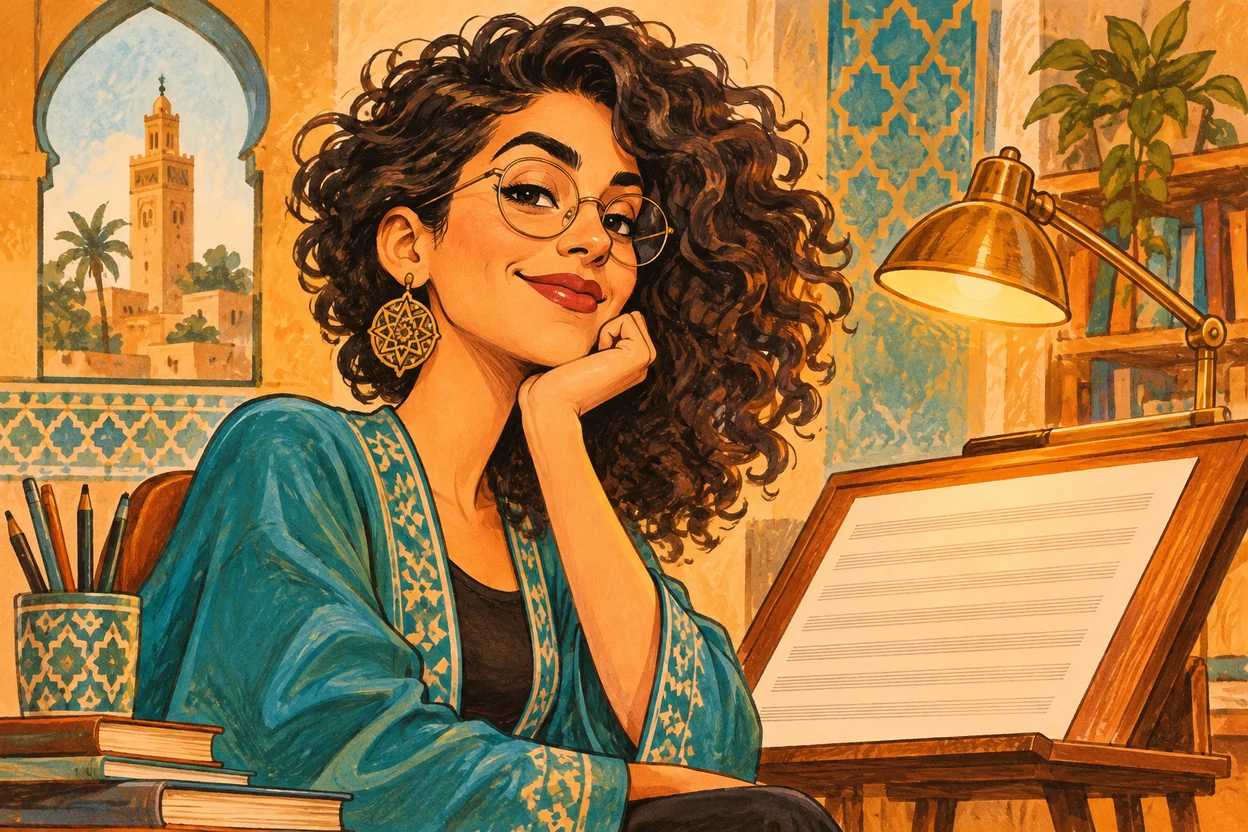
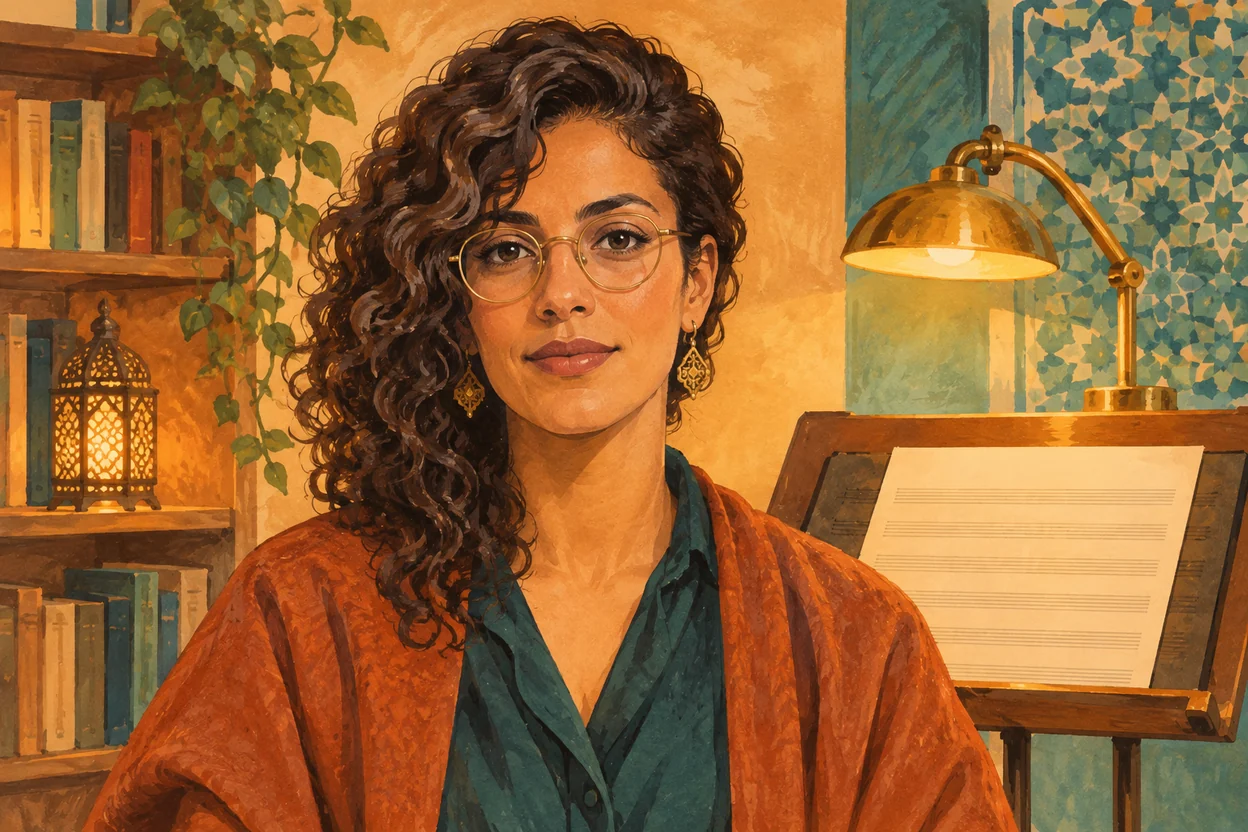
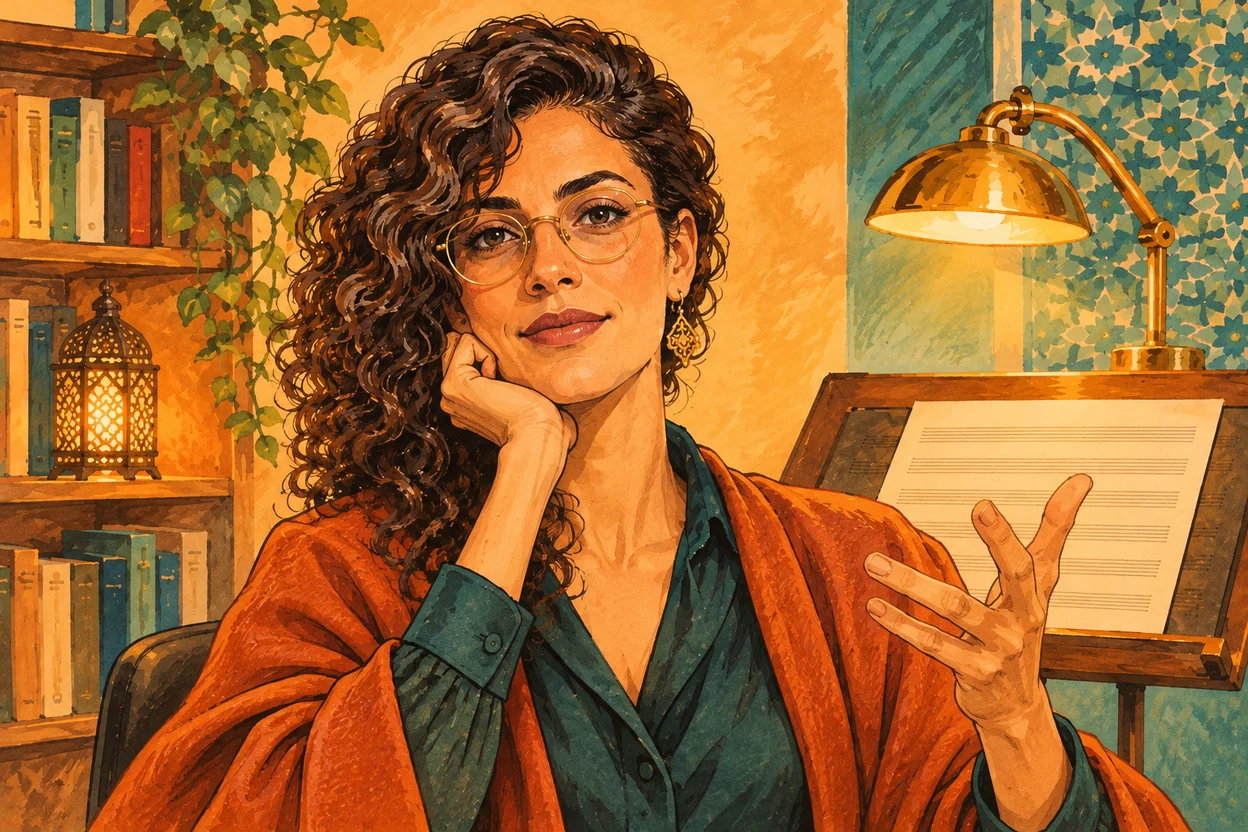
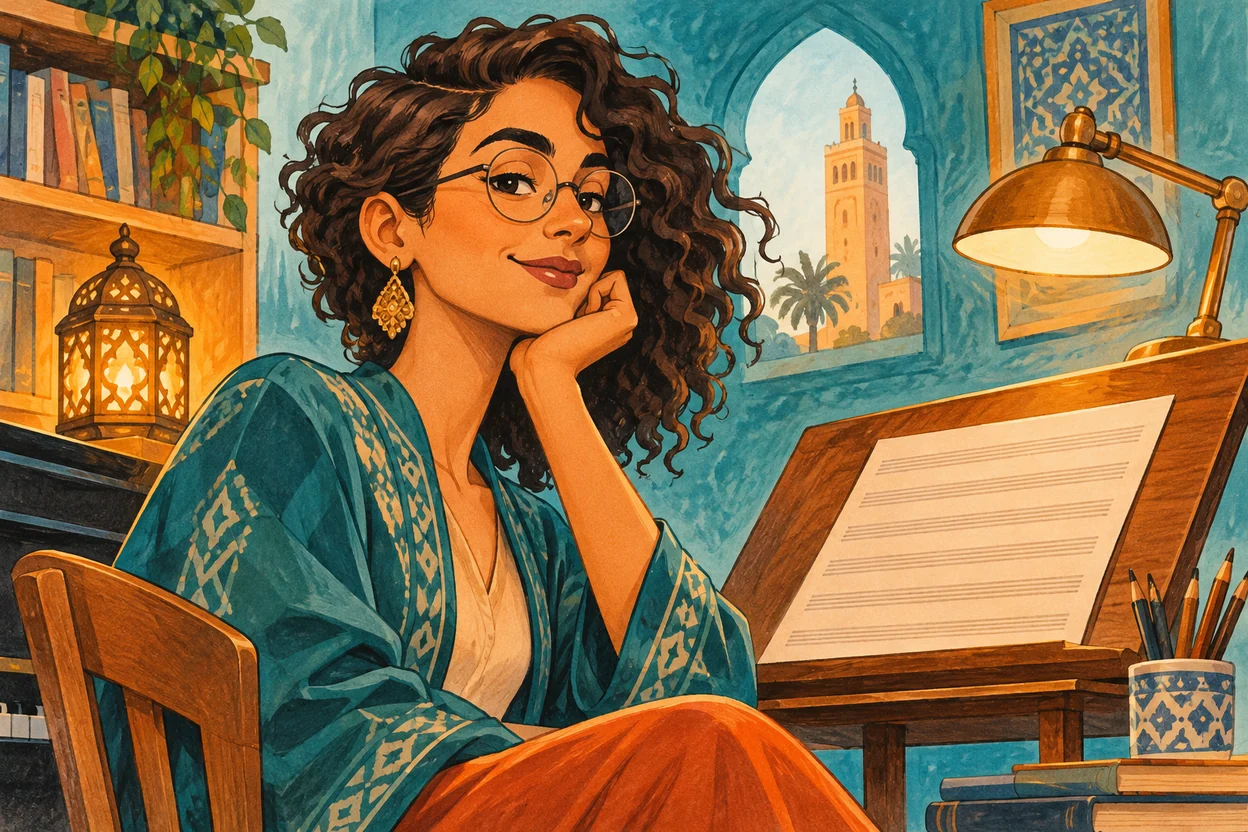
Use the AI Caricature Generator to make an original, friendly caricature from a portrait you are authorized to use, or describe a fictional face in text-only mode. Shape the exaggeration around specific, kind details while keeping the person recognizable. For a distinctive scene, imagine a fictional adult Moroccan woman composer with a daring side part and thin round glasses at an empty sheet music desk under a warm amber lamp, drawn in soft ocher and muted turquoise with marker-style accents. Check the facial features, outline, and crop before using your result.
Make and check your caricature
- Choose portrait edit and provide one portrait you are authorized to use, or choose text-only generation and describe a fictional face. Add the optional mode-specific input if you want to guide the result.
- Describe what to preserve and what to change. Name a few recognizable features, choose a kind exaggeration, and request a clear outline and hand-drawn accents. Keep the framing specific.
- Review the result before using it. Check that the face and profile remain recognizable, the crop includes the features you want, and the exaggeration feels friendly.
Compare the reference and the caricature
What to inspect before you keep it
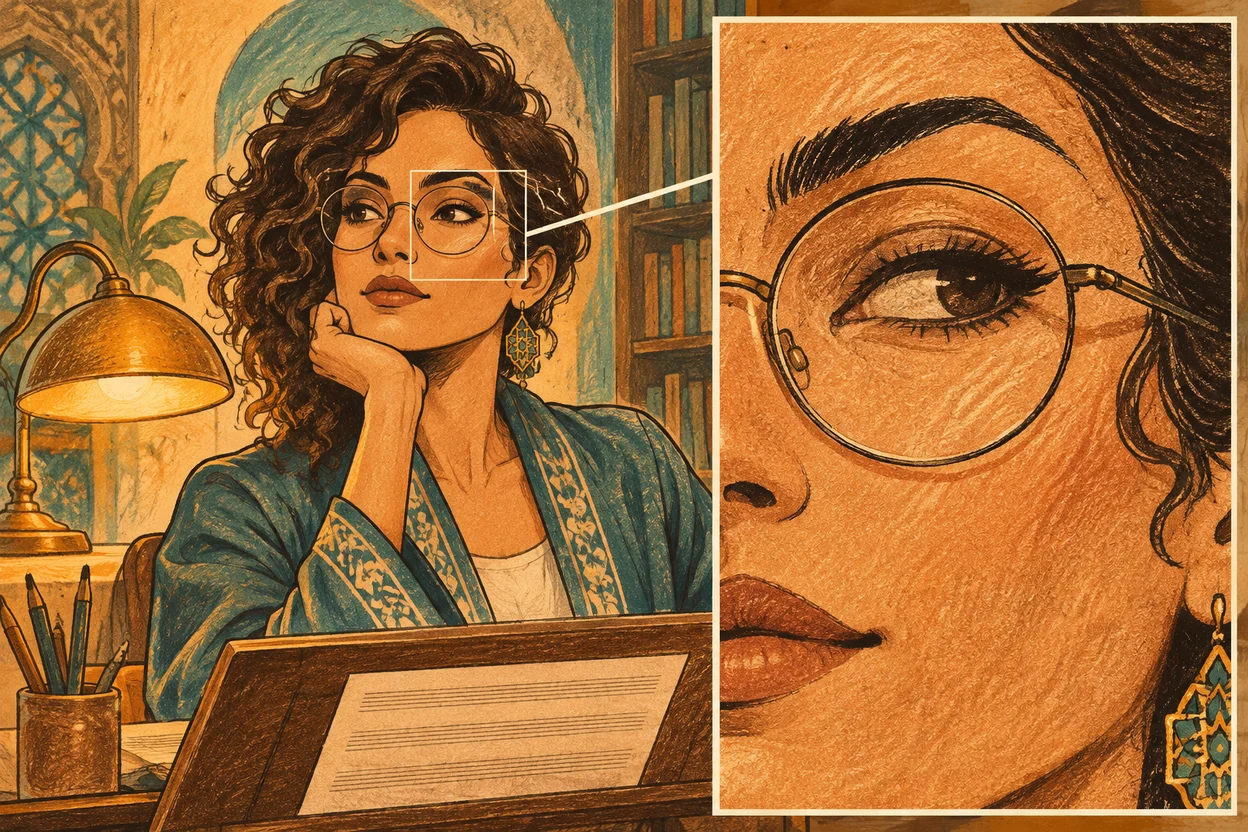
- Personal features: Check the eyes, glasses, brows, hairstyle, expression, and any details you asked to preserve.
- Outline and proportions: Make sure the silhouette still reads as the intended person and the exaggeration is specific rather than unkind.
- Crop and composition: Look for cut-off hair, chin, shoulders, hands, or other important details. Adjust the framing in your prompt if needed.
Questions about the caricature generator
What should I provide for a portrait caricature?
Use one clear portrait that you are authorized to use. A front-facing image with the face unobstructed and enough space around the head makes it easier to assess the features and crop.
Can I make a caricature without uploading a portrait?
Yes. Choose text-only mode and describe a fictional face and scene. Include the person's age range, distinctive features, expression, illustration style, and framing.
What does the optional input do?
The optional input is mode-specific and can provide additional direction for your request. Keep it focused on what to preserve or change, and check the displayed quote before proceeding.
Which image model does the generator use?
The generator uses Nano Banana 2 for image editing and generation. You can review your results in History.
How long does image generation take?
Check History after you submit. The task status shows when your edit is ready to compare with the original portrait.
Can I try this with my current credits?
Related tools
musicwith.me · Updated
See update history
- — Make a friendly, recognizable caricature from an authorized portrait or describe a fictional face in text-only mode. Give clear direction, then inspect the features, outline, and crop. Updated the page title to end with the site name.