
AI Snow Globe Photo with a pearl-gray backdrop
Place a portrait under glass
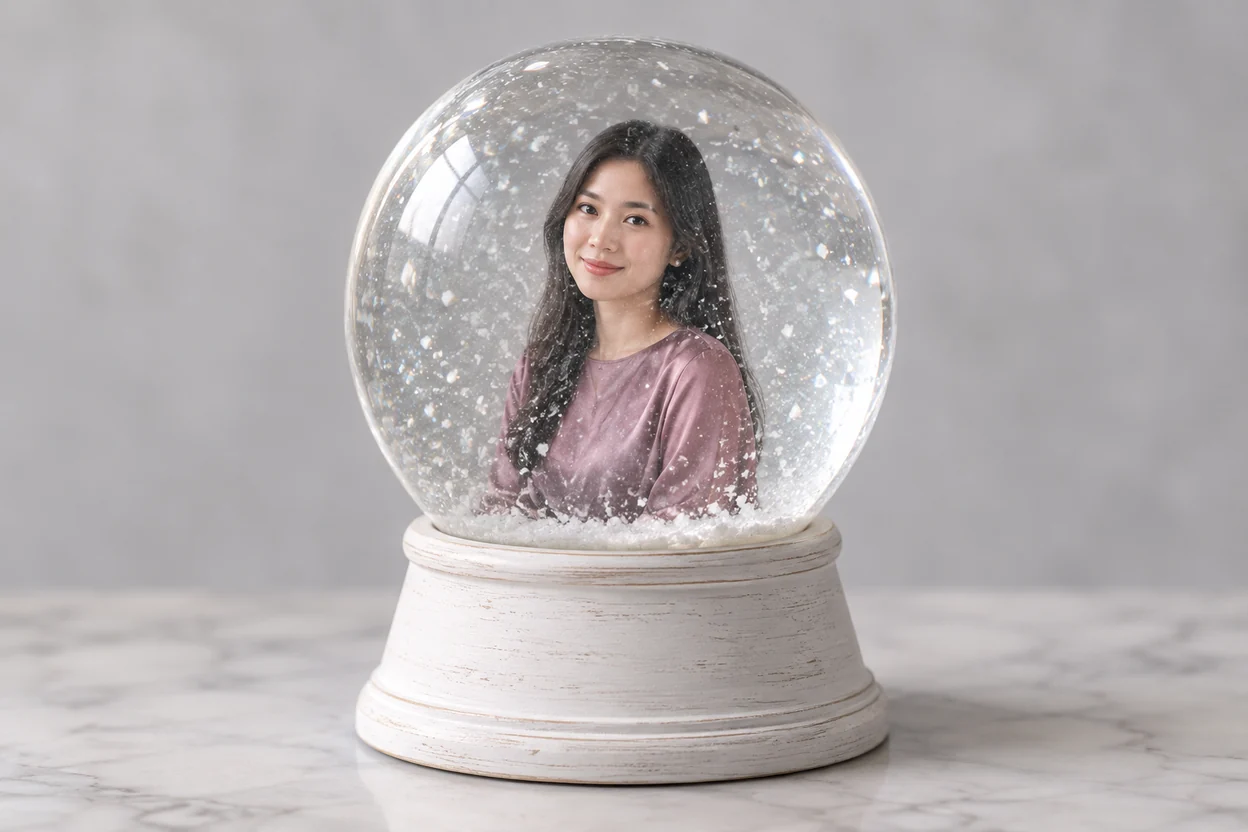
History
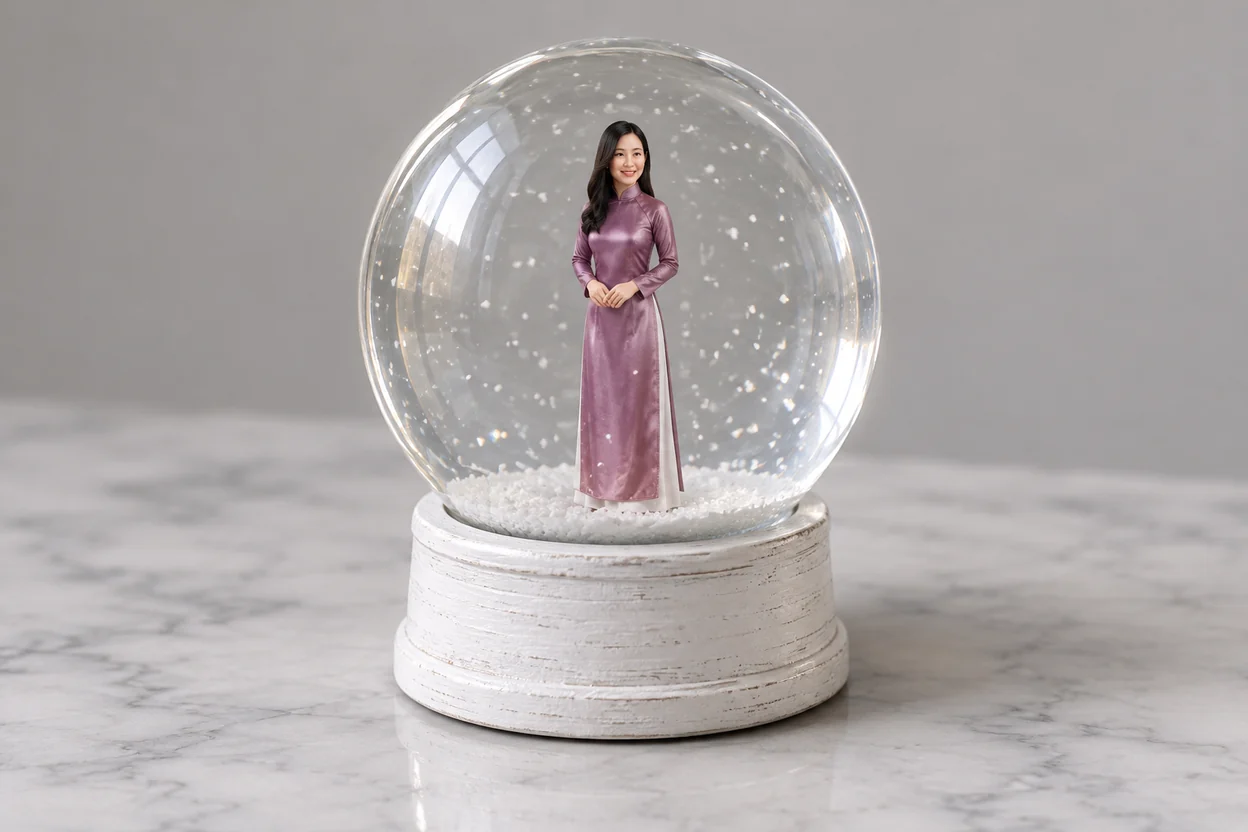
Make an AI Snow Globe Photo as a quiet keepsake for a print or profile crop. Upload one portrait to place its subject inside clear glass, with the background and soft reflections kept visually separate. Add a plain personalized base, or use text-only mode to imagine a character without an upload. This portrait-led composition is designed as a keepsake, not a Christmas miniature scene.
Make your keepsake
- Choose a mode. For an edit, upload one clear, ordinary portrait with the face visible and some room around the head. For text-only generation, describe the character and desired keepsake scene; no upload is needed.
- Enter what should stay recognizable and what may change. Preserve the person's face, hair, clothing, and expression; change the setting into a clear-glass globe with a quiet reflection and a plain personalized base. Keep labels and decorative clutter out of the image.
- Review the displayed quote, then run the image task. When it finishes, check the result in History and save the version you prefer.
Compare the portrait and the keepsake photo
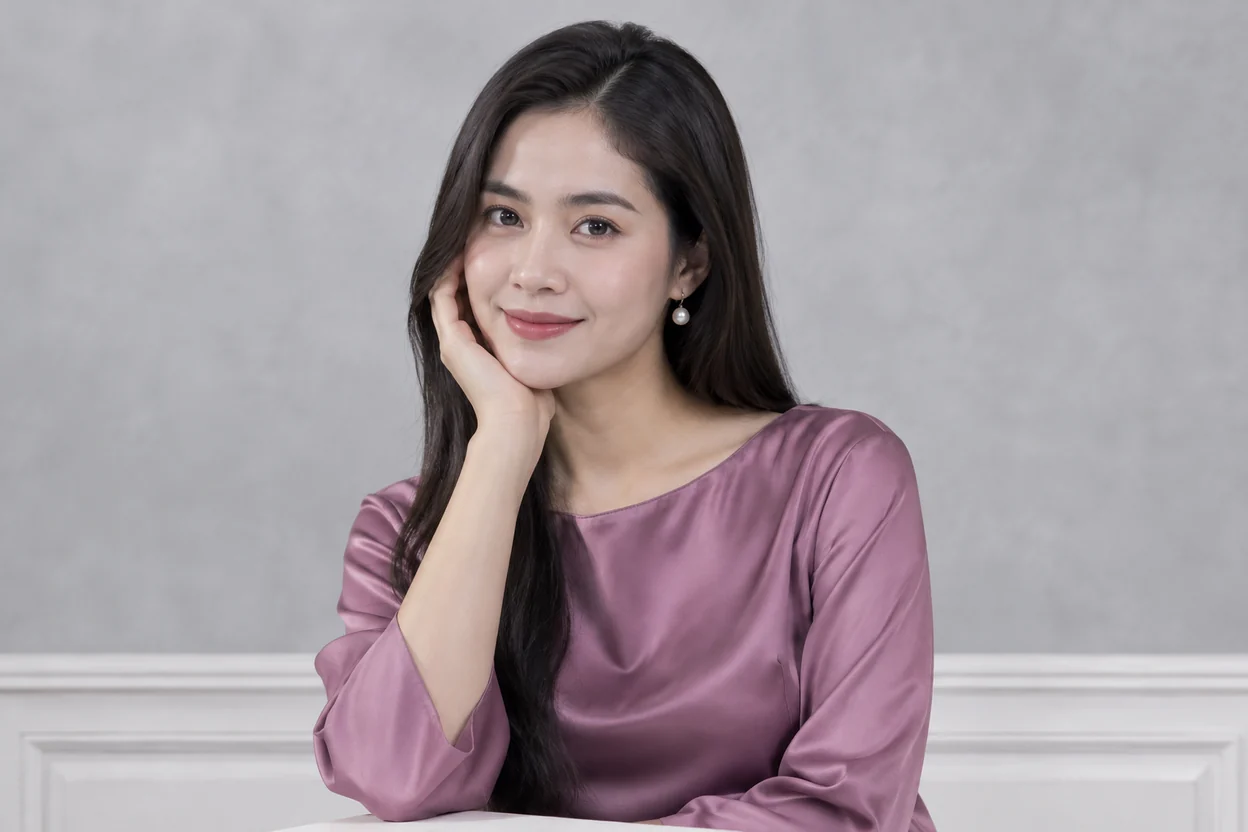
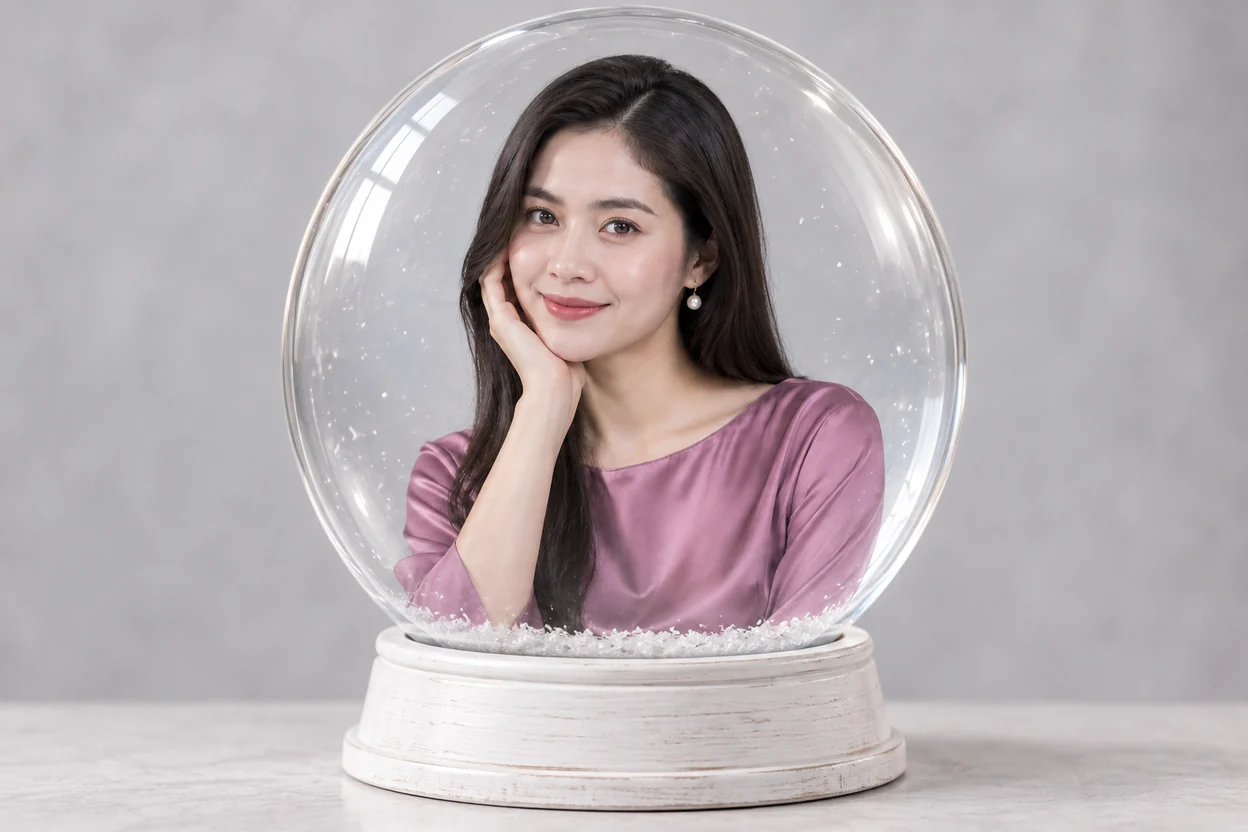
Check the framing and finish
- Make sure the subject is recognizable through the glass, with the reflection kept subtle and separate from the face.
- Check that the background, globe, and base read as distinct areas; the base should look plain, and any personalization should not obscure the portrait.
- For a print or profile crop, confirm the globe and base are not clipped. Prefer a square crop with breathing room; leave extra tabletop space if you want an off-axis variation.
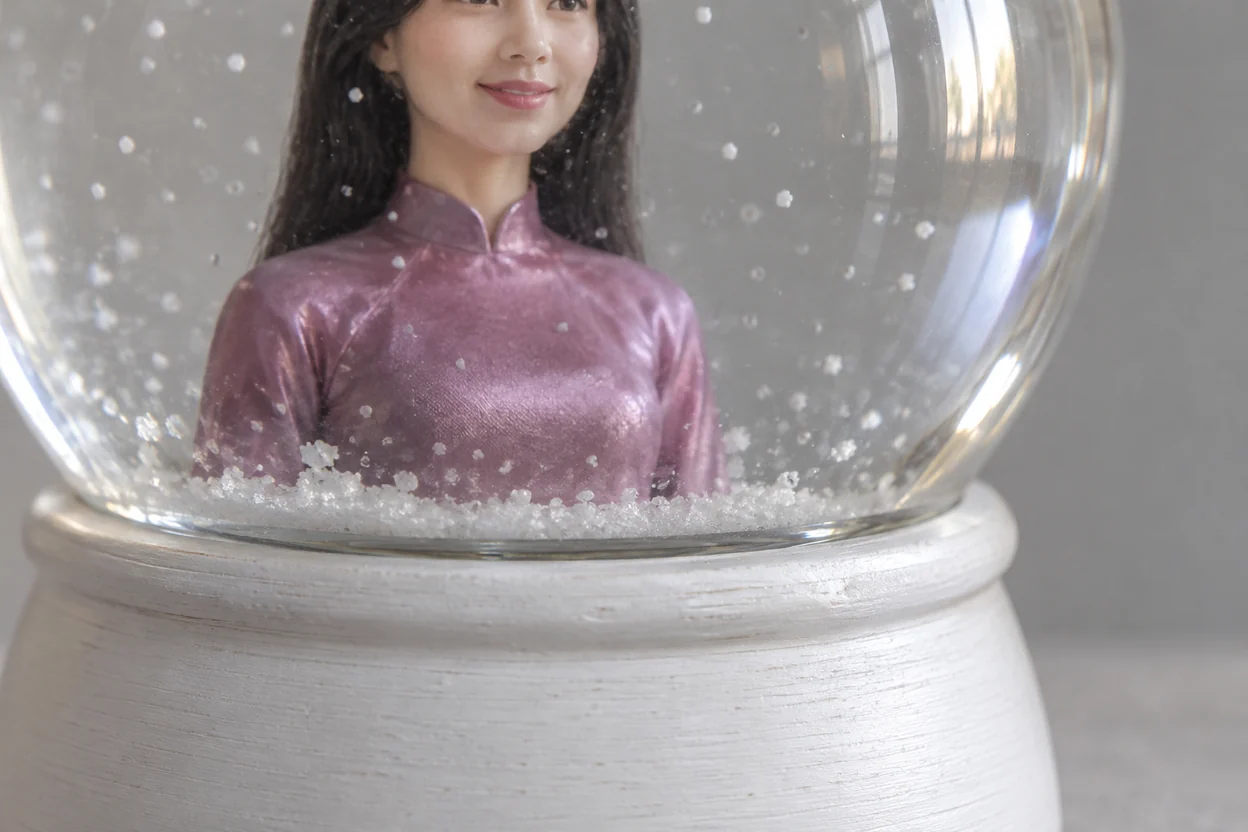
Questions about keepsake photos
Do I need to upload a portrait?
No. Upload one portrait for an edit that uses the person as its identity reference, or choose text-only mode to imagine a character from a written description.
How is this different from a Christmas snow-globe scene?
This page is for a portrait-led keepsake: one subject behind gentle clear glass, a separated background, and a plain base. It is not a builder for holiday decorations or miniature scenes.
What should I ask the image to preserve?
For an uploaded portrait, specify which identity details should remain, such as facial features, hairstyle, clothing, and expression. Say what may change, such as the setting and globe presentation, and ask that the glass not cover the face.
How do I check my result?
Review the displayed quote before starting. Afterward, check History and inspect the full globe, face visibility, reflections, base, and intended crop.
How long does image generation take?
Check History after you submit. The task status shows when your edit is ready to compare with the original portrait.
Can I try this with my current credits?
Related tools
musicwith.me · Updated
See update history
- — A portrait-led snow-globe keepsake with clear visual separation between subject, glass reflection, background, and plain base. Updated the page title to end with the site name.