
Plan a Dance Duet Generator Rehearsal
Dance Duet Generator
Preview the staging
History
Loading history…
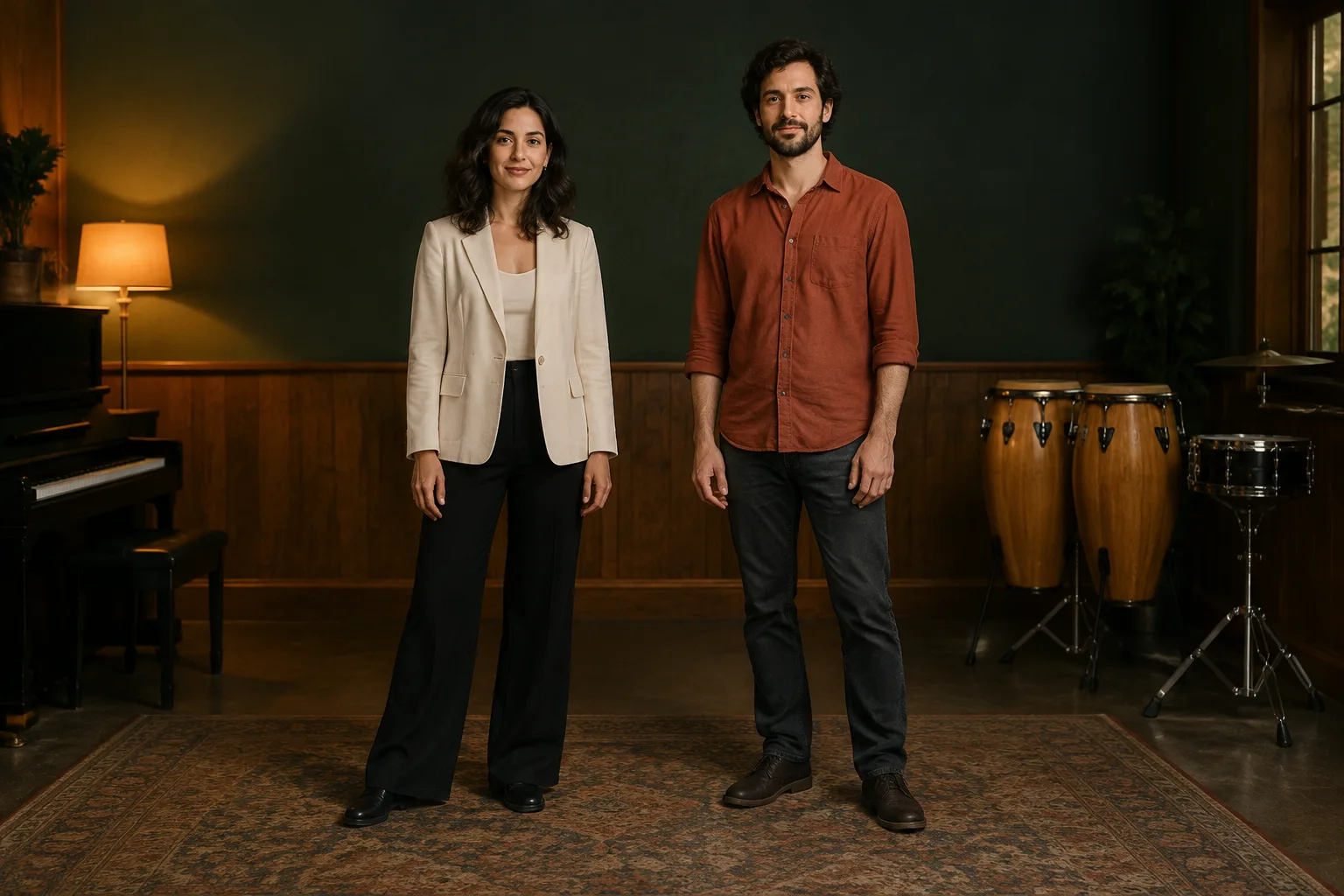
Use the Dance Duet Generator with one photo containing both adults. The built-in motion reference guides an eight-second duet; keep the site's existing scene and use a clear left-right response.
Set up the duet
- Upload one group photo containing exactly two adults standing side by side; their positions in that same photo establish left and right.
- Count the leader’s step and the partner’s answer out loud. Mark the held final beat as a possible cut point for music you add later.
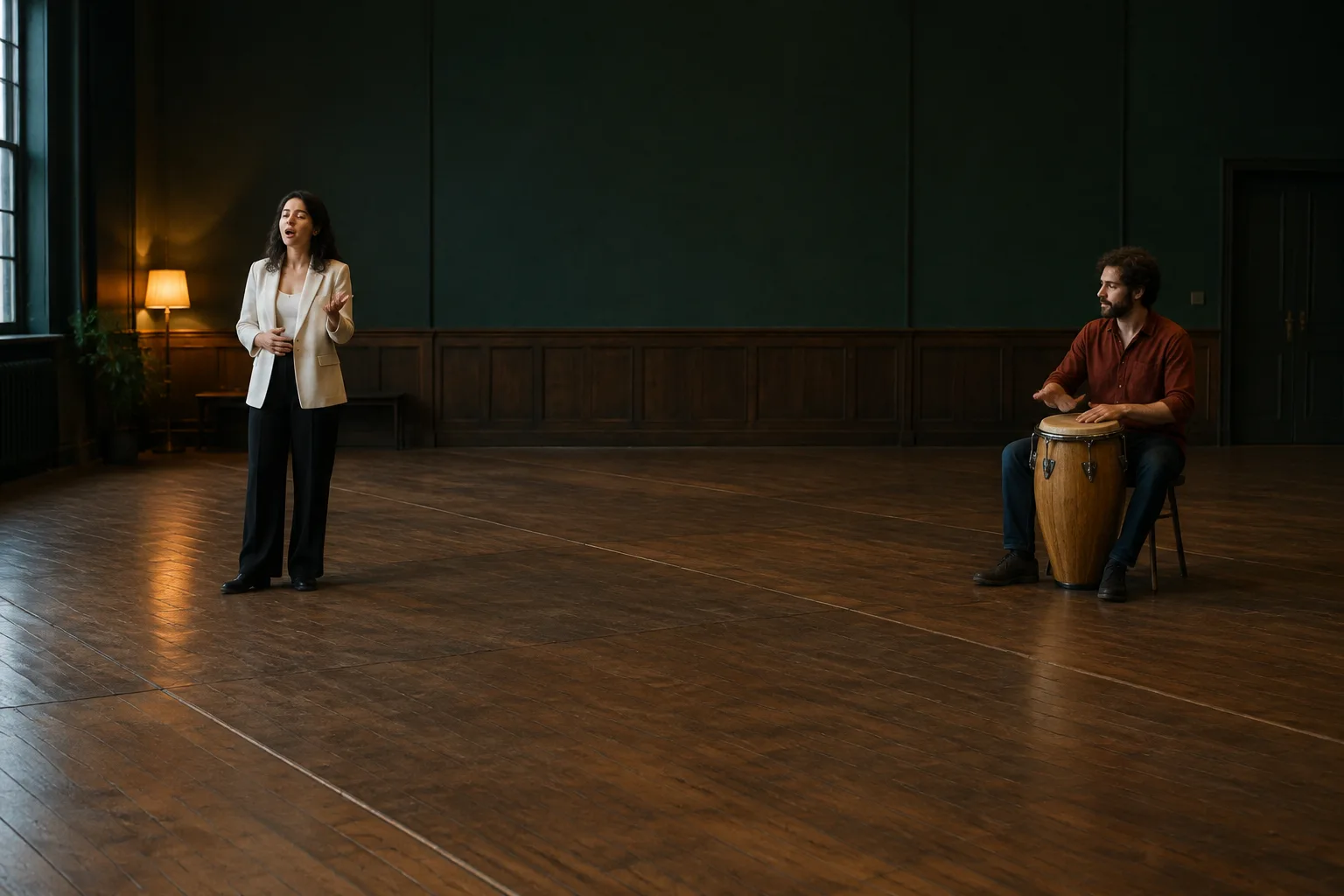
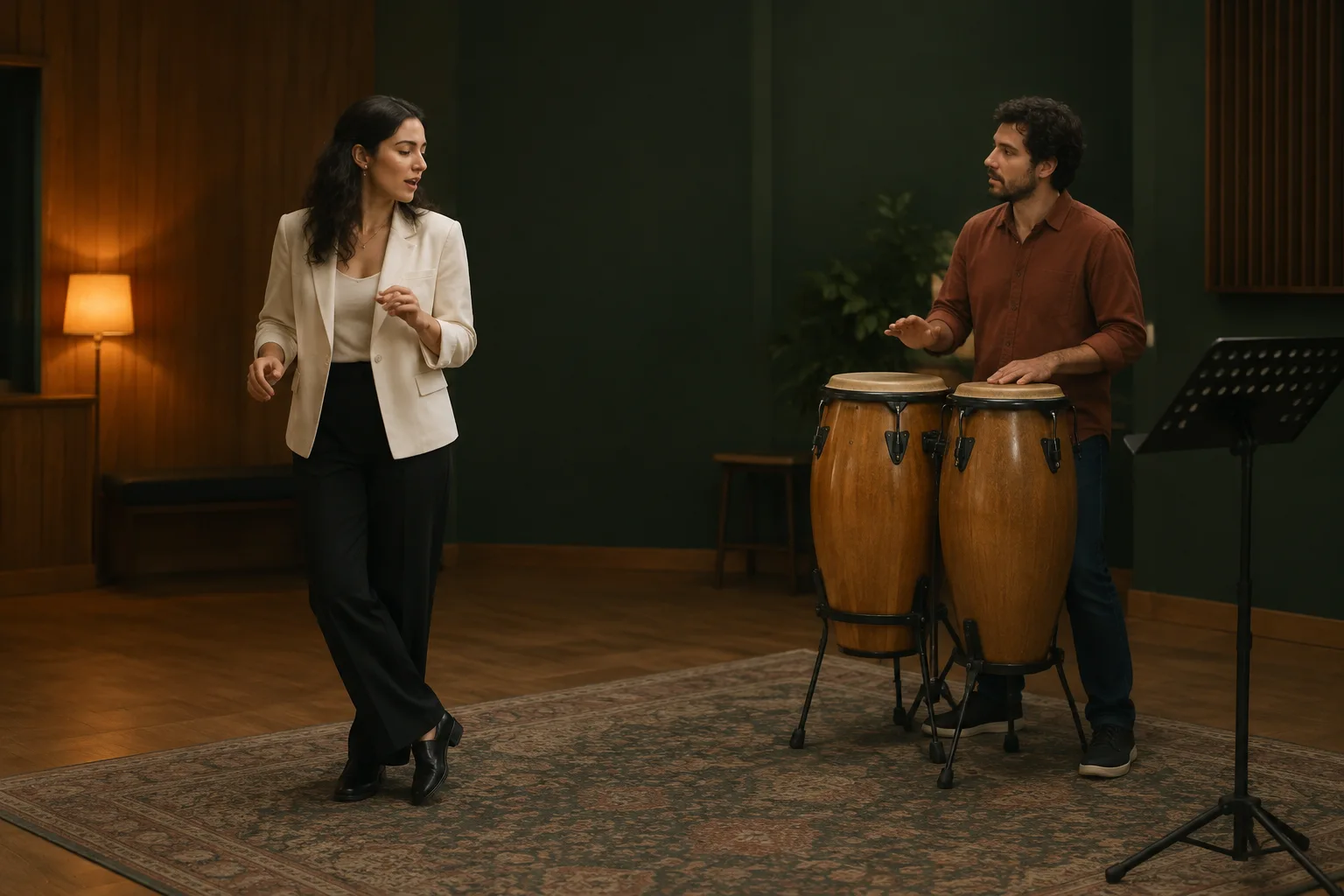
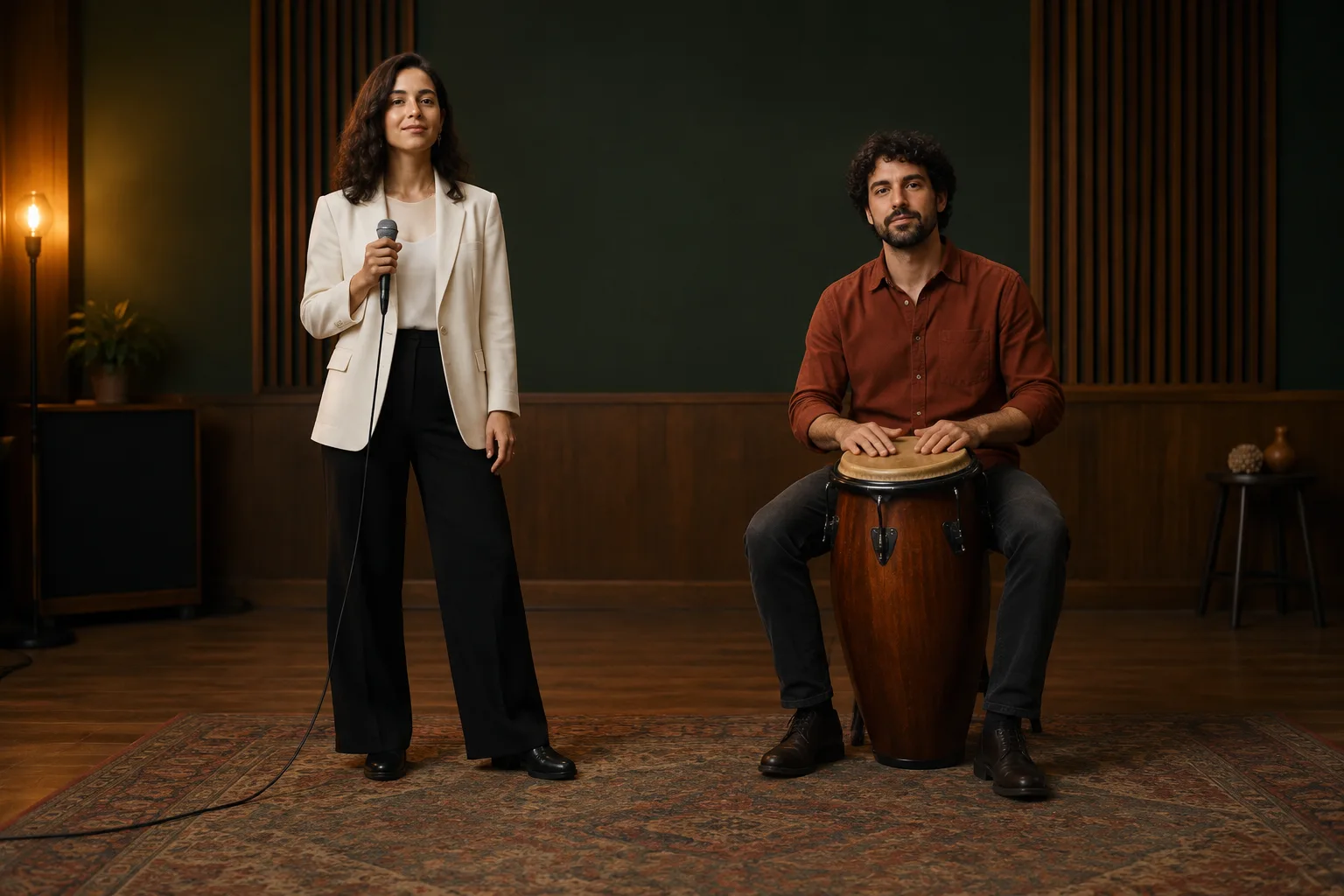
- Review the eight-second visual rhythm: the left person makes one small side step, the right answers on the next beat, and both hold the final pose.
Frame both people head to toe in the source photo if you want their steps and final pose to be easy to review.
Plan the spacing, step and finish
Review your clip
- Keep the amber side light warm but controlled so the ivory jacket and rust shirt remain distinct from the dark green room.
- Leave a clear strip of floor below both performers to make the movement readable for later editing.
- In Optional visual notes, describe a visual cue rather than adding music direction; for example, “hold the final pose for a clean edit point.”
Questions about the duet
How many photos are allowed?
Use exactly one group photo of two adults standing side by side. Do not upload separate images; that single photo sets both identities and their left-right positions.
Is the tool available to everyone, and what about credits?
Eligibility and credit requirements may vary. Check the service's current requirements and your actual available credits before submitting.
How long does processing take, and where is the clip?
Wait times vary. Use History to track the submission and check its status or completed result.
Do I need to enter a note?
A note is optional when the form provides that field. One useful example is “keep the final pose still for an edit point.”
Related video guides
 Window Dance AI
 Halloween Dance
 Goodbye 2026 Welcome 2027
musicwith.me · Updated
See update history
- — Revised the copy to distinguish the two-person photo from the built-in motion reference and clarify the eight-second input guidance. Updated the page title to end with the site name.
- — Added a dance generator that uses one photo of both dancers and a prepared motion reference, with an eight-count guide for choosing an edit point.