
AI Christmas Snow Globe Generator for a winter music greeting
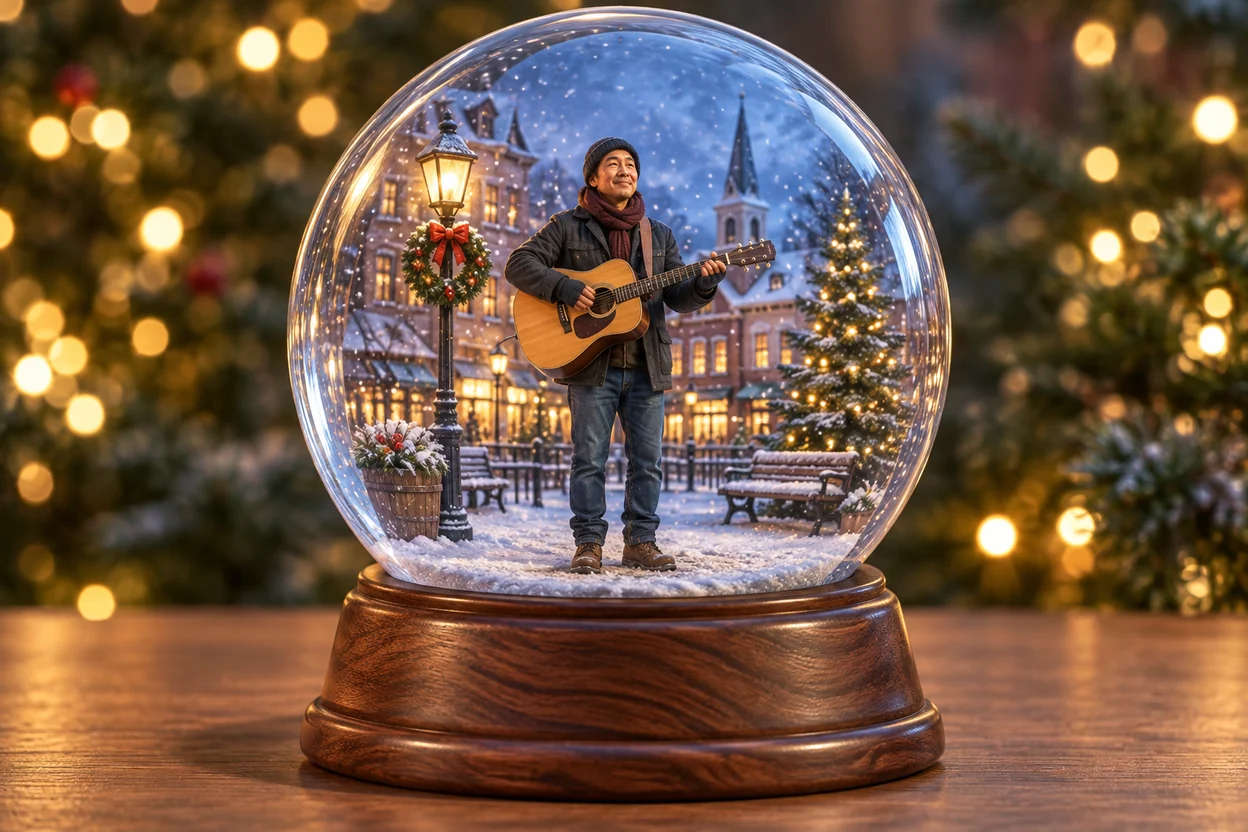
Place a subject inside a snow globe
History
The AI Christmas Snow Globe Generator turns one portrait or character image into a holiday snow globe scene with the subject inside the glass. In Nano Banana 2 edit mode, start with a clear reference, keep the supplied edit text or change it, then review the image and the credits shown before starting. For a freshly imagined winter miniature, choose text-to-image mode instead; it does not require an upload.
Make and review your snow globe
- Choose Nano Banana 2 edit mode and upload one clear portrait or character image. The supplied edit text is ready to use, or you can change it to specify the scene and details you want.
- Keep the face easy to see: ask for snow and glass reflections away from it. Describe the subject’s scale and framing, and make any key object—such as the guitar—explicitly visible inside the globe.
- Before starting, check the credits displayed for the edit. Review the result for the face, framing, globe glass, and important details; use the displayed quote and History for cost and wait information.
Compare the source image and snow globe scene
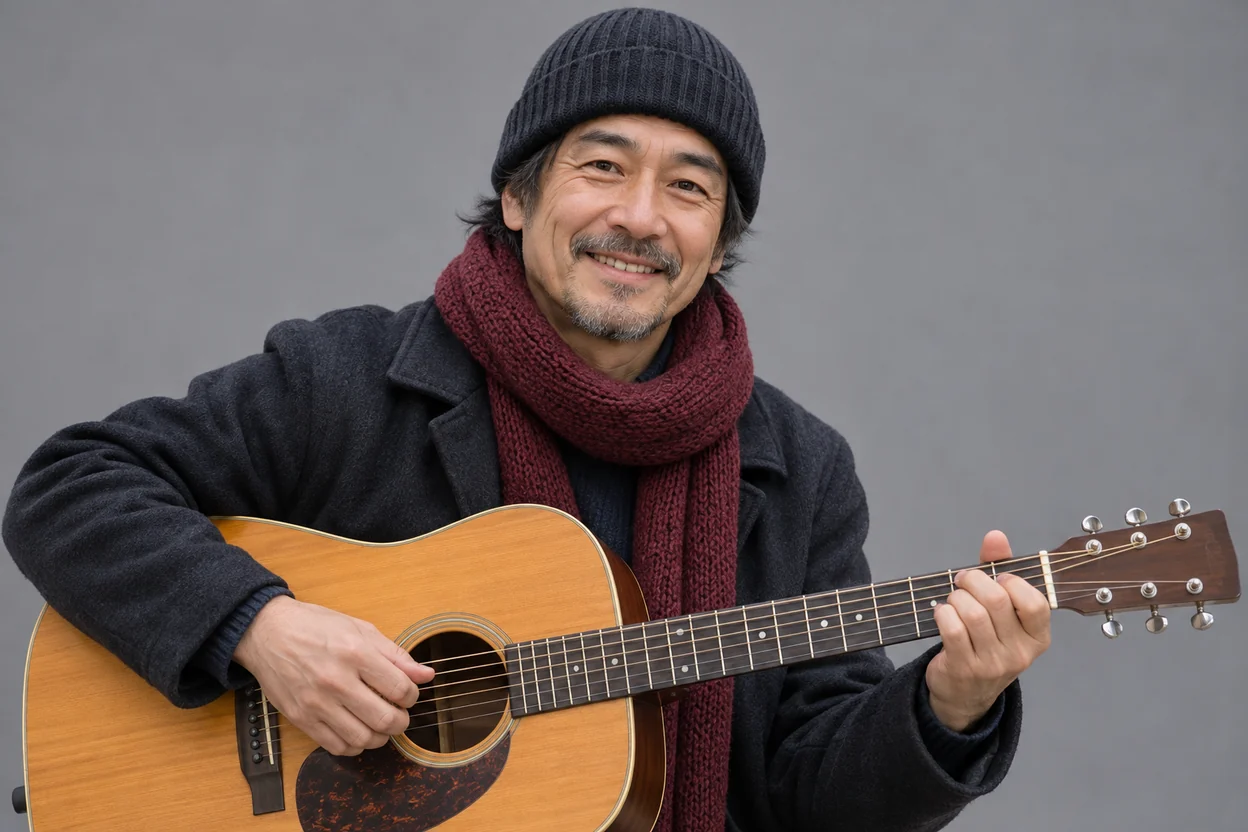

What to check in the result
- Face and subject: the person is recognizable, framed at a useful scale, and not covered by snow or glass glare.
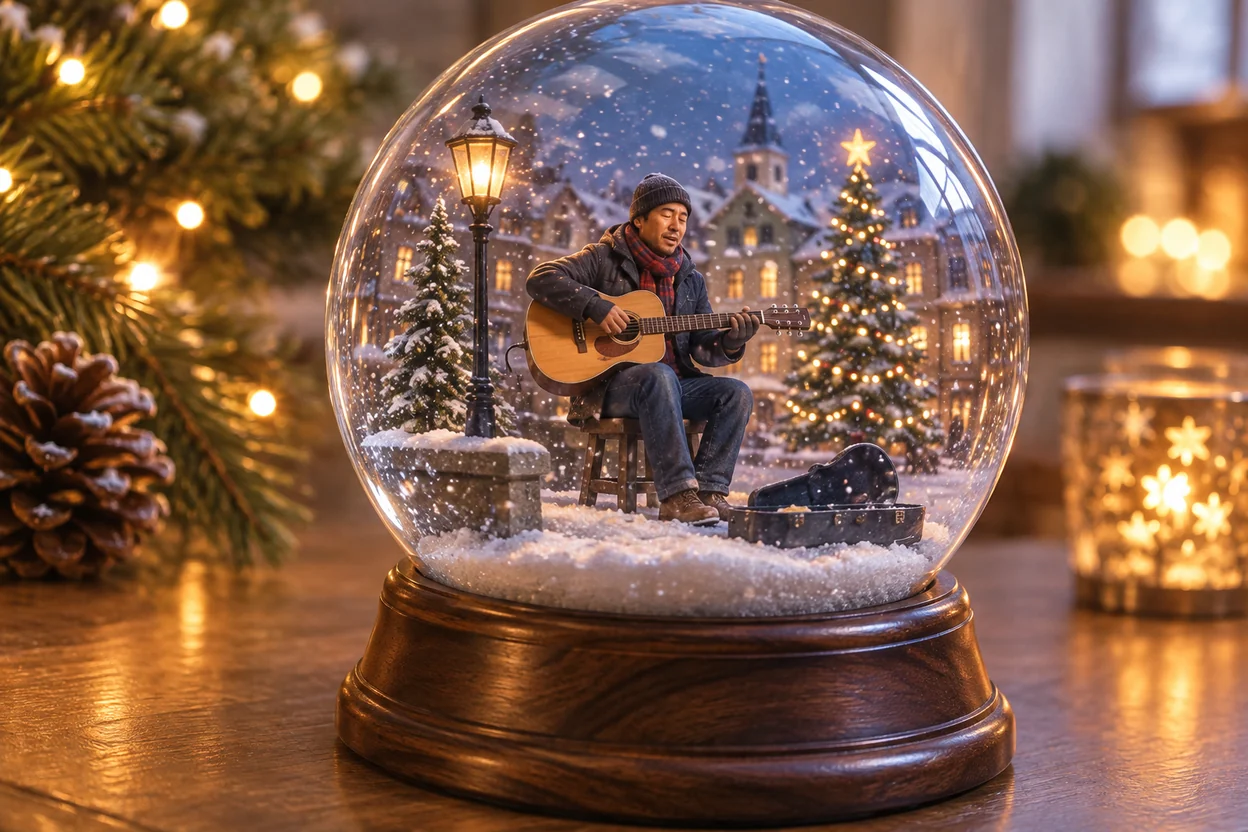
- Globe and scene: the subject is placed inside the glass, with the requested town-square setting, walnut base, and warm bulbs.
- Preserved details: the unbranded wooden guitar remains visible, and the holiday music greeting appears where requested.

Questions about the snow globe generator
Do I need to upload an image?
For the portrait-to-globe flow, yes: upload one portrait or character image in Nano Banana 2 edit mode. Text-to-image is a separate mode for imagining a new winter miniature and needs no upload.
Can I change the default edit text?
Yes. The edit text is supplied by default, and you can change it to describe the scene, framing, and details you want.
How much will it cost, and how long will it take?
Check the displayed quote for cost and History for wait information. Neither is promised here.
How can I keep the face and guitar clear?
Use one clear reference, describe the subject’s scale and framing, and ask for snow and glass glare to stay off the face. Explicitly say that the guitar should remain visible, then inspect the result.
Related tools
musicwith.me · Updated
See update history
- — Start with one clear portrait in Nano Banana 2 edit mode to place the subject inside a glass holiday snow globe. Keep the supplied edit text or customize it, check credits before starting, and review the face, framing, and preserved details. Use text-to-image separately when you want a newly imagined winter miniature without an upload. Updated the page title to end with the site name.