
AI Pokémon Generator
Design your creature
History
A little creature with its own rhythm
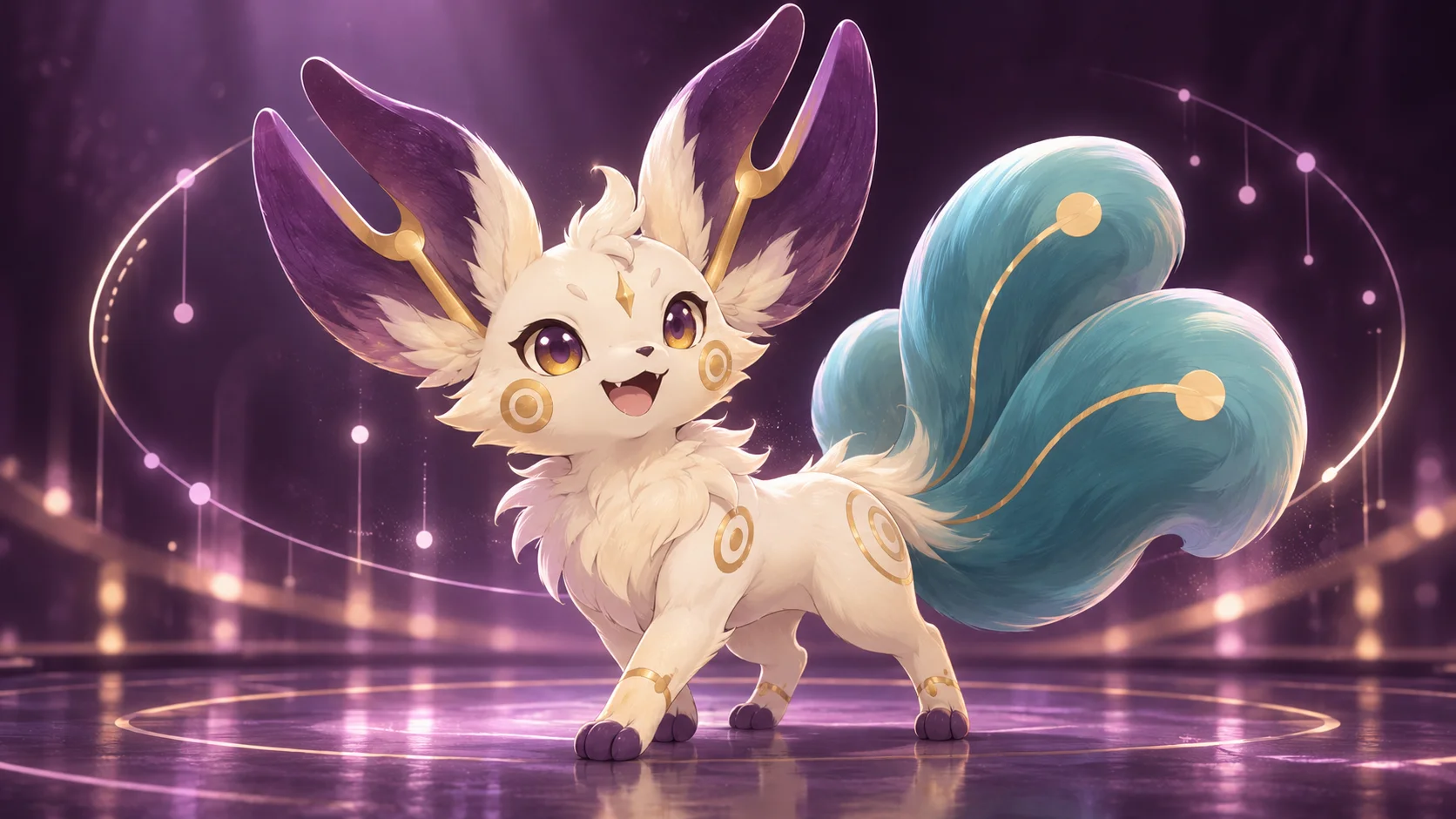
Design an original fantasy creature around a sound, a sketch or a familiar animal. On musicwith.me, this AI Pokémon Generator starts from one reference image or a written idea. Explore a music-inspired mascot, then refine its outline, palette and expression.
Choose Image to Image to reinterpret a photo or drawing. Choose Text to Image to start without an upload. Review the current model, image settings and credit estimate before generating; your own results appear in History.
How to make a music-inspired creature
1. Pick the sound and the shape
Choose a musical mood before adding details: a quiet bell, a bouncing bass line or a bright whistle. Pair it with one animal shape. Our fox direction combines tall ears, a compact body and a broad tail so the character reads clearly even when small.
2. Supply one clear starting point
For an image-based design, upload one clear pet photo, object photo or sketch. Crop out unrelated subjects and keep the outline visible. The generator can reinterpret the reference; it does not trace every mark. For a text-only design, describe the body, two or three colors and one musical trait.
3. Set the composition and check the quote
Use a square frame for a profile image or cover study; choose a wider frame when the character needs room to move. Available sizes and other options follow the selected model. Check the credit estimate shown by the form after changing settings, then generate when the direction is ready.
4. Compare, simplify and save
Open History and inspect the full image. Count the limbs, check the eye placement and look for accidental extra tails. Keep one strong feature and remove competing details in the next prompt. Save a favorite as a visual reference for later artwork; separate generations can still change the design.
Build a silhouette you can recognize
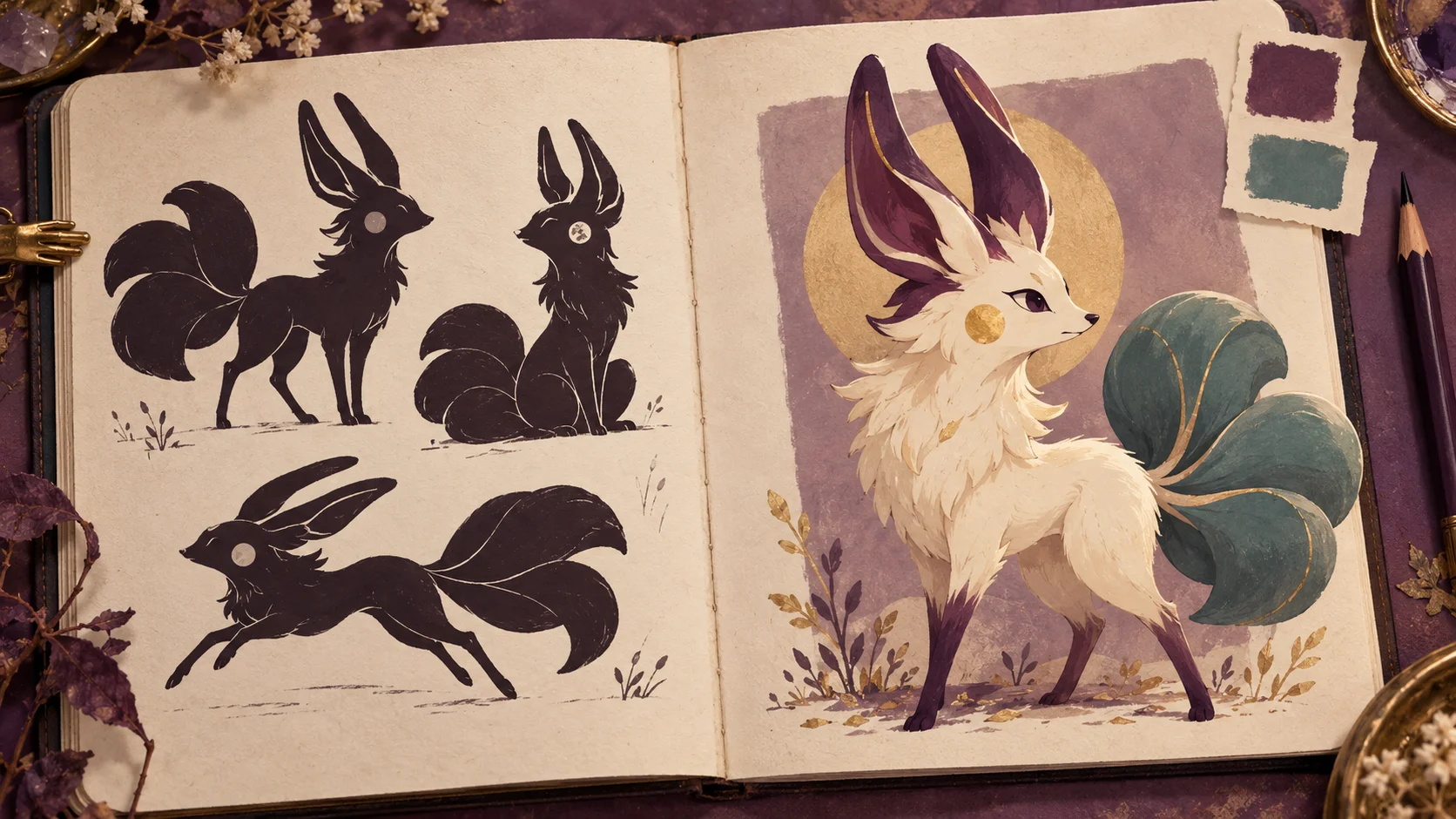
An original Fakemon concept needs a shape you can describe in a sentence. Try “a small fox with tuning-fork ears and a broad three-part tail.” This gives the image a visual anchor before you choose fur texture, accessories or a backdrop.
For a sketch reference, use one character with separated legs and enough contrast around the ears. Avoid a page of unrelated drawings. Ask for a full-body view first; a close-up can hide anatomy that needs another pass.
Use the prompt as a small design brief
In Text to Image, try this starting description and change the musical detail to suit your idea. The words describe a new character rather than asking for a named existing creature.
Create one original music-inspired fantasy creature: a small cream fox with oversized plum ears like tuning forks, a teal three-lobed tail, gold cheek circles, and an alert listening pose. Full body, balanced limbs, plain lavender background, clean illustration, no text.
In Image to Image, the page supplies a creature-design direction. Adjust the prompt if you want a calmer expression or a simpler palette, while keeping the visible reference cues that matter. Switching back to Text to Image means starting from words without reference images.
Change the pose without losing the character
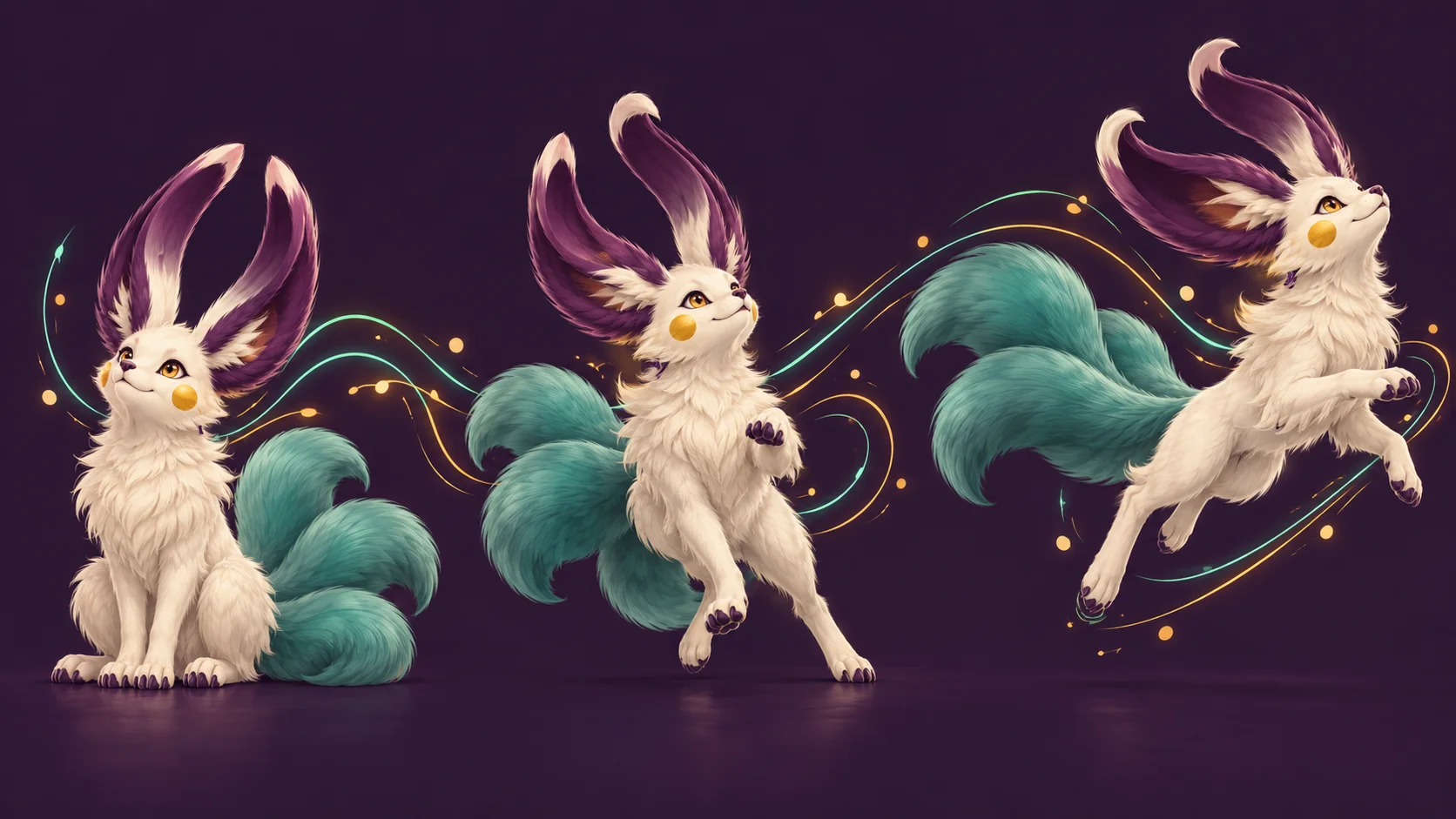
Write down three anchors: plum ears, a teal tail and gold cheek spots. Repeat those anchors when asking for another pose. Change one thing at a time, such as “sitting and listening” instead of changing the pose, palette, camera and background together.
Compare the head-to-body ratio across versions. A larger tail or smaller face may be appealing, but it can also make the result feel like a different creature. Keep the version that serves your project; exact character consistency is not guaranteed.
Plan the picture for its final size
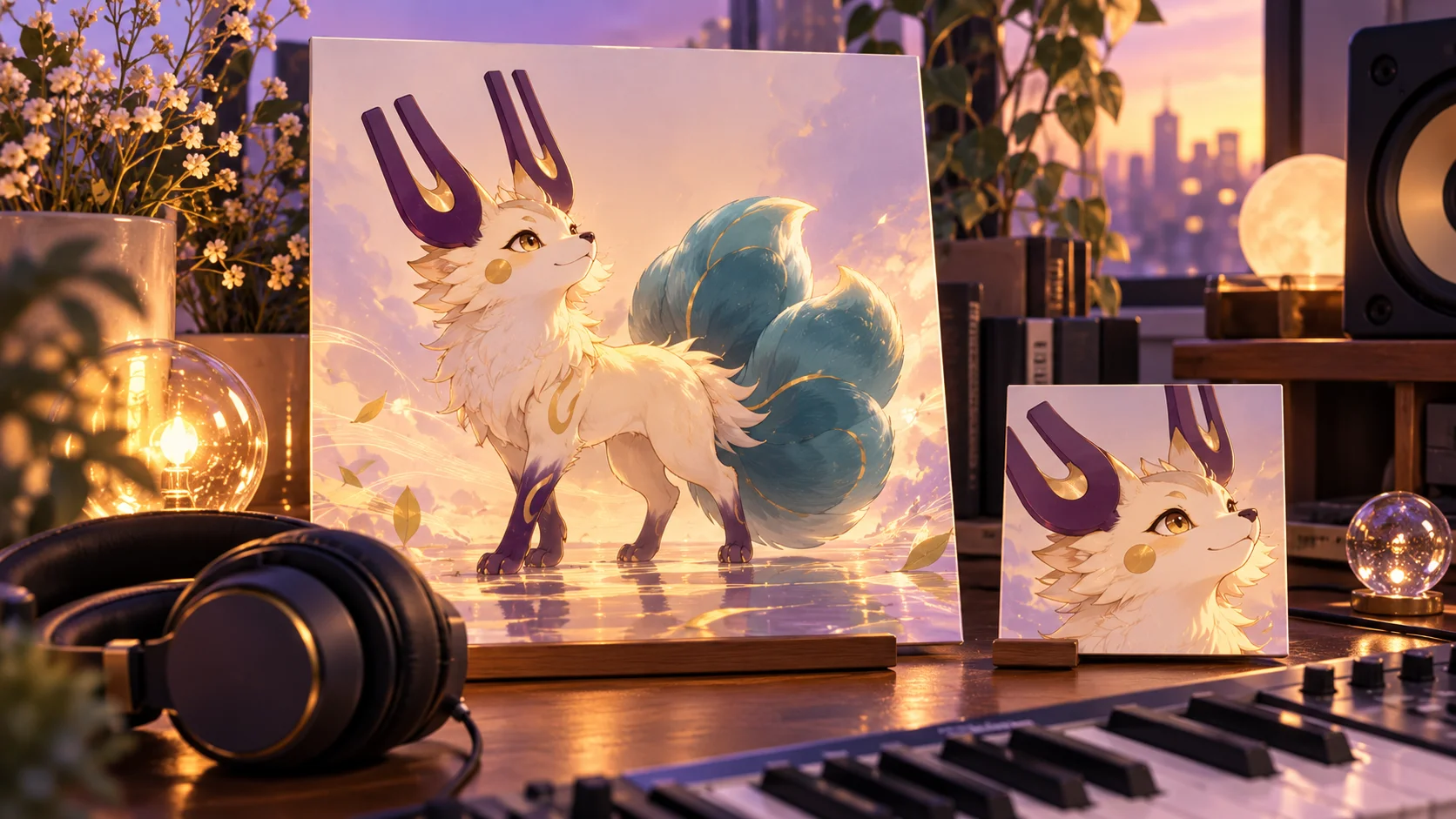
A music mascot or cover concept
A square composition gives a small character room to breathe. Leave empty space for a title you will typeset separately. A simple background keeps the ears and tail visible; a busy studio scene works better as a later variation.
An avatar or character notebook
Test the face at a small size before choosing it as an avatar. Keep a full-body reference alongside the crop so future sketches retain the same proportions. This tool produces an image concept, not a rigged model, game asset package or animation.
Questions before you generate
Can I start without uploading a photo?
Yes. Select Text to Image and describe your creature. Image to Image is the separate mode for a reference photo or drawing. Use one clear subject as the starting point rather than expecting a collage to preserve every character.
Can I turn my pet or sketch into a creature?
Use Image to Image and upload a clear reference. Identify the two features you want to keep, such as ear shape and coat color. The result is a reinterpretation, so review its anatomy and resemblance before saving.
Is this AI Pokémon Generator free?
Access depends on the selected model, your account and the current site offer. The form shows the credit estimate before generation. Check your available credits and Pricing for current options; this page does not promise an unlimited free allowance.
How much does an image cost?
The current quote depends on the model and image settings. Recheck the displayed estimate when changing those settings. The Pricing page explains available credit plans; a plan price is different from the quote for one image.
How long will generation take?
Processing time varies with the model, settings and queue. Follow the task status and History rather than relying on a fixed number of seconds. If a task fails, inspect its message before starting again.
Does it create an official Pokémon or a playable character?
The page helps you explore original Pokémon-inspired creature artwork. It produces an image, not an official character, a playable game file, a complete evolution line or a music recording.
How do I make the next version more consistent?
Keep a short written description of the silhouette, color placement and markings. Use a suitable reference in Image to Image and change only the pose or background. Compare each result; repeated prompts do not guarantee identical characters.
Choose your next step
Explore image-to-video ideas
Continue with a separate video workflow and check its supported inputs before planning movement.
Browse video effect directions
Compare the site’s available effect options for a future visual project; each effect has its own inputs.
Check image credit plans
Review current plan options before deciding how many character variations to explore.
musicwith.me · Updated
See update history
- — Added an image generator, visual examples and guidance for this creative task. Added editable example prompts and separate drafts for text and reference modes, with an action to restore the example.