
Elf On The Shelf AI Video: A Gentle Toy Greeting
Create a toy greeting with Seedance 2.0
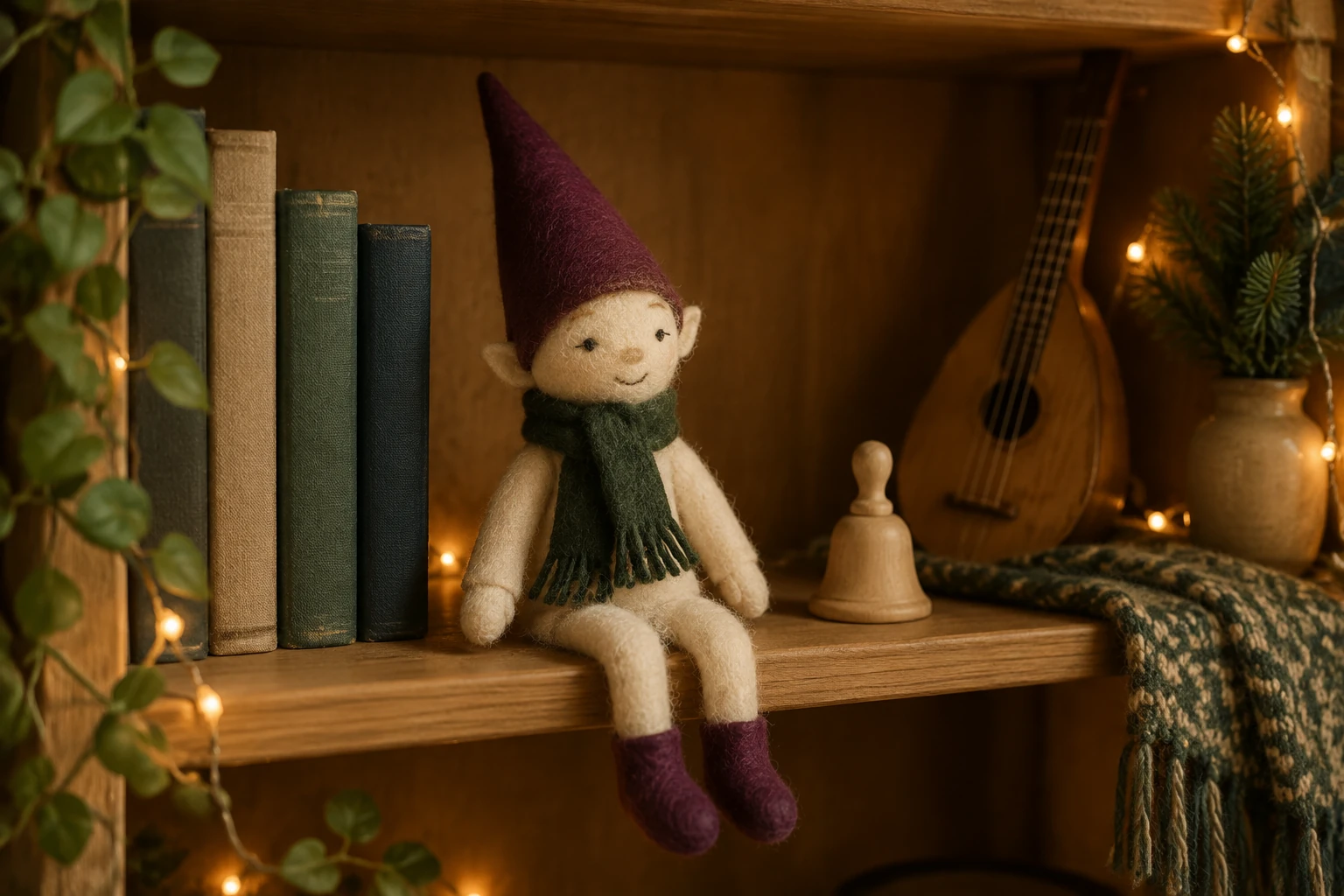
Study holiday lighting and background spacing
History
Loading history…
Make an Elf On The Shelf AI Video from one photo of your physical toy, in its own setting. With Seedance 2.0, the built-in eight-second written routine gives the toy a small head turn, one friendly hand wave, and a calm rest while the camera stays steady. Your real toy and background are the starting point; the sample colors and design below are ideas, not required choices.
Create your toy greeting video
Photograph your toy
Take one clear photo of the physical toy in its own setting. Show the toy’s face, hands, and overall shape, and include the background you want to keep. The original sample—a warm-cream felt elf-like toy with a plum cap and green scarf—is only an illustration, not a required or selected character.
Choose the native workflow
Select the enabled Seedance 2.0 workflow and provide exactly one required toy photo. The photo is the input: there is no second-image requirement and no required video upload. Keep the toy and setting you actually photographed as the reference.
Review the controls and live quote
The prepared routine lasts 8 seconds. Choose from the aspect-ratio, resolution and audio options actually available on the page, then review the current credit quote and paid-account eligibility before Generate. Leave visual notes empty for the starting routine or add one short visual preference.
Check the quote and review the greeting
Review the current credit quote and paid-account eligibility before Generate. Follow the task in History; processing time varies. When ready, watch the entire clip and inspect the toy face, cloth hands, cap, seams and background before downloading.
Keep the greeting personal
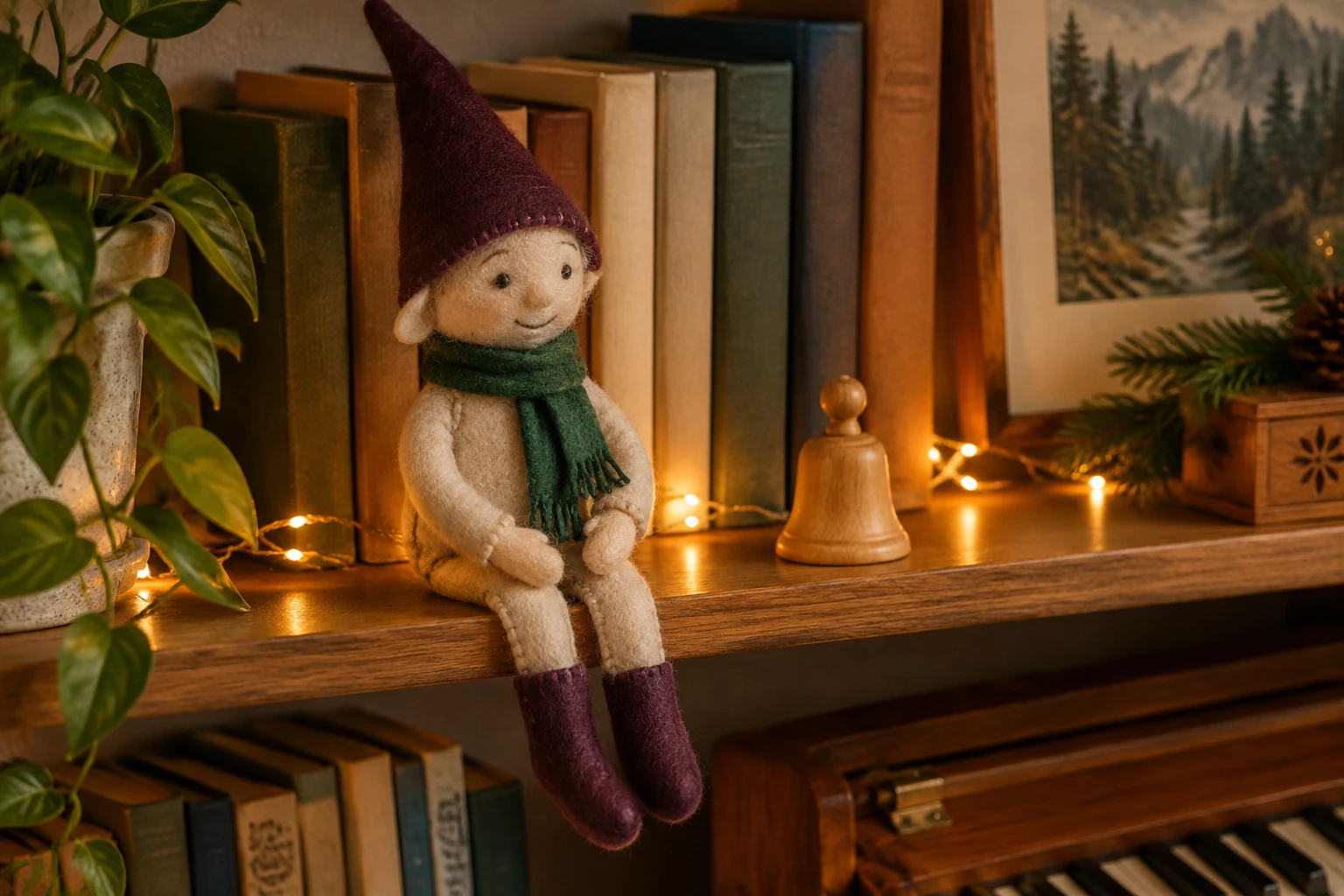
A welcoming toy greeting does not need a complicated setup. Choose a photo where your own toy is recognizable and the background has the mood you want. For example, an original toy could sit on a cozy music-nook shelf beside unlabelled books and a plain wooden bell, with soft amber holiday lights. Those sample details and colors are optional; use your real toy and setting instead.
Let the routine stay small
A head turn, one wave, and a quiet rest suit a warm greeting while keeping attention on the toy. The built-in written routine supplies those actions, so you do not need to upload a video or select an exact viral motion. Optional visual notes are blank at the start if you want to add direction. Keep any extra wording focused on the mood or setting you want, rather than replacing the toy in your photo.
Keep the greeting small and readable
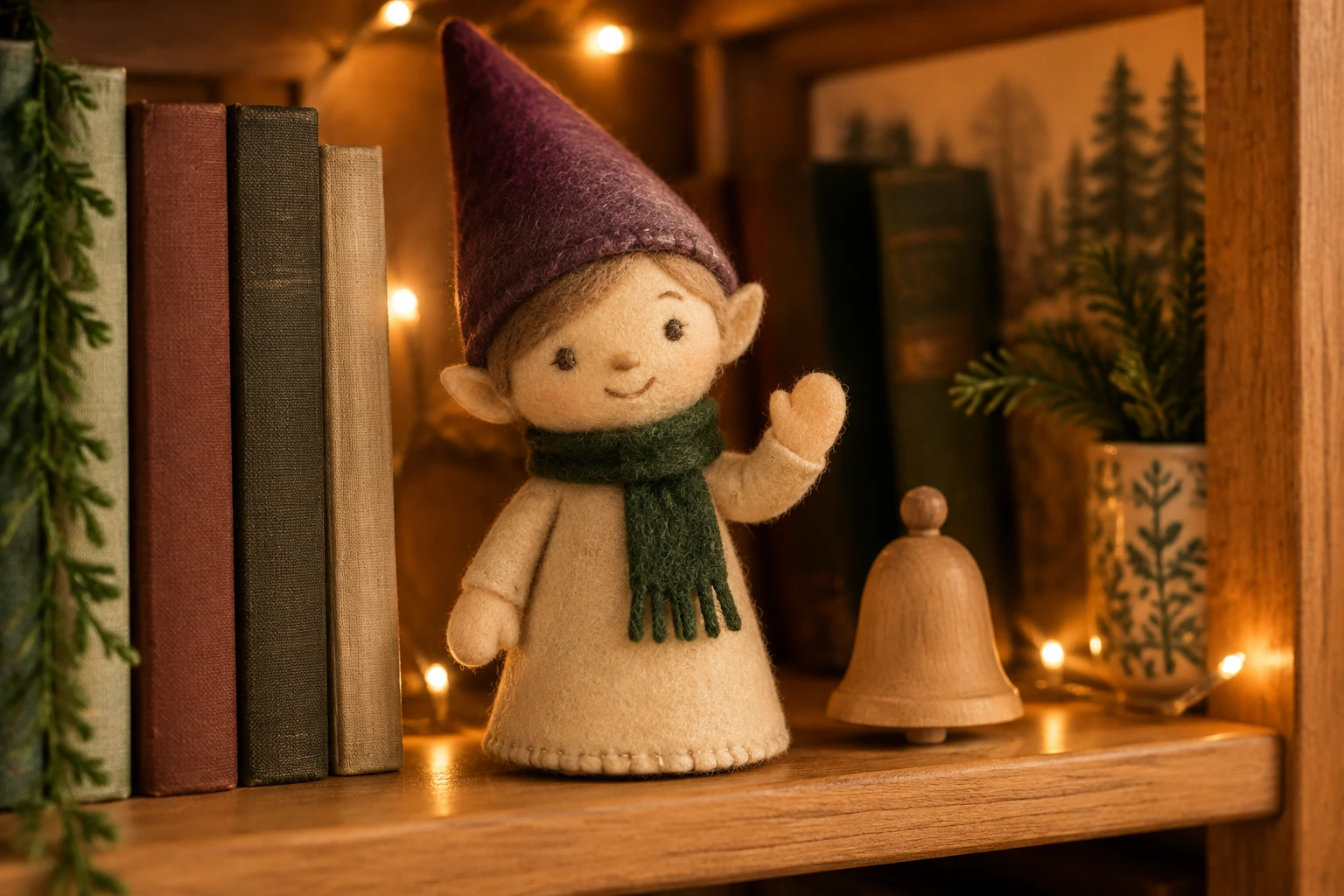
The prepared 8-second direction gives the toy a small head turn, one friendly wave and a calm return to rest. Keep the camera steady so the gesture is easy to follow. Leave Optional visual notes empty for this starting routine, or add one short preference for light or mood. Review the actual aspect-ratio, resolution and audio controls and the live quote before generating. Your photo supplies the toy and setting; choose a clear composition with room around the cap and raised hand.
Review the toy from head to shelf
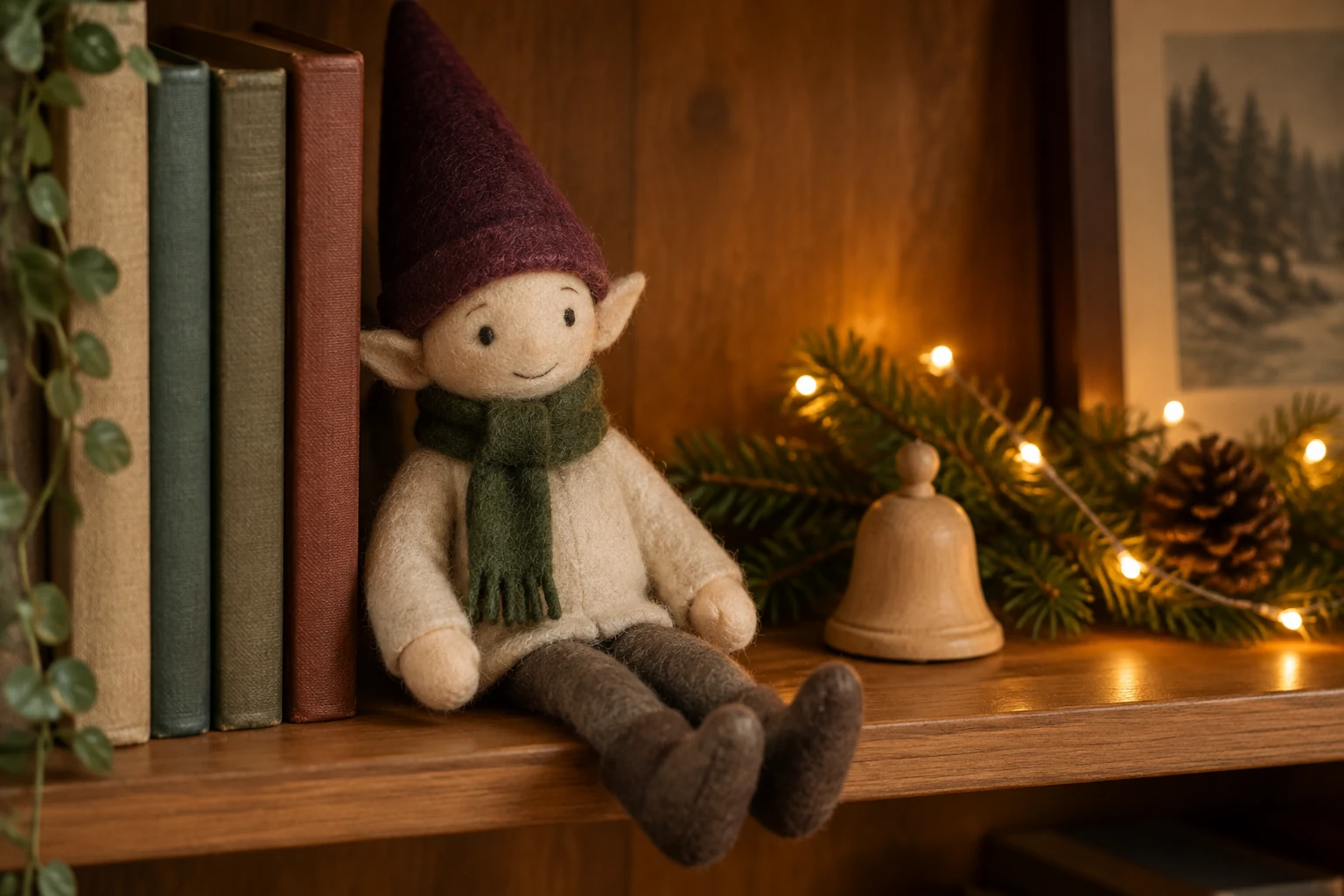
Watch the head turn first: the cap should stay attached and the stitched face should keep a clear shape. Follow the raised cloth hand through the wave, then check both hands and legs at rest. Look along the shelf edge and book spines for unwanted bending or sudden changes. Compare the clip with your own input photo. If too many details shift, choose a clearer photo with fewer objects touching the toy and keep the optional notes short and focused on one visual change.
Elf On The Shelf AI Video questions
How should I prepare the toy photo?
Use one clear photo of the physical toy in its own setting. Make its face, hands, and overall shape easy to inspect, and include enough of the background to show the setting you want to retain.
Will the workflow use my actual toy and setting?
The native workflow uses your submitted photo as its reference for the toy and setting. Review the generated clip closely; the result may not preserve every detail exactly.
Do I need to write visual notes?
No. Optional visual notes start empty, and the complete written eight-second routine is already built in. You can add notes if you want to describe the mood or setting.
How long is the video, and what controls can I set?
The built-in routine is eight seconds. Choose aspect ratio and resolution from the controls actually available to you; do not assume a vertical default or a particular resolution.
How do credits and History work?
Check the live credit quote and paid-account eligibility before generating. The required credits depend on the available settings. Processing time varies; use History to follow the task and open the ready clip.
What should I inspect before sharing the greeting?
Watch the toy face and cap during the head turn, follow the raised hand through the wave, and check the resting pose. Compare the toy silhouette, cloth seams and shelf objects with your own input photo. Use a clearer, less cluttered photo if the small details are hard to follow.
More ideas to explore
musicwith.me · Updated
See update history
- — Added a one-toy-photo video guide with a prepared 8-second head turn and wave, optional notes, four original compositions and a filmed lighting study.