
Kling Image 4.0 Image Editor
Kling Image 4.0 Image Editor
History
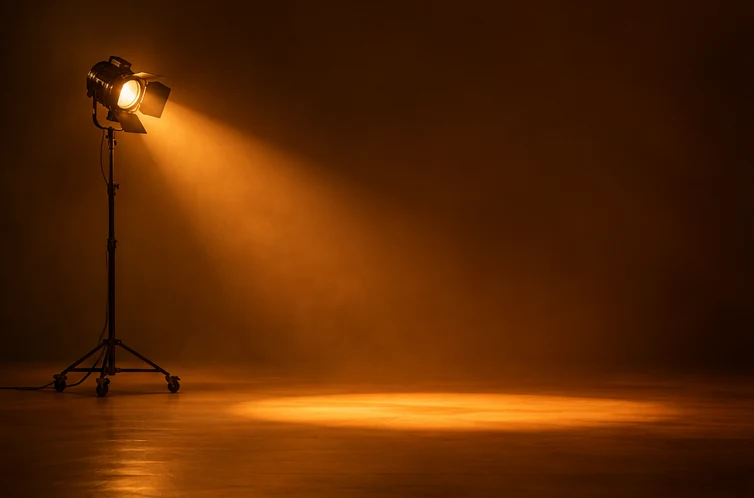
Start with a standing spotlight and an empty amber stage. Describe the changes you want, and specify which scene details to keep. Depending on the selected mode, use text alone or add an optional reference. Choose 2K or 4K output; each generation returns one result. This is a paid service; check the live credit quote before generating.
Edit your image in three steps
- Choose the mode and add an optional reference if supported.
- Describe the edit and the details to preserve.
- Select 2K or 4K, review the live credit quote, and generate one result.
What to check in your edit
- Does the edit follow your requested change?
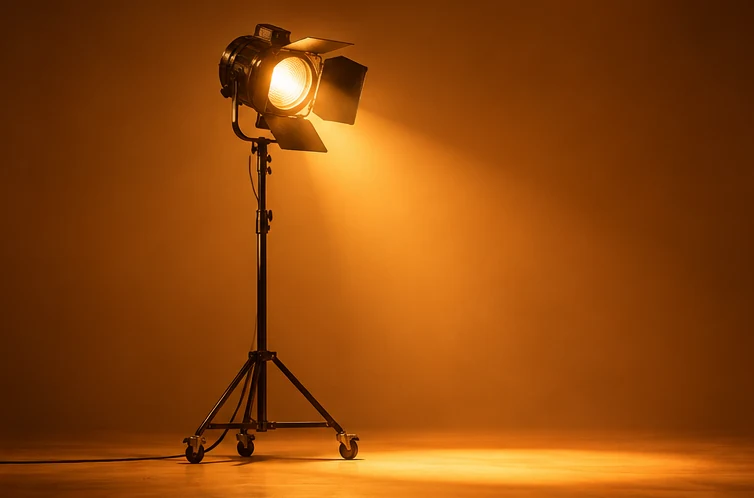
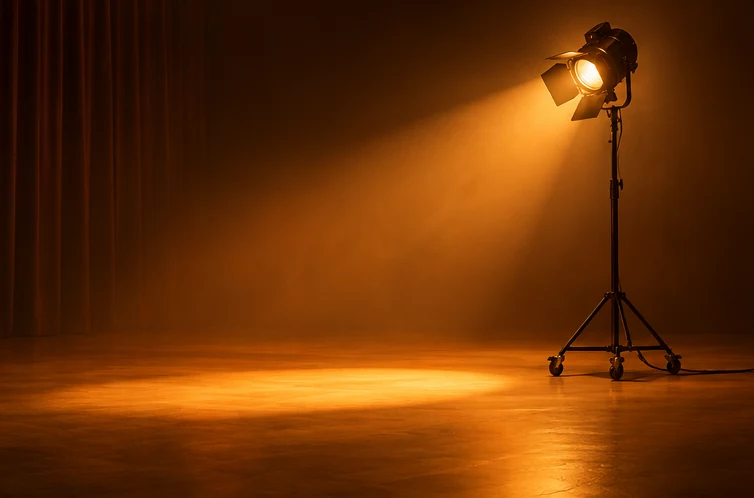
- Are the spotlight and empty amber stage preserved?
- Does the result match your chosen output resolution?

Common questions
Can I edit using a reference?
Use an optional reference if the selected mode supports it; otherwise, describe the edit in text.
How do I preserve specific image details?
Name the details to keep in your prompt, such as the standing spotlight and empty amber stage.
What output and result count should I expect?
Choose 2K or 4K. Each generation returns one result.
musicwith.me · Updated
See update history
- — Kling Image 4.0 supports image generation at 2K or 4K, with one result per generation. Updated the page title to end with the site name.