
Create a City Game Loading Screen Illustration
Create original city artwork
History
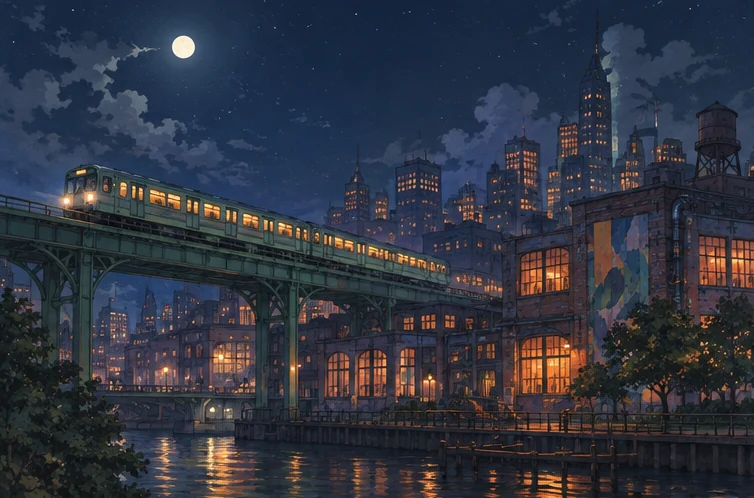
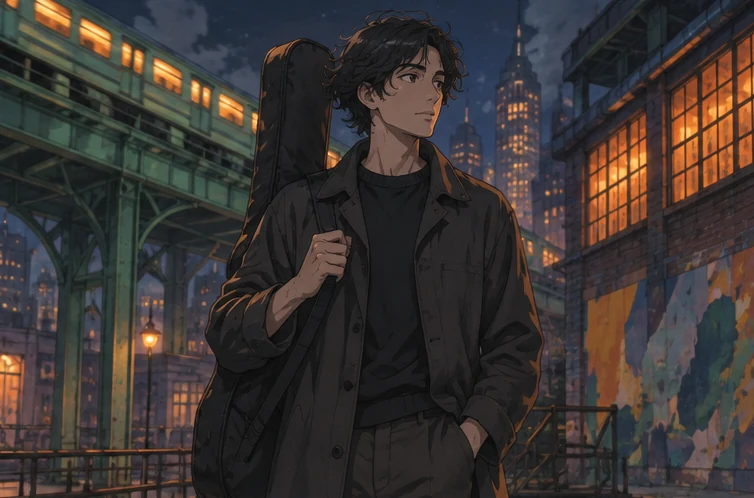
Use this City Game Loading Screen guide to shape an original fictional city scene, not to recreate a known game. Start with a night train entering an arts district, mint rail above hand-painted warehouses, orange windows, and an adult composer carrying a plain instrument bag. In musicwith.me, text-to-image can build a scene from a prompt; image-to-image can use one optional starting image and an edit prompt. Treat the preview as an illustrated guide, not a real generated benchmark.
Plan and refine the scene
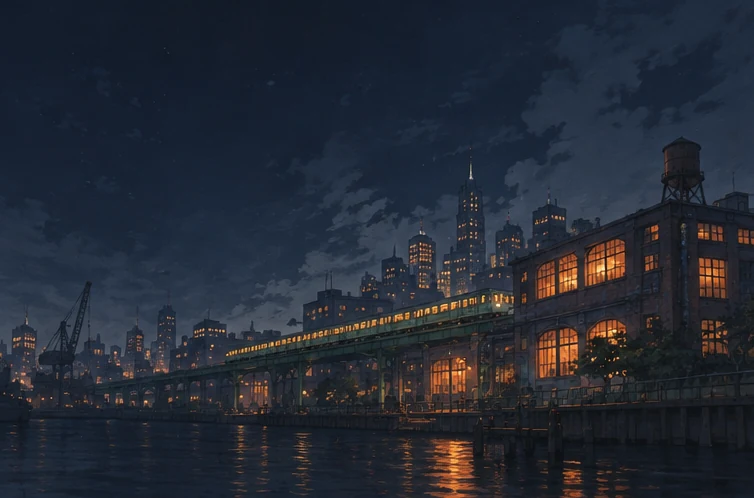
- Choose a wide establishing view: place the mint elevated rail across the upper part of the scene, with the night train moving toward the studio district. Keep the warehouses and orange windows readable beneath it.
- Describe the composer as an adult seen at a natural distance, carrying a plain instrument bag. Keep the clothing and bag unbranded, and avoid adding interface elements, lettering, logos, or recognizable game details.
- For image-to-image, add one optional starting image and an edit prompt that names the change you want. Check the preview for the rail, train, windows, and figure, then adjust the wording if the composition needs more open space or clearer separation.
Compare the character and the city composition
Review the illustration
- Does the rail read as mint-colored elevated transit, with the train heading into the studio district?
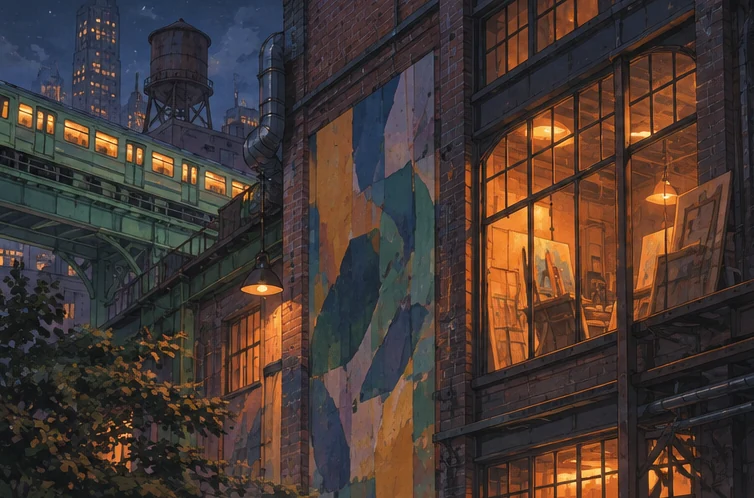
- Are the warehouse windows warm orange against the night scene, without turning into readable signs or logos?
- Does the adult composer and plain instrument bag fit the scene without crowding its main city shapes?
Common questions
Can I start from text alone?
Yes. The text-to-image option can create a scene from a written prompt.
Can I edit an existing image?
Image-to-image can use one optional starting image together with an edit prompt.
Is the preview a generated benchmark?
No. The preview is an illustrated guide, not a real generated benchmark or test result.
How long will generation take?
Refer to the quote displayed in the generator. There is no fixed quote or guaranteed timing stated here.
Related tools
musicwith.me · Updated
See update history
- — The guide covers prompt planning, optional image editing, and review checks for an original fictional night-city illustration. Updated the page title to end with the site name.