
Create a Double Exposure Effect for Music-Themed Portraits
Double Exposure Effect Generator
History
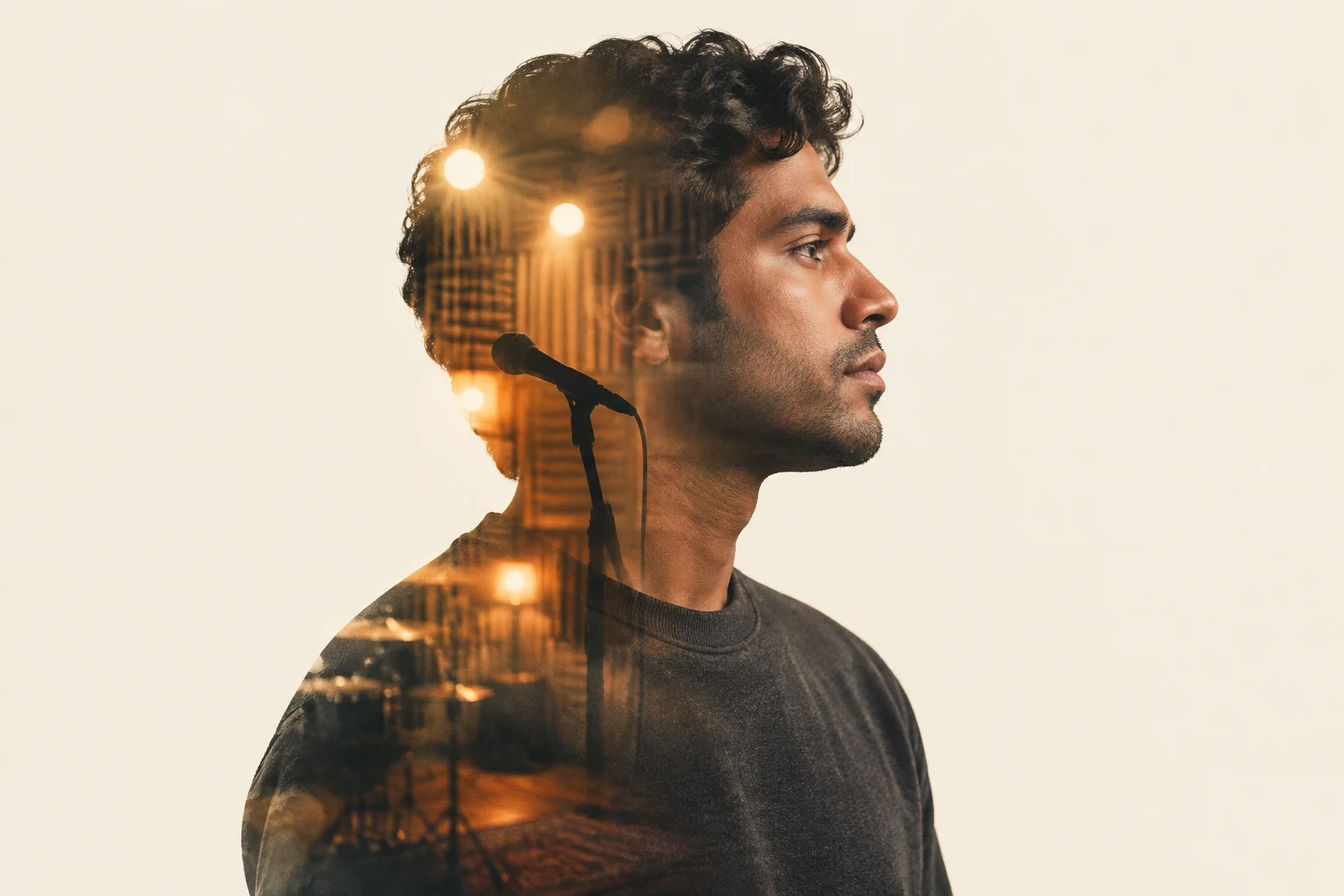
The Double Exposure Effect can bring a portrait together with a second visual idea, such as the warm lights and acoustic panels of a rehearsal space. On musicwith.me, choose Text to Image to create a fictional subject and motif from text, or Image to Image to work from one uploaded subject image while describing the motif in the editable prompt. This guide covers image preparation, prompt writing, and a practical review workflow for understated music-themed artwork.
Create your double-exposure artwork
Choose a creation route
Select Text to Image for an original fictional subject and motif made from text, with no upload. Choose Image to Image when you want to start from one subject image. In that route, describe the rehearsal-space motif in the editable prompt; there is no separate landscape upload in this workflow.
Prepare one clear subject image
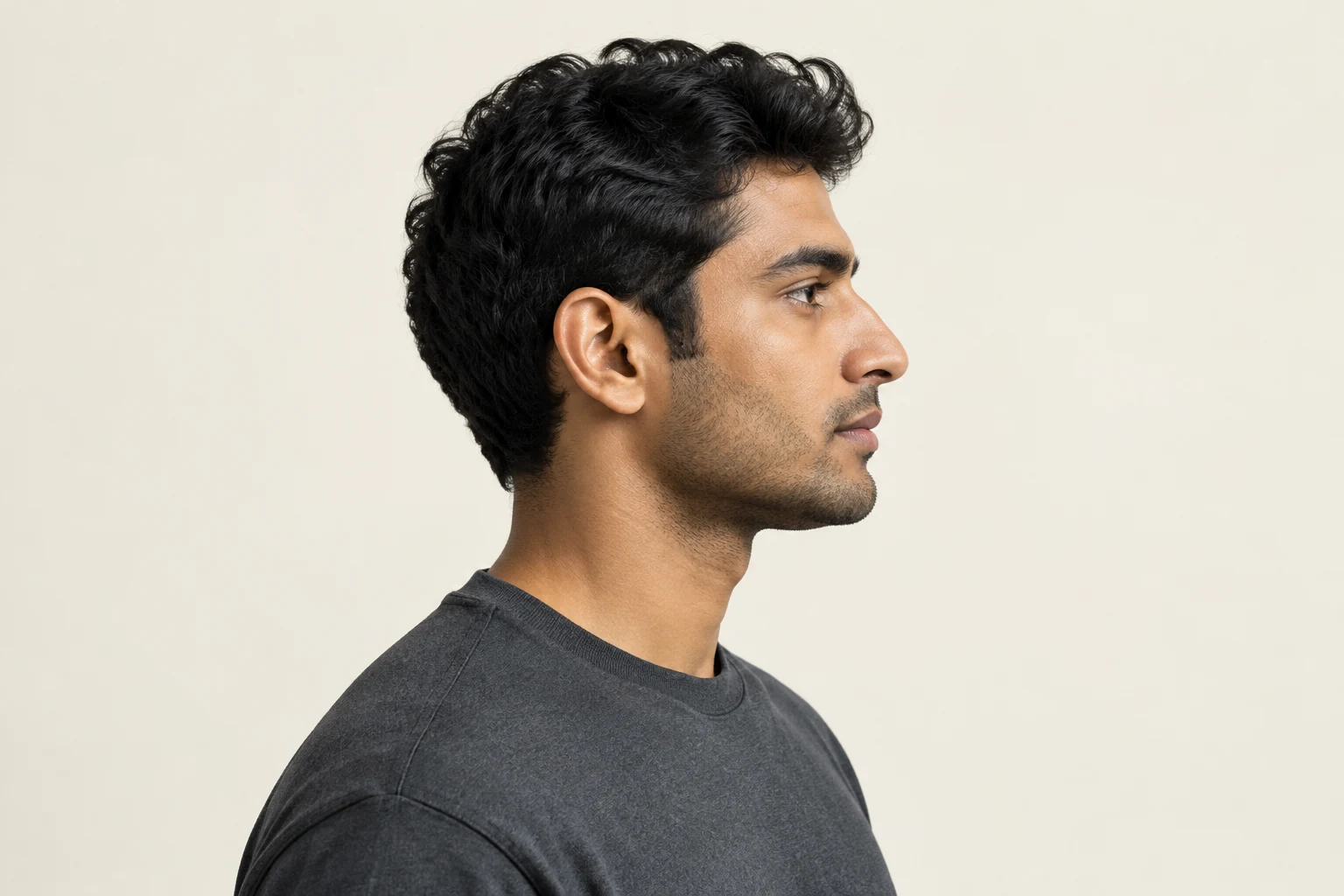
For Image to Image, use a single portrait where the subject is easy to distinguish from the background. Prefer even lighting, a visible outline, and enough contrast around hair, shoulders, and clothing. A simple background helps the portrait read clearly, but the result can vary; review the generated image rather than assuming the background will be removed.
Describe the motif and visual balance
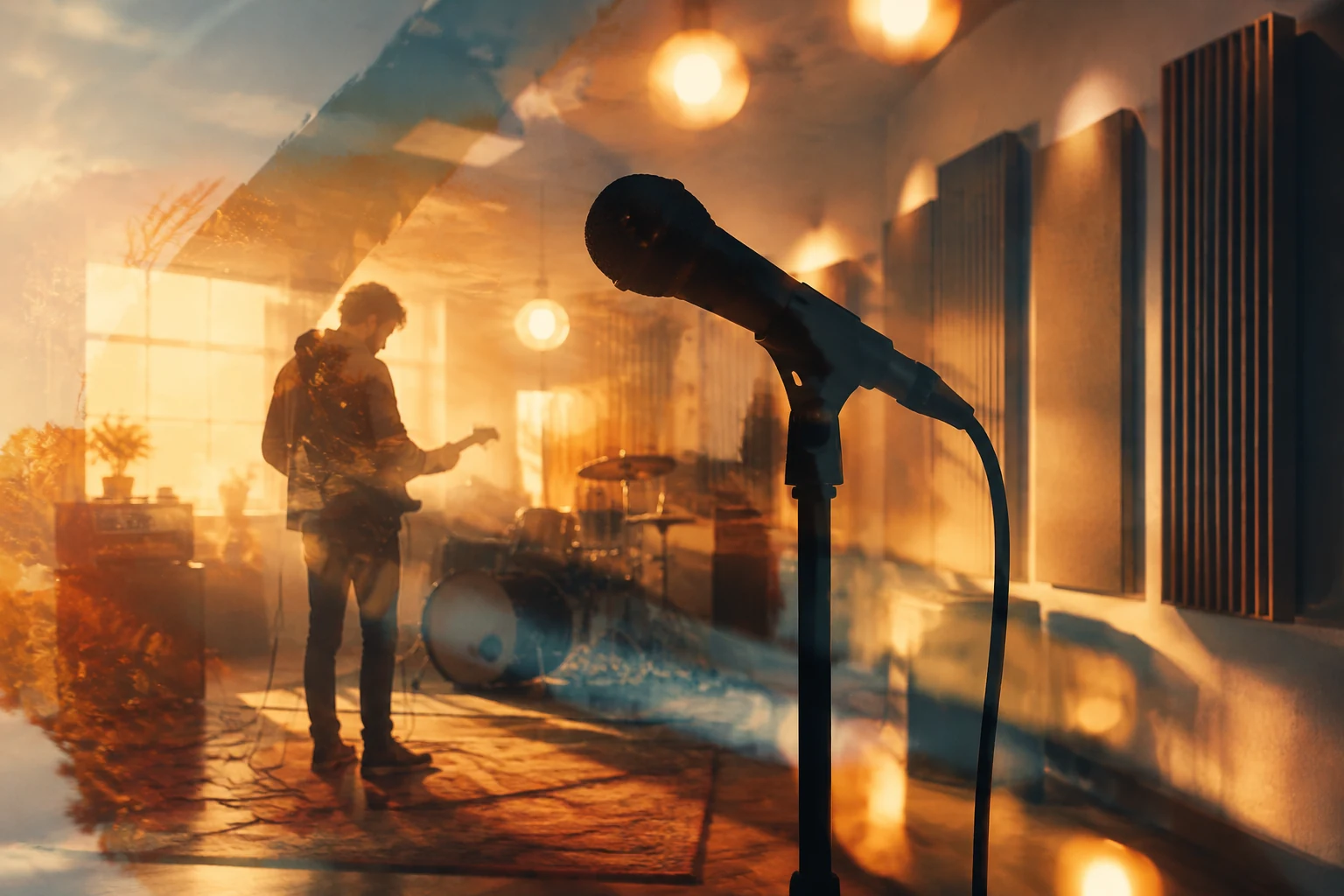
In the editable prompt, name the interior elements you want, such as warm abstract rehearsal-room lights, acoustic panels, and an unbranded microphone silhouette. Ask for a gentle, understated integration and a quiet background. Keep the motif description separate from instructions about the uploaded subject so the prompt does not replace that subject with the example portrait.
Generate and review
Use Seedream 5.5 and select from the current panel size and aspect options. Check the live credit information beside Generate before starting, then review the request status in History. Inspect the subject’s outline, proportions, pose, and recognizable features, along with the motif’s prominence. If needed, revise the wording and try again.
What the Double Exposure Effect means here
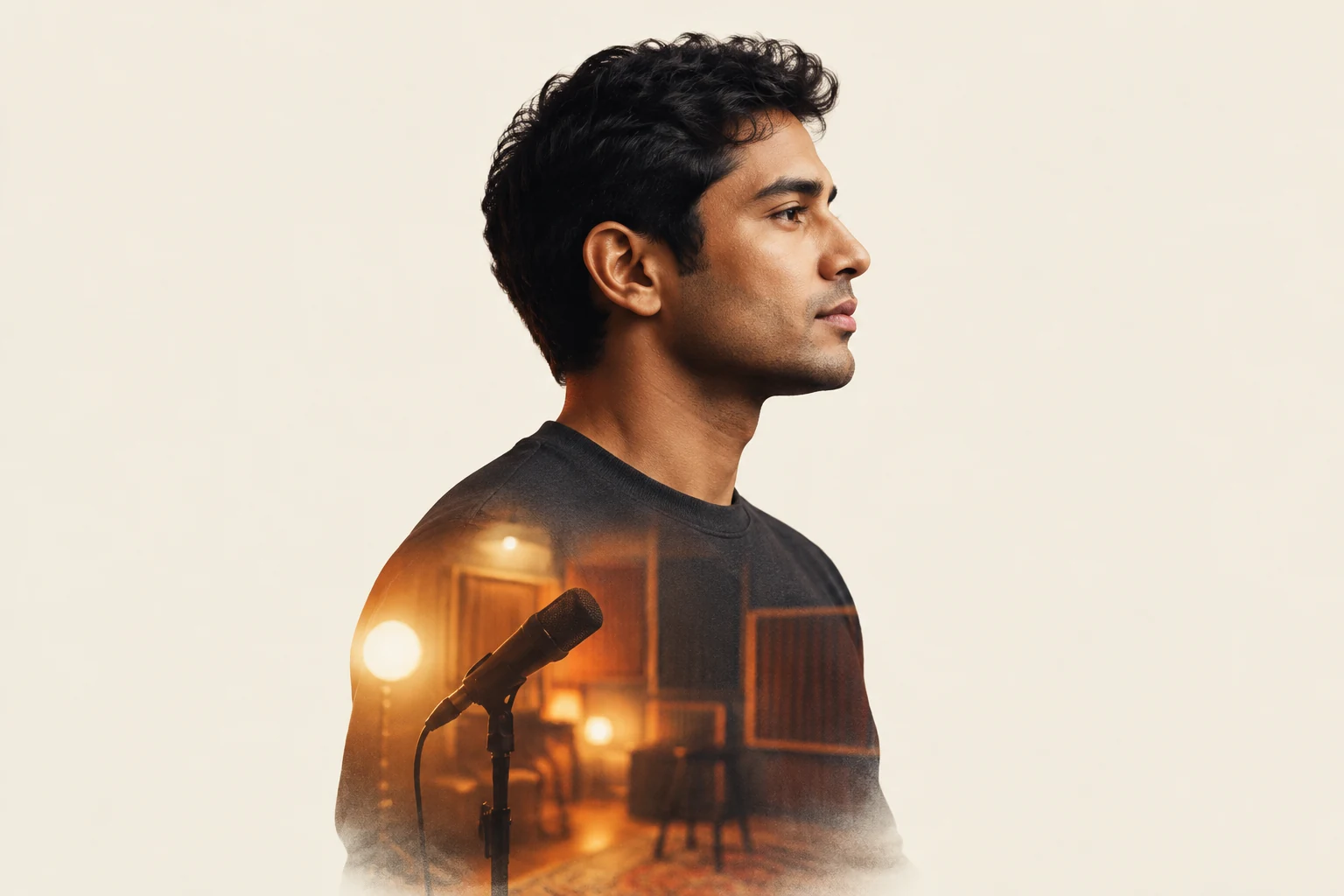
For this guide, the Double Exposure Effect is an artistic composition that brings portrait imagery together with a second visual motif. A rehearsal-space interior can suggest a music setting through light, acoustic panels, and a microphone silhouette without adding a soundtrack or depicting a particular performer. Choose a few visual cues that support the portrait rather than filling the silhouette with a busy stage scene.
Text to Image or Image to Image
Text to Image builds an original fictional subject and motif from the prompt without an upload. It suits concept exploration when you do not need to start from a particular photograph. Image to Image uses one uploaded subject image, while the motif is described in the editable prompt. Preserve the uploaded subject’s actual outline, proportions, pose, and recognizable features where possible; results can still vary, so compare the output with the source.
Write prompts for a restrained music motif
Use concrete visual nouns and describe their relationship: warm abstract lights behind the profile, softly lit panels around the composition, or a small unbranded microphone silhouette near the edge. Ask for a calm editorial treatment and clear portrait detail. Treat the motif-detail illustration as inspiration to translate into words, not as an extra image to upload. For a subtler variation, ask for the interior forms to recede and leave more quiet background.
Review the result with the source in mind
Check whether the portrait remains legible and whether the interior reads as a suggestion rather than a competing scene. In Image to Image, compare the generated subject with the uploaded photo, paying particular attention to pose, proportions, outline, and recognizable features. Portraits are fictional adult art, and identity or hair can vary; if those details matter, assess them before using or sharing the image. Credit use is shown beside Generate, and request status is available in History.
Double-exposure questions
Do I need to upload two images?
No. Image to Image uses one uploaded subject image. Describe the interior motif in the editable prompt rather than uploading a separate landscape.
Can I create the artwork without an upload?
Yes. Choose Text to Image to create an original fictional subject and motif from text.
What kind of portrait works well as an input?
Choose a single image with clear subject-background separation, visible features, and enough contrast to distinguish the person’s outline.
Will the output preserve the uploaded person exactly?
Exact likeness is not guaranteed. Check the result against the source, especially the subject’s outline, proportions, pose, and recognizable features.
Can I see the credit use before generating?
Check the live credit information beside Generate before starting. There is no fixed cost stated here; review the current panel information.
Where can I check whether a request has finished?
Review the request status in History. This guide does not promise a particular completion time.
More ideas to explore
musicwith.me · Updated
See update history
- — A new Double Exposure Effect guide with music-themed portrait prompts, single-image preparation steps, and a practical generation and review workflow.