
Create a Composition with Kling Image 4.0
Create a Composition with Kling Image 4.0
History
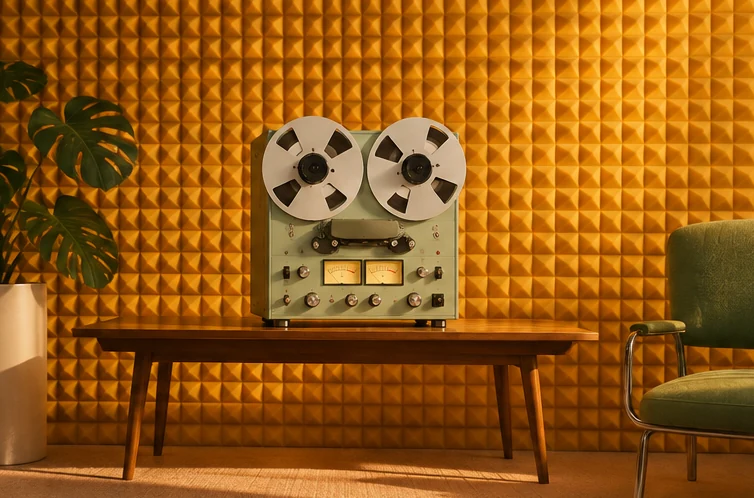
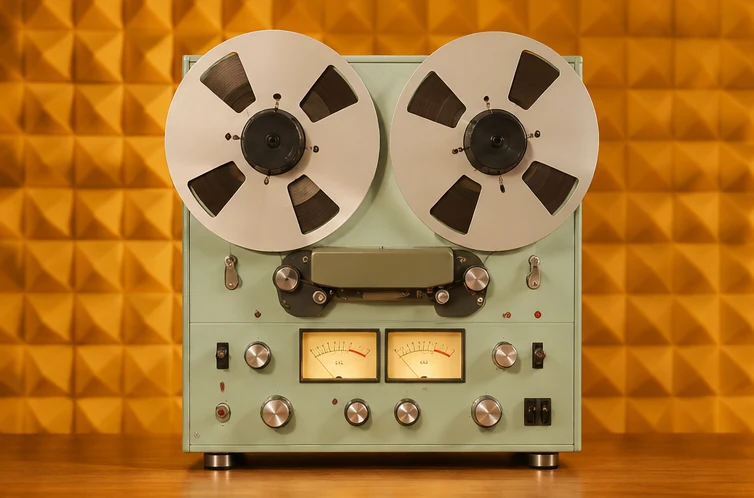
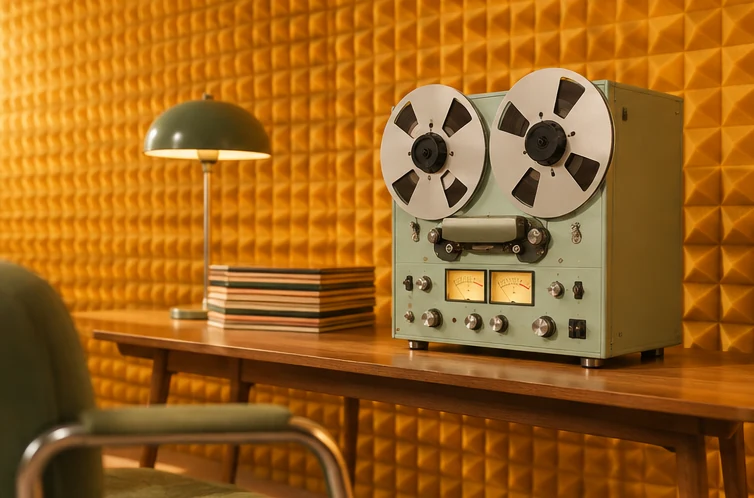
Describe the scene you want to create: a pale green tape recorder against an amber soundproof wall. Select a supported mode and output resolution, then submit your brief.
Create your composition
- Choose the selected mode.
- Enter your visual brief or add an optional reference if available in that mode.
- Select 2K or 4K, review the live credit quote, and generate one result.
Before you generate
- One result is created per generation.
- Text or an optional reference depends on the selected mode.
- The service is paid; check the live credit quote before you generate.
Common questions
How do I create a composition from a written brief?
Describe the scene you want, select a mode that uses text, choose 2K or 4K, and generate.
Can I use a reference image with my brief?
An optional reference is available according to the selected mode.
How many images does one generation return, and what does it cost?
Each generation returns one result. The service is paid; check the live credit quote for the current cost.
musicwith.me · Updated
See update history
- — Kling Image 4.0 creates one image per generation at a supported output resolution of 2K or 4K.