
Goodbye 2026 Welcome 2027: A Summit-Style Video Guide
Plan your Goodbye 2026 Welcome 2027 video
Leave space around a mountain sunrise
History
Loading history…
Plan a Goodbye 2026 Welcome 2027 video around a fictional summit pose and a gentle year reveal. One adult portrait supplies the person for the prepared eight-second scene; optional notes can stay blank. Review the whole result, then add a personal greeting or suitable music separately if you want an edited finish.
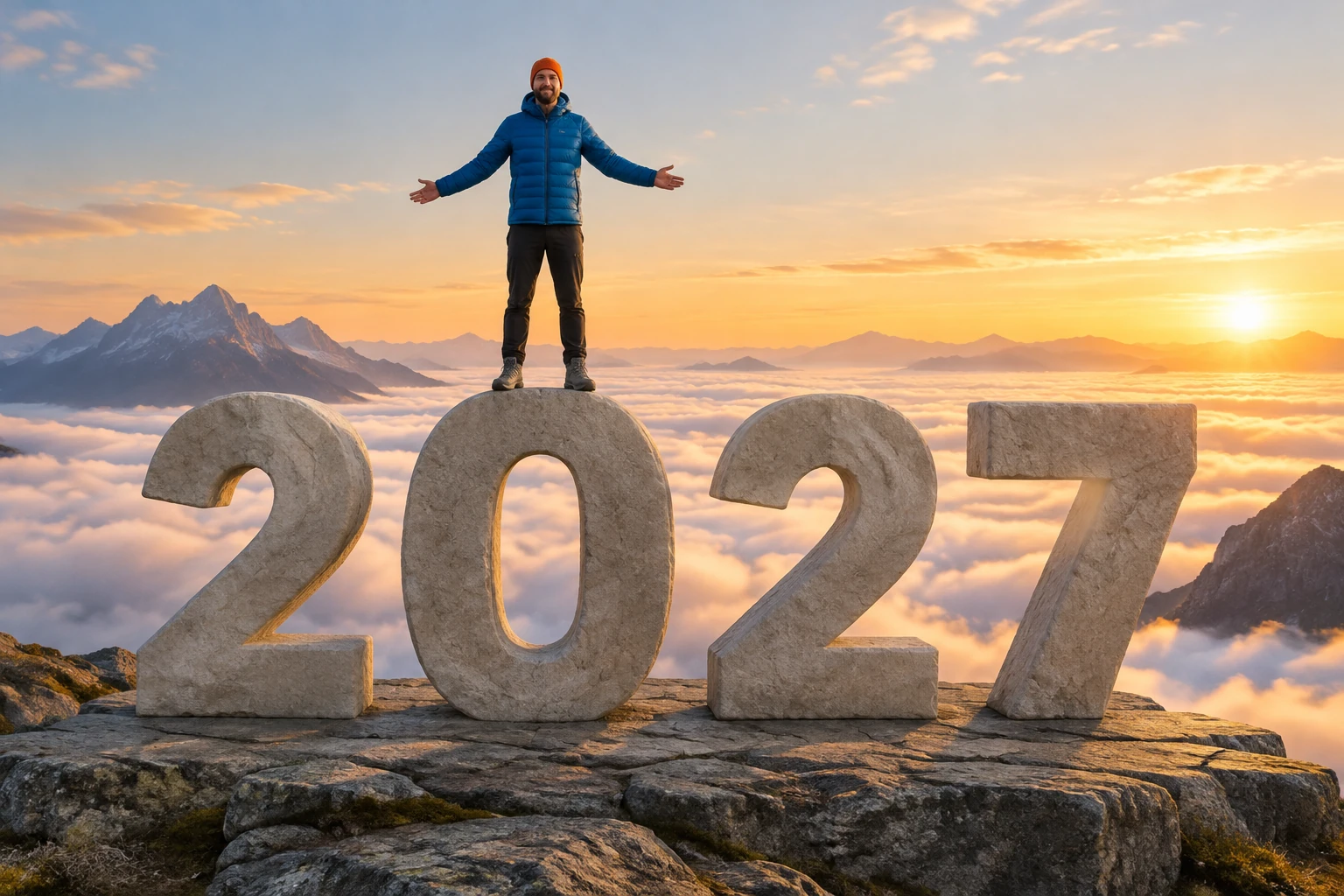
Plan your fictional summit greeting
Choose one portrait
Upload one clear photo of one adult. A full-body, neutral portrait can make the intended outfit easier to describe. The photo supplies the person's face, hair, and clothing; the fantastical mountain scene replaces the photo's original background. Do not add a second photo or an uploaded video.
Review the written scene
Use the prepared directions as the compact 8-second adaptation: a short, supported pull-up, a firm standing pose with open arms, and a gentle pull-back to reveal the year. The written directions are included in the request. You can add optional scene or style notes, or leave them empty; no locked built-in motion reference is part of this workflow.
Check options and the quote
The request is for Seedance 2.0 and 8 seconds. Choose the available portrait 9:16 option if it suits your post, but do not treat it as a format lock. Available aspect ratios, resolution, audio, and required credits can depend on the current model and account. Check the displayed quote before selecting Generate; this guide does not promise a price, free allowance, trial, fixed processing time, or automatic song.
Track and review the result
Follow the request in History and check its status. Review the ready result before downloading. Look closely at the person's face and outfit, hand and foot anatomy, continuous support during the pull-up, the opening-arm pose, the camera reveal, and the complete 2-0-2-7 order. Generated digits can vary, so add an accurate greeting separately in an editor if needed.
Build the scene around a clear finish
The idea is a planned fictional greeting for the end of 2026 and the start of 2027, not a report of a real event. Picture a broad slate summit above a white cloud sea at soft amber sunrise. The adult completes a short pull-up onto a wide, level stone ledge beside monumental pale-stone 2027, then stands securely on the platform and opens both arms. A gentle camera pull-back reveals the whole year. The final pose should have room to breathe: that pause leaves space for a greeting or suitable music you choose and add separately.
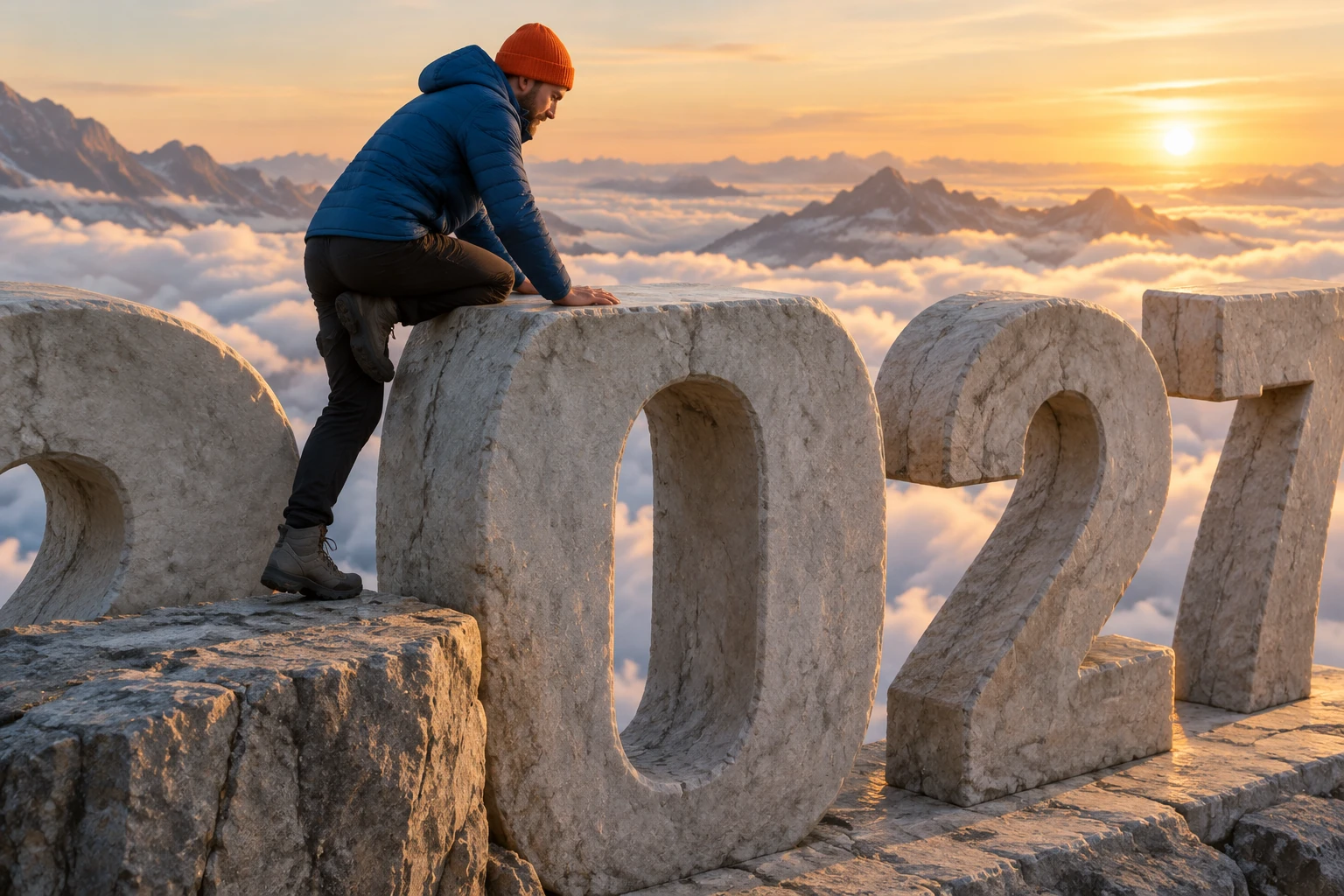
Prepare one photo and useful directions
This page's video-effect workflow takes one clear photo of one adult, with optional scene or style notes that may be empty. It does not call for another photo or an uploaded video, and there is no locked built-in motion reference. The photo is for the adult's appearance, hair, and outfit; the fantastical mountain replaces the original background. The prepared prompt gives the action and setting in words, including grounded support rather than a dangling pose. Keep any extra notes focused and consistent with that plan.
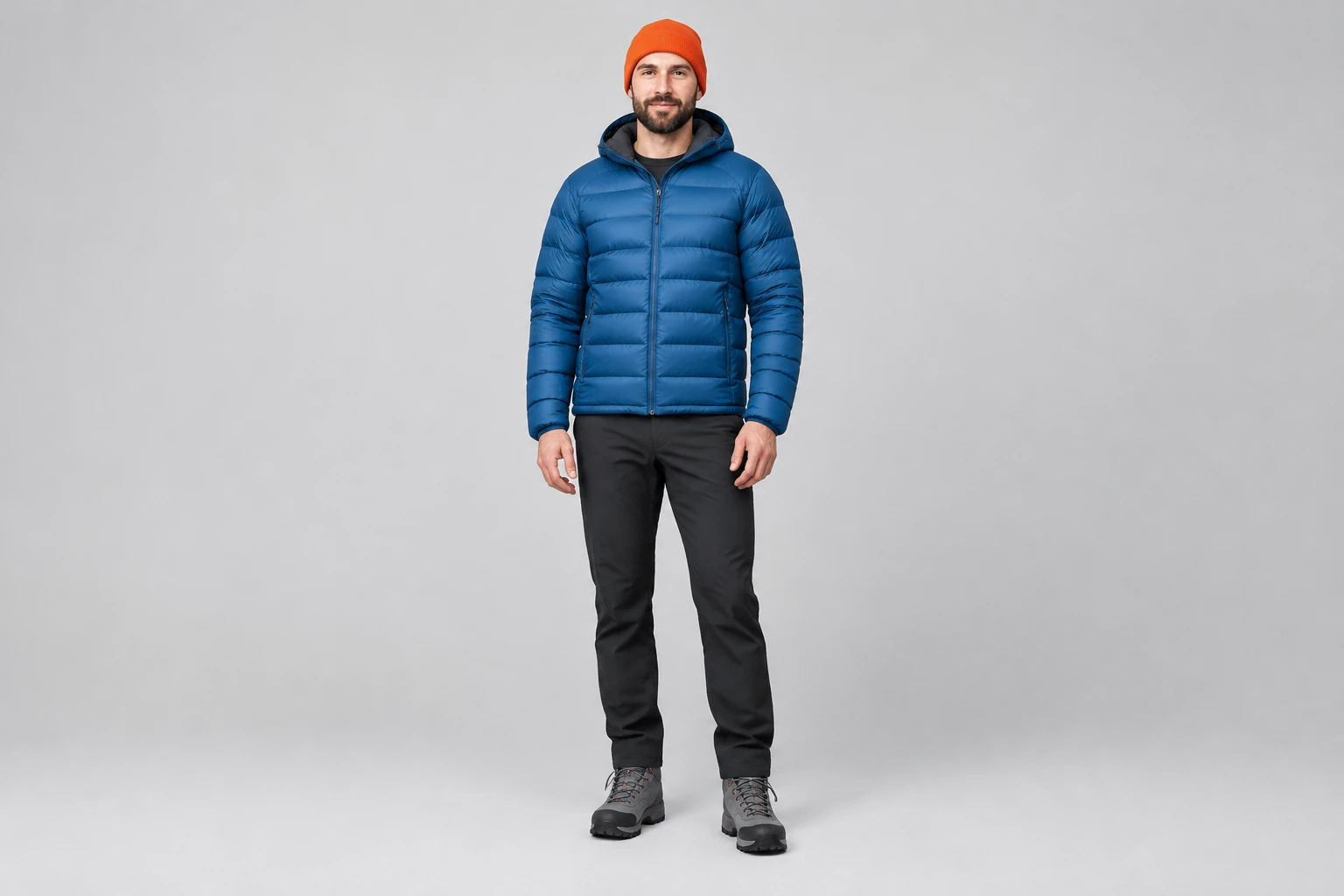
Set expectations before generating
The written directions request Seedance 2.0 and an 8-second clip. That is a request, not a guarantee of exact timing or a tested result. A portrait 9:16 option may be available and may suit a vertical greeting, but it is not a locked format. Current aspect ratios, resolution, audio, and required credits depend on the model and account. Check the quote shown before Generate, then use History to track status. No fixed price, free allowance, trial, wait estimate, or automatic song is promised.
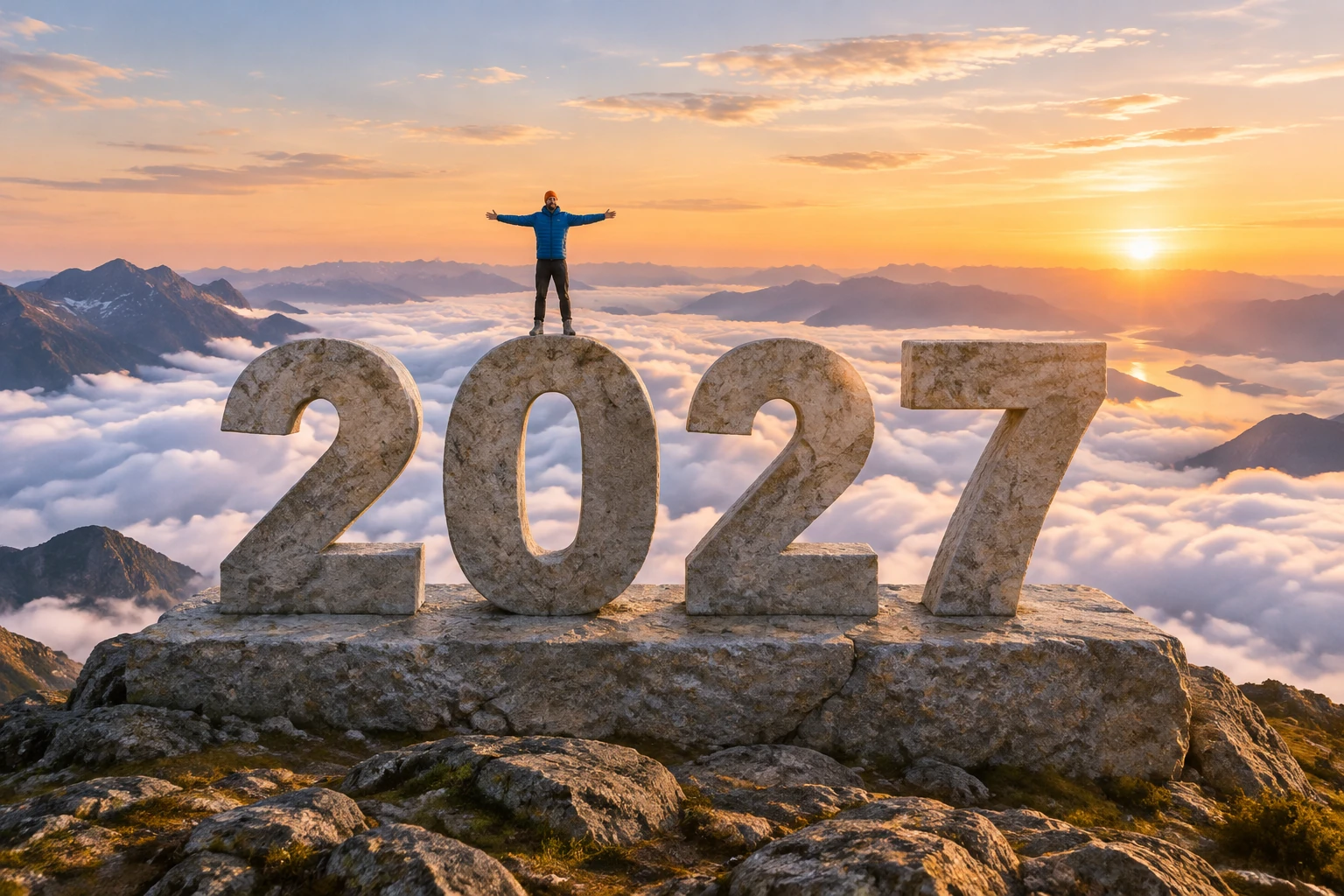
Inspect the year and finish the greeting
Before downloading, check that the face, hair, and clothes remain consistent and that hands, knees, and boots look plausible. Confirm continuous support during the final pull-up, a stable platform, the open-arm pose, and a gentle reveal of all four digits in 2-0-2-7 order. Generated lettering and digits may vary, so inspect rather than assume they are accurate. If the year or greeting needs correction, add an accurate greeting separately in an editor; editing is not implied to be integrated here. Choose any music separately and appropriately, and check your rights and sharing choices.
Goodbye 2026 Welcome 2027 questions
What is the Goodbye 2026 Welcome 2027 video concept?
It is a planned fictional summit greeting: one adult finishes a supported pull-up, stands with arms open, and a gentle camera pull-back reveals monumental 2027 above clouds at sunrise. It is a scene plan, not a record of a real event or proof of a tested video.
What kind of photo should I use?
Use one clear photo of one adult. A neutral full-body portrait can help communicate the intended appearance and outfit. The photo supplies the adult's face, hair, and clothing; the fantastical mountain setting replaces the original background.
Do I need to film the action or write a prompt?
No uploaded video or second photo is required for this workflow. The scene directions are already included in the request, so a separate prompt is not required; optional scene or style notes can be left empty. There is no locked built-in motion reference.
Is the video exactly 8 seconds, vertical, and covered by a fixed credit amount?
The request asks for 8 seconds, but exact timing is not guaranteed. You may choose an available portrait 9:16 option if desired; it is not a format lock. Aspect ratios, resolution, audio, and required credits depend on the current model and account. Check the quote before Generate.
How do I check progress, and how long will it take?
Use History to track the request and check its status. No fixed wait estimate is promised, so rely on the current status rather than an assumed processing time. Review the ready result before downloading.
What should I review before sharing?
Check face and outfit consistency, hand and foot anatomy, continuous support, the standing pose, the camera reveal, and the digits in 2-0-2-7 order. Generated digits may vary. Add any accurate greeting separately in an editor if needed, and choose music separately; automatic audio and integrated editing are not promised. Consider your rights and intended audience before sharing.
More ideas to explore
musicwith.me · Updated
See update history
- — Added a one-portrait Goodbye2026 Welcome2027 fictional summit guide with four independent studies,mountain observation video,prepared8second direction,optional notes and year-digit/support review.