
MiniMax H3 Image
MiniMax H3 Image
History
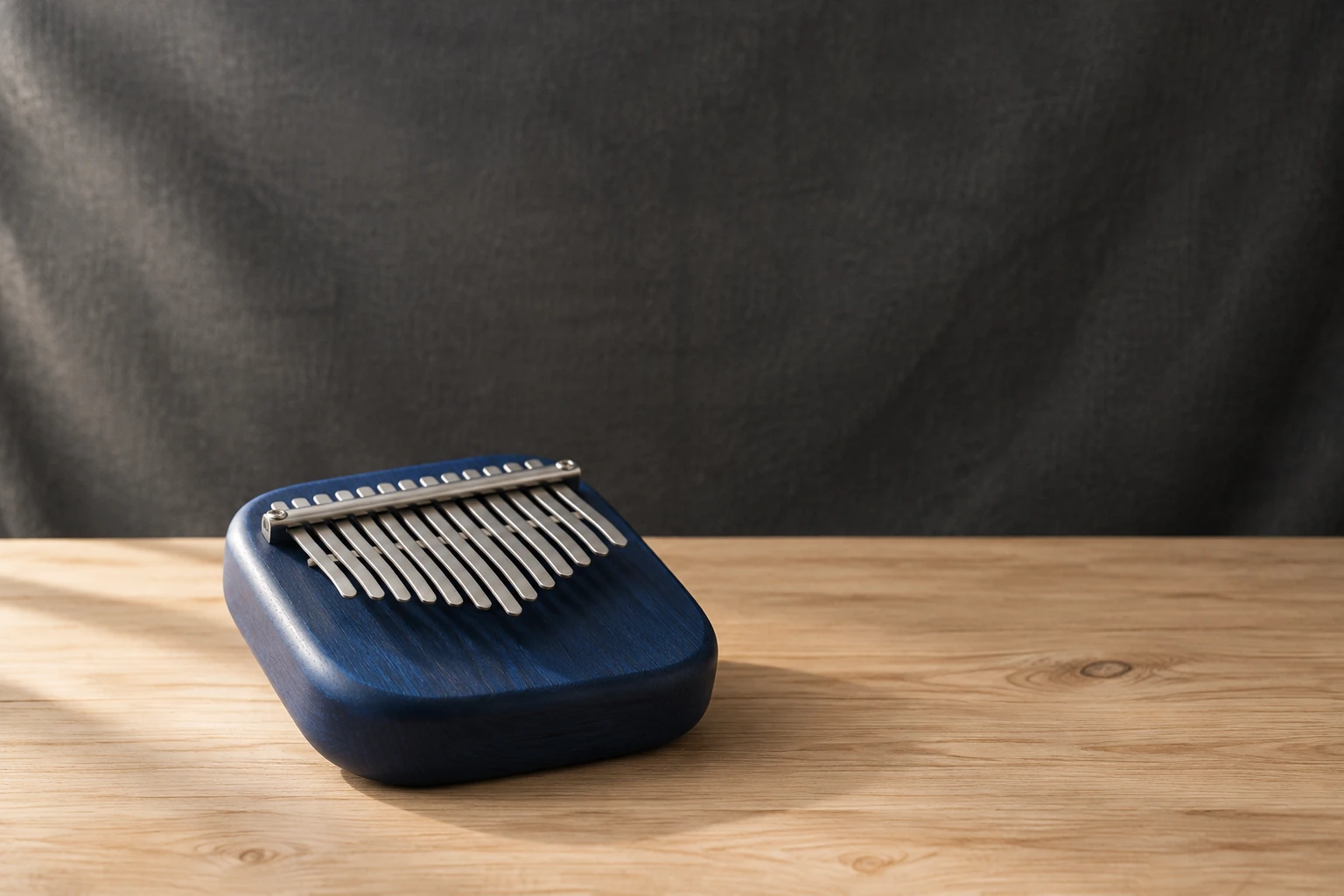
Create a music-cover still life with MiniMax H3 Image, starting from an original indigo thumb piano and a quiet title margin. Use words for a new composition, or supply one actual photo and request warmer light. Review the instrument outline, metal tines and lettering space before adding your final cover title.
Plan and refine your H3 image
Choose the image mode
Choose Minimax H3 Image for the cover-art still. Text to Image uses an editable prompt with no upload. Image to Image works from one actual photo and a separate editable instruction. Pick the mode that matches a new composition or a focused adjustment to an existing image.
Describe the subject and layout
Name the object, its materials, the setting, lighting, camera viewpoint, and where the open title margin should sit. The generate prompt above gives a complete starting point: an original compact indigo-stained wooden thumb piano on pale wood, against charcoal fabric, with space above. Adjust the description to your intended composition before generating.
Make one focused reference edit
Choose a clear, relevant reference that shows the object or scene you actually want to retain. State the single requested change, then explicitly say what must remain. For a warmer-light adjustment, preserve the reference’s own subject, layout, colors, materials, camera, and background. Do not replace its subject with the thumb-piano example.
Check the image before using it
Review the ready image for composition and title space, then inspect edges, proportions, wood grain, tine alignment, metal highlights, lighting, and unwanted text. Confirm the subject and materials still read clearly and that an edit did not disturb the elements you asked to preserve. Add final cover lettering separately.
Plan a cover-art prop and title margin
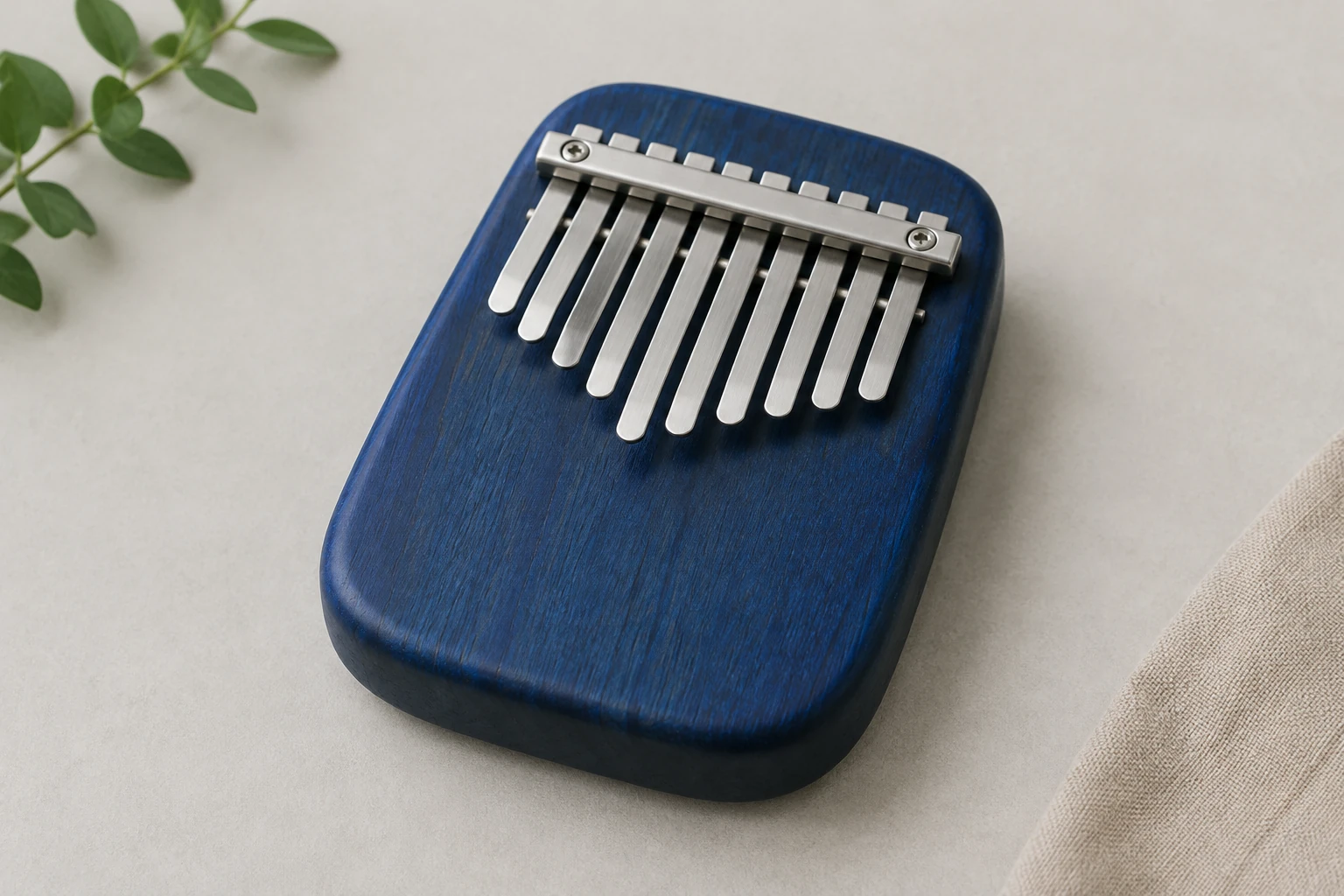
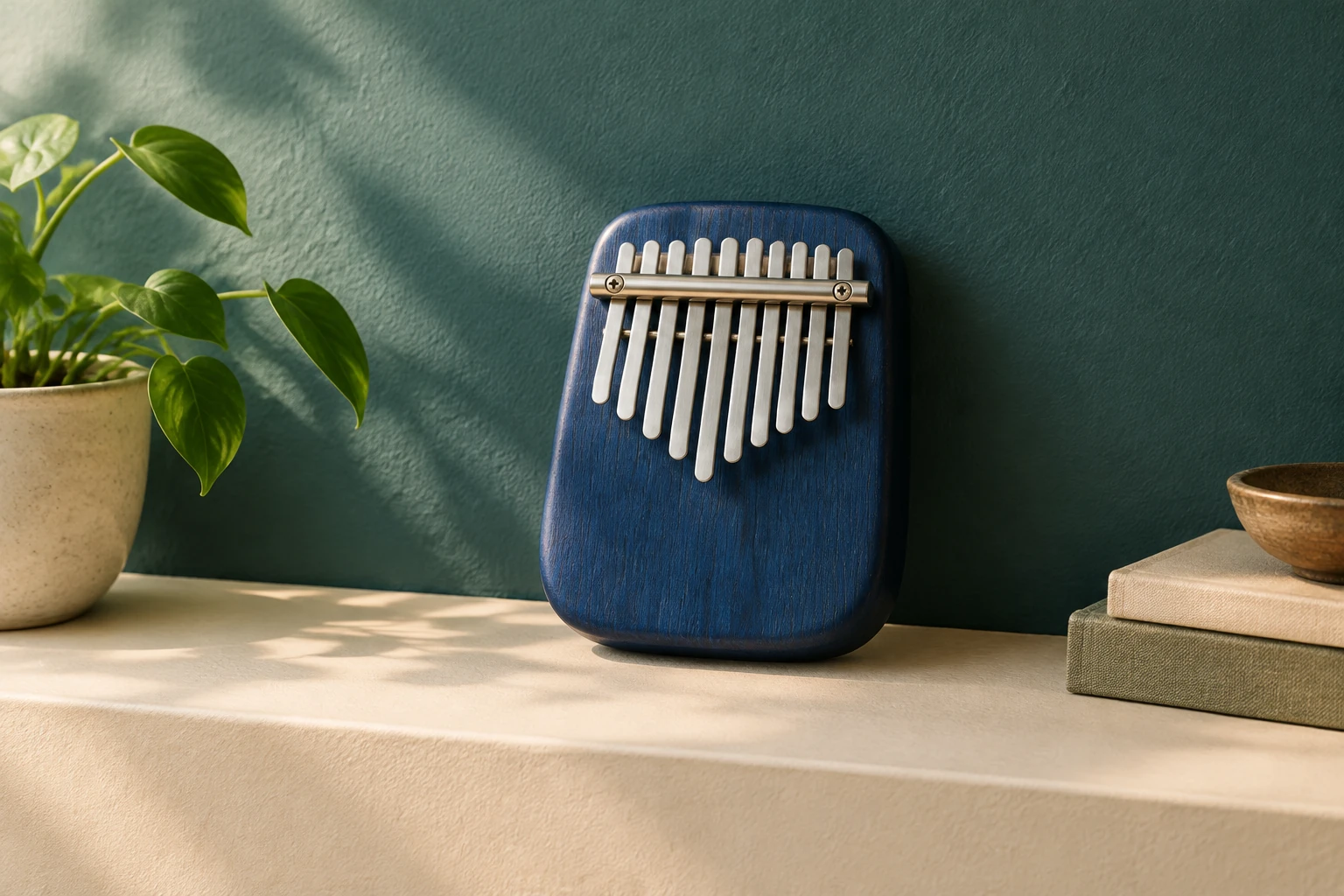
Treat the prompt as an art-direction brief rather than a list of decorative adjectives. Identify the main prop, its shape and materials, the surface it rests on, the background, and the light source. For the example, the rounded rectangular body and single neat row of plain silver tines make the thumb piano easy to describe and inspect. Ask for generous empty upper space when lettering will be added later; keeping text out of the generated image leaves you room to design the title yourself. A separate alternate concept can place an original thumb piano on a matte cream ledge against a muted deep teal wall under gentle warm morning light.
Use one clear reference for a restrained edit
Image to Image is for working from one supplied reference, not for substituting a new example subject. Start with an actual image that clearly shows the instrument or object and its arrangement. In the editable prompt, request only the intended adjustment—in this guide, warmer light—and name the visible qualities to preserve: that reference’s own subject, layout, colors, materials, camera viewpoint, and background. A narrow request gives you one visible lighting change to assess.
Check the quote and review the cover image
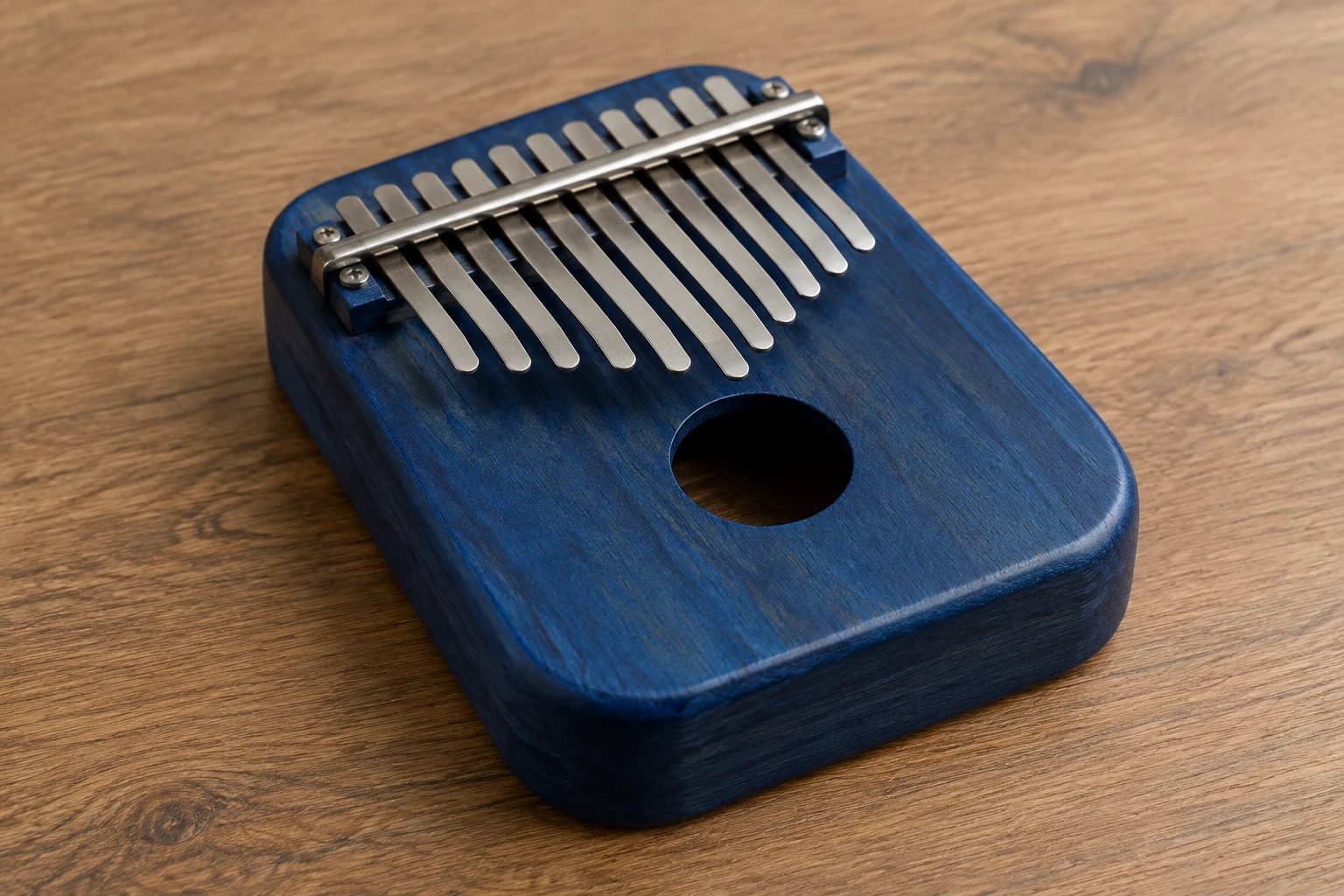
Select the aspect ratio and resolution for your intended cover format, then review the live Required Credits. Minimax H3 Image uses paid access on this site. Check your account eligibility and balance before Generate, and follow the image status in History. Inspect the ready still for clear metal tines, wood grain and an intact outline. If you revise the brief or settings, review the new quote before submitting another attempt.
Leave useful room for the final title
Keep the upper title margin calm and uncluttered while giving the thumb piano enough size to read on a small cover. A dark fabric background offers a different mood from the alternate teal wall and cream ledge. Look at the image at the size you plan to share: fine metal lines may become difficult to distinguish, while a strong body outline and broad light shape remain clear. Add your finished title separately, then check spacing around the instrument and the edges of the cover.
MiniMax H3 Image questions
What does this MiniMax H3 Image tool do?
It generates still images from an editable text prompt or edits an image using one supplied reference and an editable prompt. It does not create songs or performances.
Can I generate with no reference, or edit with more than one?
Text to Image uses an editable prompt and zero uploads. Image to Image uses one supplied reference and an editable prompt.
Is there a free allowance, and what will a generation cost?
This model has no free-eligible account access here. Check that your account is eligible for paid use and review the current live Required Credits quote before Generate; model, aspect, and resolution settings determine it.
How long will it take, and where do I find the image?
No exact wait time is stated. History shows generation status and ready images, so check there for progress and the completed still.
How should I prepare a reference and describe an edit?
Supply one clear actual reference of the object or scene you want to retain. Request one specific change and explicitly name the reference’s own visible subject, layout, colors, materials, camera, and background that should stay unchanged.
What should I inspect before using the output?
Check the overall composition and title margin, then review edges, proportions, materials, lighting, and unwanted text. For an instrument, also look closely at wood grain, tine alignment, metal highlights, and the body outline.
More ideas to explore
Image-model comparison: Sunburst and related versions
Read a separate comparison article for context on those named models; it does not report tests of MiniMax H3 Image.
AI video effects
Explore the site's separate AI video-effects guide; MiniMax H3 Image in this article is for still images.
Pricing and current credits
Check the site's pricing information and the live Required Credits quote for your selected settings before generating.
musicwith.me · Updated
See update history
- — Added a cover-art still-image guide with two editable starter prompts, four original thumb-piano studies, zero-reference generation and one-reference lighting edits.