
Genie 4 vs AI Video Generators: Plan a Personal Music Greeting
Genie 4 vs AI Video Generators: compare an audience-viewed music greeting with a viewer-steered space, then use a practical brief to plan a warm, personal scene.
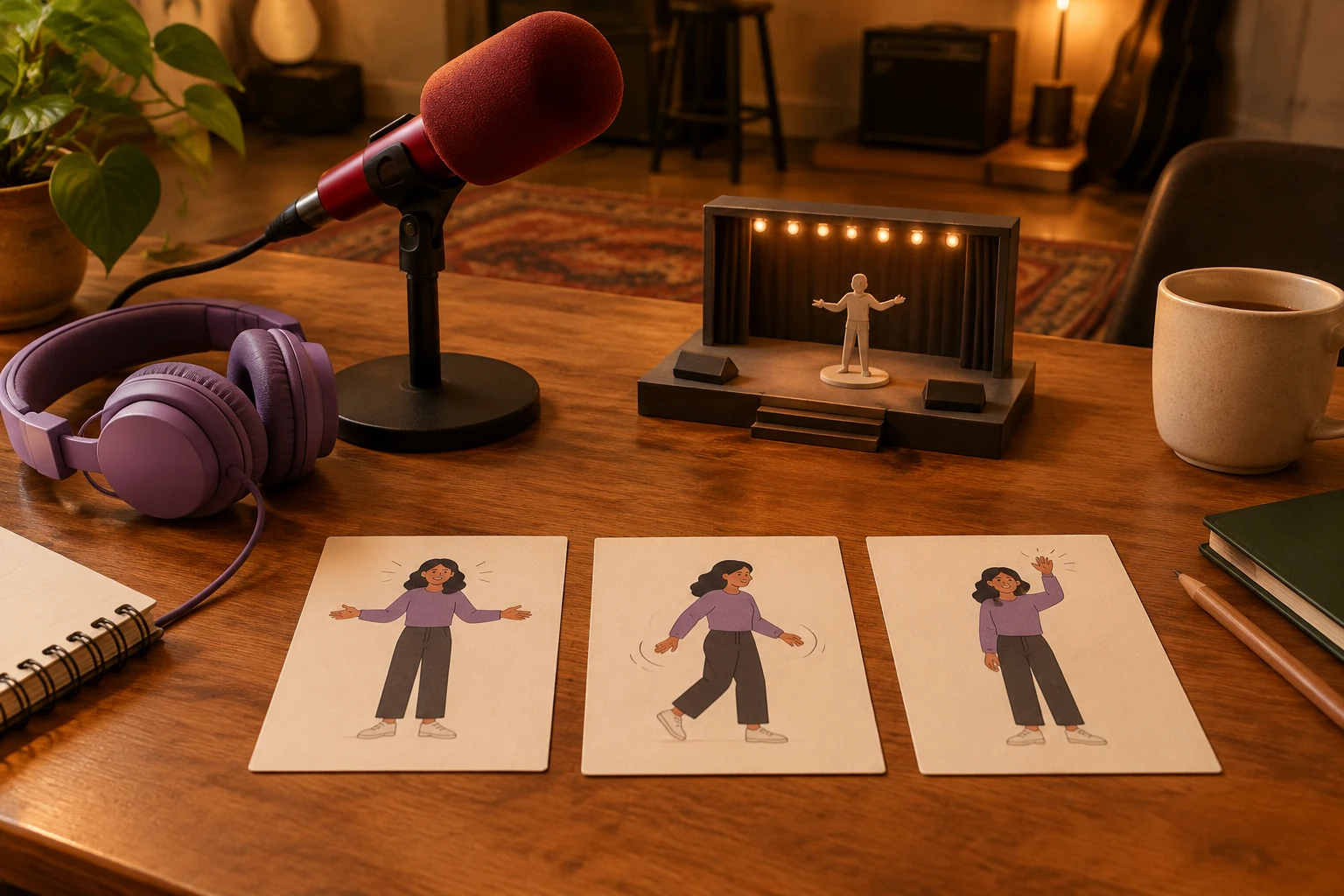
For a personal music-themed greeting, choose an audience-viewed video workflow when the goal is a finished clip someone can watch and share; consider a viewer-steered space only if the recipient is meant to steer an interactive scene. Genie 4 vs AI Video Generators is not a contest to settle by spectacle: it is a choice about what the recipient should do. Below is a concrete rehearsal-desk brief, a decision checklist and an editable scene prompt—not a tested clip.
What's new on this page
- 2026-11-13 — Page published. Added an original greeting brief, two-column checklist, editable scene prompt and review card.
The desk, the person, the moment
Imagine a fictional adult named Rowan at a small home rehearsal desk. Rowan wants to send a friendly music-themed greeting to their friend Jules, who has had a demanding week. The intention is not to stage a concert or make a grand declaration. It is to create a small moment of recognition: “I thought of you, and I hope your week gets gentler.”
The scene should feel welcoming even if Jules watches it once, on a phone, with the sound low or off. Give Rowan a relaxed expression and an uncluttered desk. Let one restrained gesture carry the movement: a small shoulder sway, a nod, or a hand lifting in greeting. End with Rowan looking toward the camera and holding a clear, comfortable closing pose. That final beat makes the message feel complete without requiring a dramatic performance.
Choose by what the recipient does
The distinction is about the viewing experience, not a claim that every video generator behaves the same way. An ordinary prompt-and-image video workflow makes a clip for someone to watch. A viewer-steered space invites its viewer to influence what happens within it. For a straightforward greeting, a composed clip is usually the more direct fit; interactivity is useful only when steering is part of the gift.
| Audience-viewed greeting | Viewer-steered space |
|---|---|
| The sender prepares a scene with a beginning, a small moment of movement and a closing pose. | The recipient’s choices are intended to influence the scene as they experience it. |
| Best when the important thing is a clear, shareable message that does not depend on interaction. | Consider when exploration or steering is central to the recipient’s enjoyment. |
| Plan a readable face, a friendly opening and one simple gesture. | Plan what the recipient can steer and how the experience should respond; do not assume a fixed greeting plays like a finished clip. |
| A good fit for Rowan’s short message to Jules. | A less direct fit if Jules simply needs to receive a warm note. |
Genie 4 adds a distinct research-preview option to this conversation, but it is not the same as selecting an available greeting-video workflow. Genie 4 was announced October 27, 2026, as an interactive world-model research preview for trusted testers; wider availability is described as forthcoming. It supports real-time scene steering with native audio, while continuity and audio remain limited. (Official sources: Google DeepMind’s Genie model page and Google DeepMind’s announcement.) Our team has not run Genie 4 and makes no independent performance, price, country-availability or latency claims. Music With Me does not provide Genie 4 access.
Music With Me provides prompt- and photo-based video workflows for a planned visual greeting. Choose an available input mode, describe the scene, and check the live model options and credit quote before starting. Use History to follow the job. Keep any desired spoken line or on-screen message in the brief; do not assume a supplied song, track upload, voice cloning, exact beat synchronization or guaranteed lip sync.
Editable scene prompt
Use this as a planning prompt for an audience-viewed greeting, then adapt it to the live options available. Bracketed details are yours to edit; the proposed concept is not a tested clip.
Greeting brief — Rowan to Jules: Create a warm, music-themed greeting featuring one fictional adult at a small rehearsal desk. The intended recipient is a close friend who has had a demanding week. Open with Rowan already in a relaxed, welcoming pose, facing the viewer in a tidy, modest room. Keep the desk and background simple so the person and message remain the focus. Use only restrained movement: a gentle nod or small shoulder sway, followed by one open-handed greeting gesture. Keep the mood kind and conversational, not like a high-energy concert. Close with Rowan facing the viewer, smiling softly and holding a still, clear goodbye pose. Personal message: “[Add one short, sincere sentence in your own words.]” Choose only sound and visual options actually offered in the live workflow; do not rely on a supplied song, lyrics, a cloned voice, a specific beat match or guaranteed lip sync.
If the chosen workflow does not support your message as readable text or speech, add that line separately in an editor you use; the video prompt alone does not guarantee either. The prompt is deliberately specific about recipient, mood, movement and ending, but leaves personal wording and available production choices to the sender. That makes it easier to adapt without promising an exact result. Use the AI video creation page for the next step if you want to explore the current creation workflow; check pricing and credits before making a plan around usage. For another occasion-specific planning example, see the Halloween dance video guide. To browse more ideas for a future greeting, continue to the blog.
Review card: before you share
Recipient: Does the greeting feel meant for Jules, rather than for a generic audience?
Opening: Is Rowan visibly welcoming from the first moment, without a long setup?
Movement: Can the greeting work with just one small, natural gesture?
Message: Is the personal line brief, sincere and easy to read or hear in the chosen format?
Closing: Does Rowan settle into a clear final pose, so the greeting feels finished?
Workflow fit: Did you confirm the live options, credits and History rather than assume a feature or result?
If the answers are mostly yes, the scene has a useful shape: a familiar person, one kind message and a simple ending. That is often enough for a music-themed greeting to feel personal. The decision in Genie 4 vs AI Video Generators comes back to the recipient’s role: receiving a finished message, or steering an experience. For Rowan and Jules, the brief asks for the first.